




01. Edit your form online
Type text, add images, blackout confidential details, add comments, highlights and more.

Type text, add images, blackout confidential details, add comments, highlights and more.

Draw your signature, type it, upload its image, or use your mobile device as a signature pad.

Send it via email, link, or fax. You can also download it, export it or print it out.

Working on documents with our comprehensive and intuitive PDF editor is straightforward. Make the steps below to fill out Qualifications for filing a California Form 540 2EZ online easily and quickly:
Benefit from DocHub, one of the most easy-to-use editors to rapidly handle your paperwork online!
We've got more versions of the Qualifications for filing a California Form 540 2EZ form. Select the right Qualifications for filing a California Form 540 2EZ version from the list and start editing it straight away!
At DocHub, your data security is our priority. We follow HIPAA, SOC2, GDPR, and other standards, so you can work on your documents with confidence.
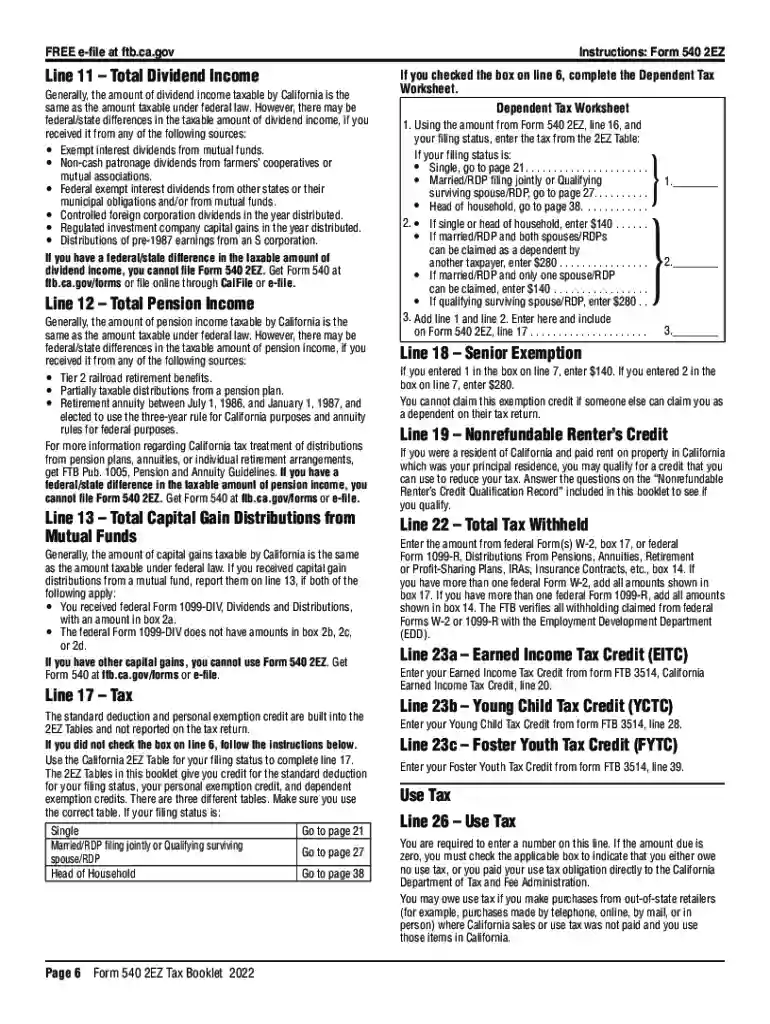
Senior: If you (or your spouse/RDP) are 65 or older, 9 Total wages (federal Form W-2, box 16). 9 10 Total interest income ・ 11 12 Total pension income ・
California has a minimum filing requirement. Residents file a form 540 or 540 2EZ. Form 540 requires all income from worldwide sources to be reported and


