
Get any PDF form from the DocHub library of ready-made templates - Page 631
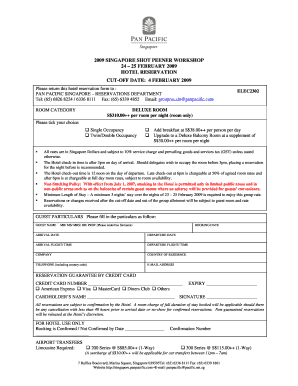
Report with msword in online hotel booking form

Guidelines: victory over failures worksheet - Calvary Chapel Nuevo

Cheerleading Tryouts Judging Sheet Judges Signature: Number Gymnastics (10) Jumps (10) Individual Ch

Pagc women's commission scholarship

Clinic Cancellation and No-Show Policy

OREA Application form PDF

Construction Waste Management Plan Template

Direct Payment Authorization Request Form

IA Part A Apr 2009

Healthcare Exchange of Information Form
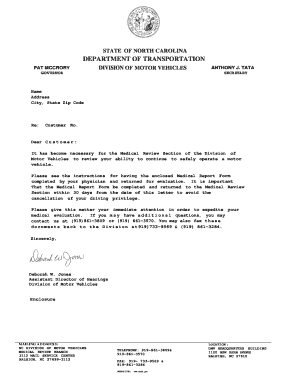
Dl 78

UI Hospital ID Badge Authorization Form - UIC Center for Global
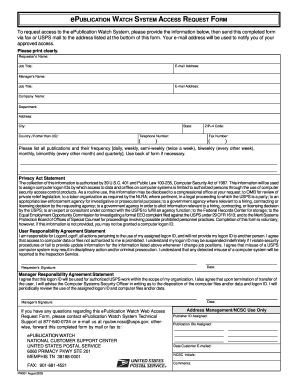
Publication watch

CRAIG S HAYES

Rc1 form download

Respirator fit test form

Request for ceremonial support from defence

Tennis lineup

Wesbank application form pdf

G706a form download

Affidavit of responsibility
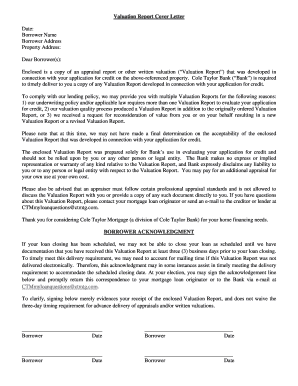
Property valuation letter template

Comment remplir le cerfa 3233

Bounced check letter

Training agreement sample pdf

CDC Dog Import Permit Application Instructions

Application for National Visa - Ambasciata d'Italia - Kampala
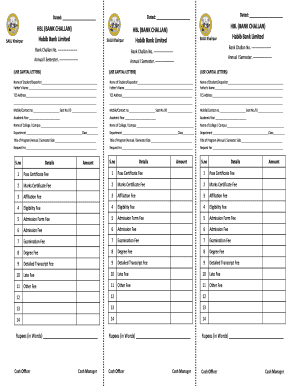
Hbl challan form

Cemis login

Mrea chart of accounts

Hnb bank statement template
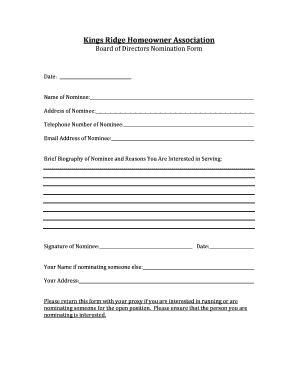
Hoa nomination form

Pickleball skills assessment worksheet

VA Form 21P-0517-1

Microneedling consent form pdf

Contact, medical, and emergency form - Marion County Public Schools - marion k12 fl
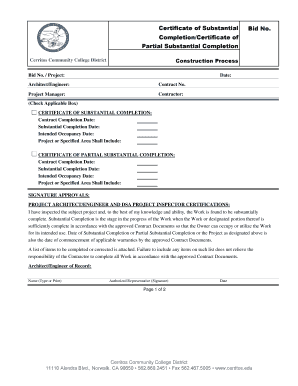
Certificate of Substantial Bid No Completion Certificate of - CMS - cms cerritos

Editable homeschool high school transcript template

Motion to Vacate D6 Less than 180 Motion to Vacate D6 Less than 180

Safety Determination Request Form - State of Tennessee - tn

Equipment purchase request form

Sag sign in sheet

Employee Register of all Interests - declaration form

Rental Property Fact Sheet - Best Online Reports

Wins 1239
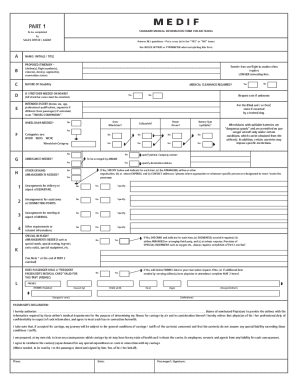
Medical Information Form for Air Travel (MEDIF) - Virgin Atlantic

Meningococcal Vaccine Declination Form doc

BUREAU OF VITAL STATISTICS INFORMATION FORM

2013-2014 SPES PTA Yearbook Consent Form - REQUIRED

Barbados water authority application form
Carson dellosa answer key

Online biopsychosocial assessment form

Personal details questionnaire
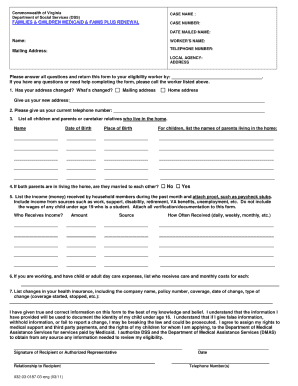
Medicaid application va pdf

Secret sister guidelines

Quality of well being scale pdf
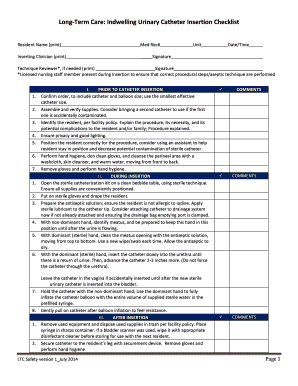
Urinary catheter care checklist

Allied Release Waiver - Allied Bull Riders

B2560
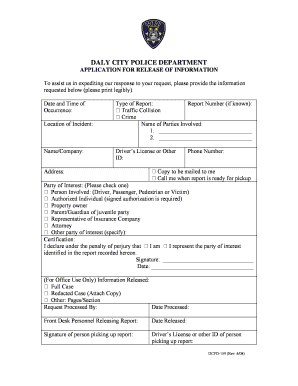
DALY CITY POLICE DEPARTMENT APPLICATION FOR RELEASE OF - dalycity
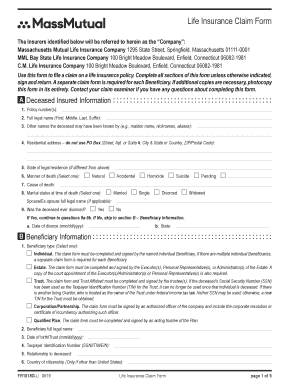
Massmutual life insurance claim form

2024 Form W-4P

Statutory demand form sd1 example
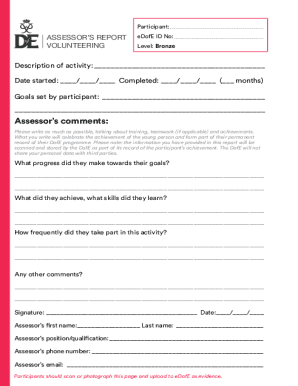
Assessor-cards-silver-english-copy

ATO Tax file number declaration form docx - ORIGINAL

PBC BC Life Application for Group Benefits

Va form 0024
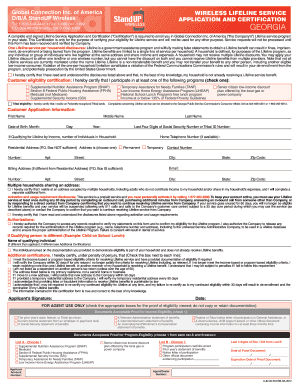
Standup wireless application online

Sf-50 form fillable pdf Sf-50 form fillable pdf How to fill out sf-50 andnbsp;What is an sf 52 form

Softball player questionnaire

Homeowners Association OWNERTENANT INFORMATION SHEET

Covid vaccine exemption form texas pdf
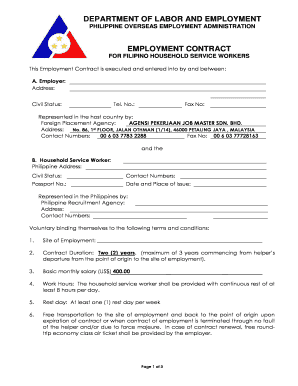
Philippine employment contract

Nigerian visa application form pdf

Wyoming llc operating agreement

Ampath mpumalanga

Utah heat program online application
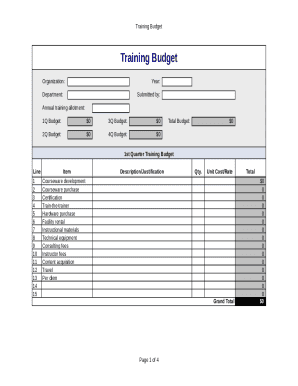
Training budget template excel download

Lecture evaluation form
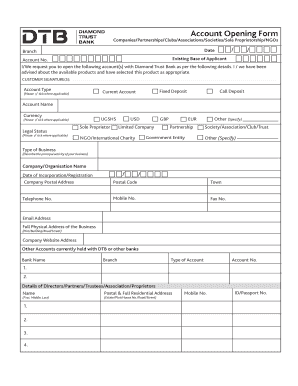
Diamond trust bank login

Nehu degree certificate

Coca cola fridge application form
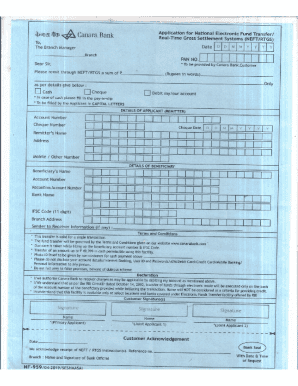
Canara bank rtgs form
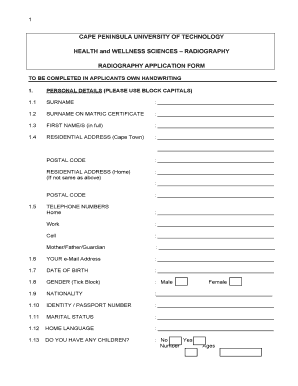
Cput minor declaration form

PROVIDENCE HEALTH CENTER TB SKIN TEST RECORD
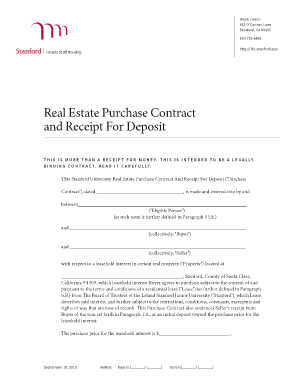
Real estate receipt template
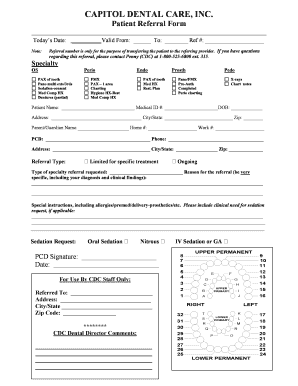
Printable dental referral form california
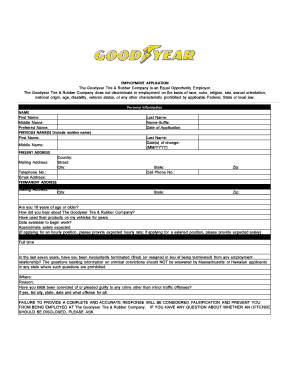
Download Goodyear Job Application Form Fillable Adobe PDF

Basic Phonics Skills Test III - Learning Resources for

New Jersey Department of Banking and Insurance - INSURANCE COMPLAINT FORM

Wandsworth trade parking

Lodger Application

Consent Form - Carnival Cruise Lines
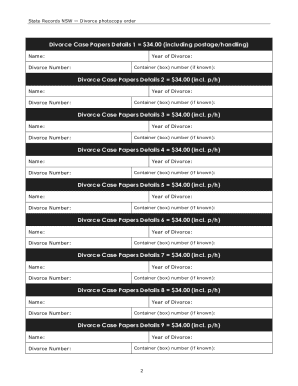
Divorce application form nsw pdf
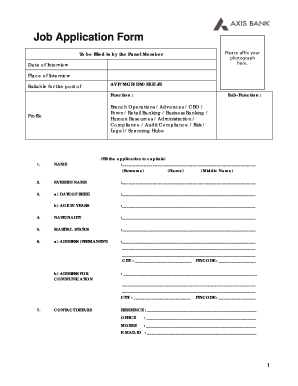
Axis bank job application form pdf
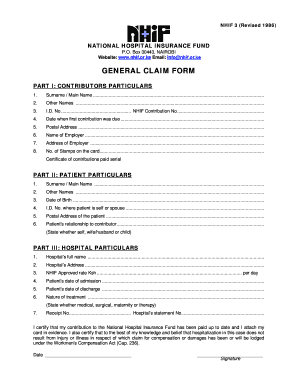
Nhif certificate download pdf download

BCN Behavioral Health Continuing OTR Form

US Department of Labor Medical Travel Refund Request Form

UNITED STATES COURT OF APPEALS FOR THE FOURTH CIRCUIT

Division of Vehicles Checklist - DE56A Division of Vehicles Checklist - DE56A
Benefit from the DocHub online library of fillable PDF forms
Searching the PDF forms doesn't have to be a tedious and time-consuming process. With the DocHub online library, it has become easier to find the fillable PDF forms and modify them in your browser. The service allows you to adjust the document to your needs using powerful editing tools.
You can use online document editing features to modify almost any type of document with ease. You just need to find the template of your choice, open it in the editor, and use the toolbar to make the necessary corrections.
Follow this guide to get your document done with DocHub:
- Find the PDF template you need.
- Click the Get Form button to open the file in the editor.
- Use the toolbar to fill out and edit the document.
- Easily add and highlight text, insert images, checkmarks, and symbols.
- Drop new fillable fields, and rearrange or delete pages from your file.
- Save changes and download your record.
DocHub empowers everyone to streamline document editing, signing, and distribution, and form completion. Create an account and benefit from our well-organized PDF Forms library and comprehensive editor.