
Get any PDF form from the DocHub library of ready-made templates - Page 524
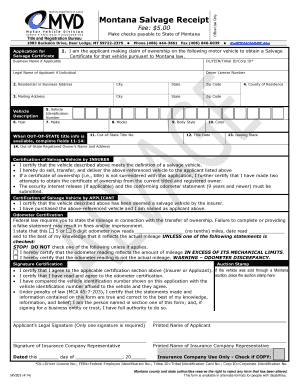
Salvage receipt
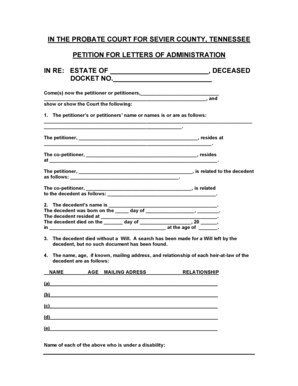
Letter of administration form
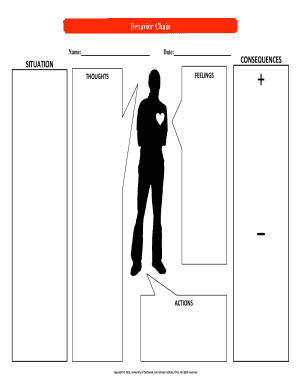
Behavior Chain

Footwear declaration form
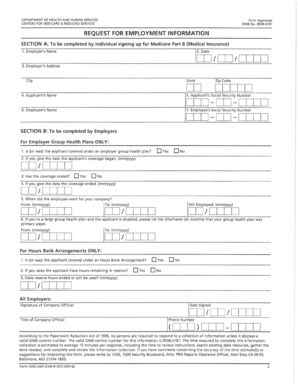
L564 form

5c Autism Behavior Checklistdoc

Waiver of liability and indemnity agreement - D'Pilates

Tteap tucson

2092 Contingency For Sale And Closing of Buyers Property V10-04 Sampleqxp contact attorneys deskbook

Lease rider pdf

Self-Inventory Sheet - Frequently Asked Questions

Paratransit application

Company grade oer

Residential First Level Review - City of Philadelphia - phila

Wsp wa gov

Nabovarsel skjema

How to get a wildlife hobby permit missouri

ENERGIZED ELECTRICAL WORK PERMIT - Campus Operations

Adoption Form - Nashville Humane Association

Good news club registration form

Dcr199 036

Loan Payoff Letter Request
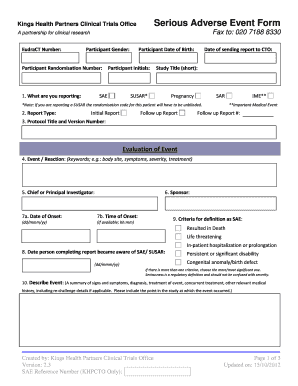
Adverse event reporting template

HOME HEALTH AIDE WEEKLY ASSIGNMENT SHEET HHC HEALTH amp HOME

NOTICE OF CANCELLATION TO THIRD PARTIES This endorsement modifies insurance provided under the follo

Grow Our Behavioral Health Workforce Paid Internship

Euthanasia Consent Form Template - Fill Out and Sign

Refrigeration Freezer Temp Log
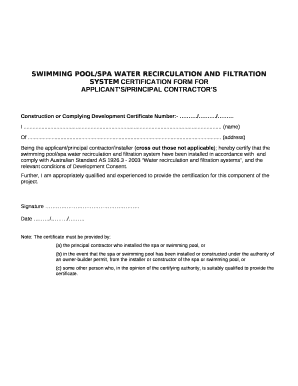
Swimming pool spa water recirculation and filtration system CERTIFICATION FORM FOR
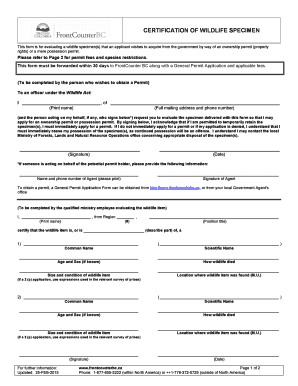
Certification of Wildlife Specimen form - FrontCounter BC

Grant evaluation template

Behavior Reflection Form (K-2)

Damage disclaimer template

McFarland High School Student - Teacher Conference Form
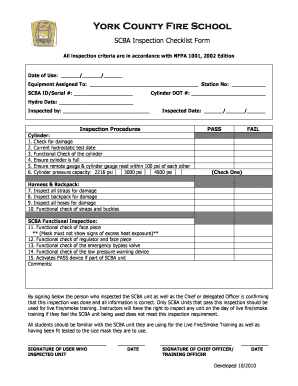
Scba inspection checklist

Special education parent survey

Wced formal assessment tasks grade 4

Dofe bronze assessor's report template
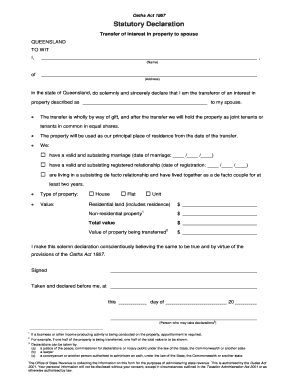
Statutory declaration qld

Ece evaluation sample

Cpars template

Society of St Vincent de Paul Conference Treasurer's Manual

2012 Form 4835 Farm Rental Income and Expenses

Mv 6 form

BEH 10 Health Insurance Enrollment Form

Pest control inspection report
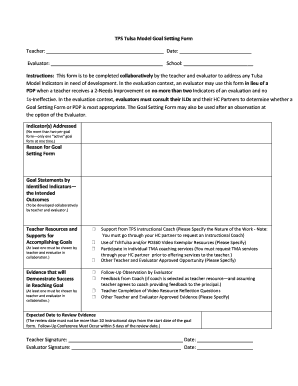
TPS Goal Setting Form PDF - Tulsa Public Schools - tulsaschools

Bg application

FERPA Release Form - EDITS

OHF Screening Declaration Form (PDF)

Redwap

Re entry tag application

Russian school of math worksheets pdf
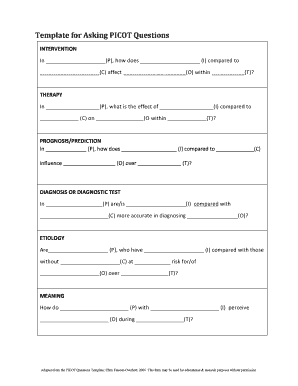
Pico question template

Undertaking document

Rugby team sheet pdf
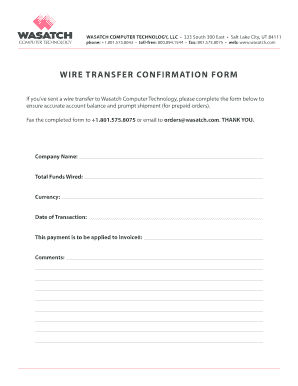
Transfer confirmation slip
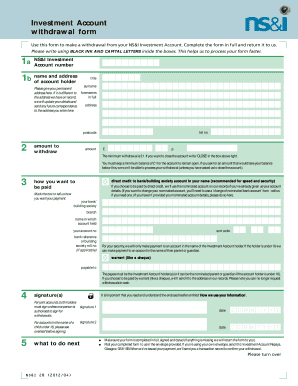
Ns i withdrawal form online
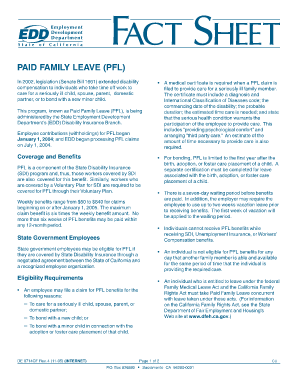
De 2501f form pdf

Letter of medical necessity for tempur pedic bed
Csc form 212 work experience sheet editable

Free Online Poster Maker: Design Custom Posters With

Ecers checklist

FNG 272 - Palm Coast Flagler Internet - pcfl

Broker Participation Agreement - Alex Cooper Auctioneers

Bitsat medical certificate

Pennsylvania Learning Standards for Early Childhood Grade 1

Kansas physical therapy jurisprudence exam answers

Fincen Form 114 Fill Online Printable Fillable Blank Fincen Form 114 Fill Online Printable Fillable
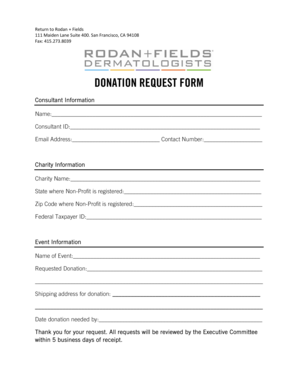
Rodan and fields donation request
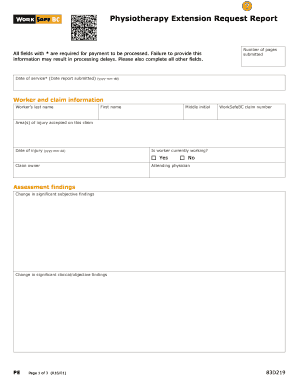
Physiotherapy Extension Request Report - WorkSafeBCcom

60 Day Layaway Agreement - Damage Factory

Identity verification form

Ed524b

NORDONIA HIGH SCHOOL SOCIAL CONTRACT DANCE EXPECTATIONS

Multiple sclerosis prior authorization - physician fax form

Reallocation form

Memorandum for Distribution of Tangible Personal Property

Death of Taxpayer Prior to Filing Return

Completing Form T5001 - Tax shelters

Applying For A Marriage LicenseSauk County Wisconsin

French Withholding Tax on Dividends Form 5001

CAMPGROUND RESERVATION FORM - Saffire

State board adjusts FCAT grade
Using FBA for Diagnostic Assessment in Behavior Using FBA for Diagnostic Assessment in Behavior

Procuration metro

Purchasing authorization

Hotels com rebate form

Certificate of Supervision - Milwaukee

RF105 NOTIFICATION OF TRANSFER OF VEHICLE OWNERSHIP TO A

City of Milwaukee Property Registration Program - city milwaukee

Certificate of supervision

CHARTER SIGHTSEEING LICENSE APPLICATION - Chicago - cityofchicago
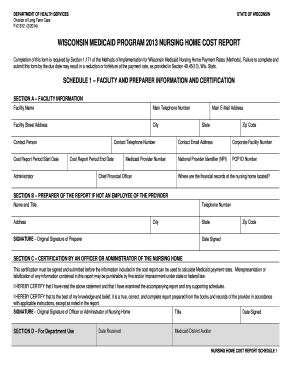
Wisconsin form f01812

Adoption Readiness and Preparation, CFS-2370

ABCD Pediatrics, P

Authorization to Release or Disclose Protected Health Information

OATH OF ALLEGIANCE VERIFICATION OF ACCURACY

K-8 Tuition Payment Agreement
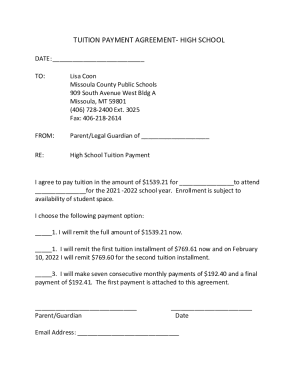
TUITION PAYMENT AGREEMENT-HIGH SCHOOL
Benefit from the DocHub online library of fillable PDF forms
Searching the PDF forms doesn't have to be a tedious and time-consuming process. With the DocHub online library, it has become easier to find the fillable PDF forms and modify them in your browser. The service allows you to adjust the document to your needs using powerful editing tools.
You can use online document editing features to modify almost any type of document with ease. You just need to find the template of your choice, open it in the editor, and use the toolbar to make the necessary corrections.
Follow this guide to get your document done with DocHub:
- Find the PDF template you need.
- Click the Get Form button to open the file in the editor.
- Use the toolbar to fill out and edit the document.
- Easily add and highlight text, insert images, checkmarks, and symbols.
- Drop new fillable fields, and rearrange or delete pages from your file.
- Save changes and download your record.
DocHub empowers everyone to streamline document editing, signing, and distribution, and form completion. Create an account and benefit from our well-organized PDF Forms library and comprehensive editor.