
|
|
PDF Expert | |
|---|---|---|
| No Downloads | ||
| Search Form Online | ||
| Edit PDF | ||
| Fill Online | ||
| Sign Online | ||
| Search text in PDF | ||
| Unlimited Cloud Storage | ||
| Annotate PDF | ||
| eFax Online | ||
| Track Sending Documents | ||
| Get DocHub for free |
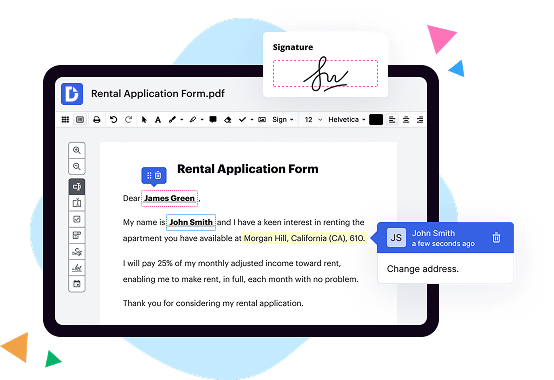
To edit a single form field, double-click it or right-click it and choose Properties. To edit multiple form fields, select the fields that you want to edit, right-click one of the selected fields, and choose Properties.

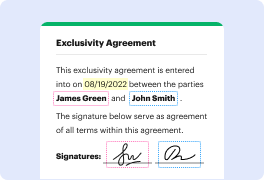



DocHub implements reasonable measures to comply with industry-leading standards, regulations, and certifications so you can securely edit, fill out, sign, and send documents and forms.




