
Get any PDF form from the DocHub library of ready-made templates - Page 972
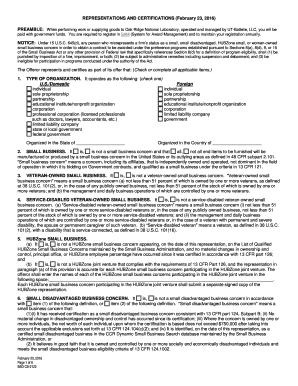
Representations ornl form

Tennessee application pest control applicator

Idaho personal property declaration
Idaho liquor license online

Dos 1523 f
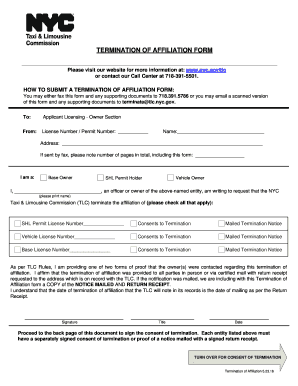
Ny affiliation tlc
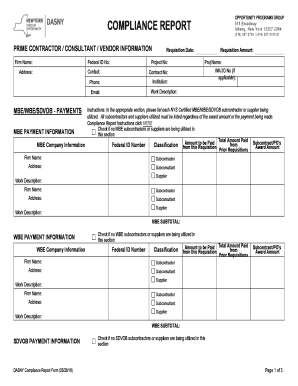
Dasny compliance report form
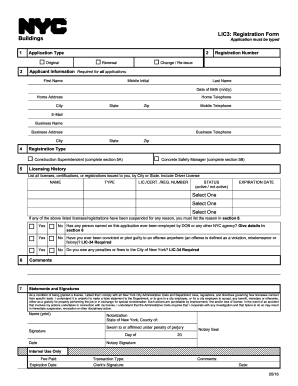
Ny lic3 search

New york surrender form

Up sandyspringsga sites defaultContractor Affidavit - up sandyspringsga

DeKalb County Georgia Department of Planning and
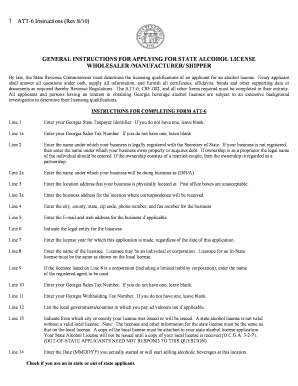
Georgia instructions wholesaler shipper form online
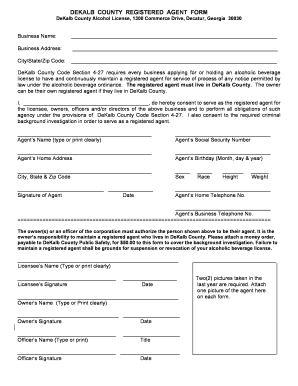
Dekalb county agent form
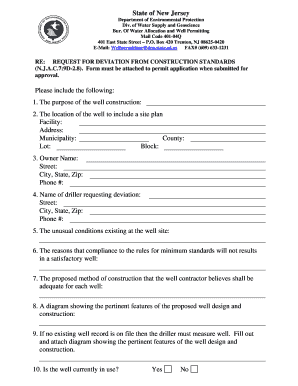
Nj request deviation form
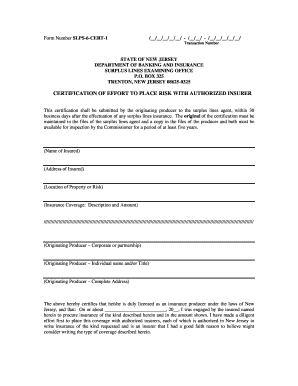
Slps 6
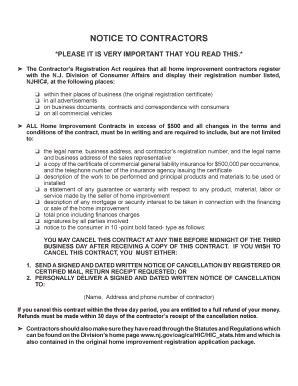
Nj division of consumer affairs

License application bensalem township
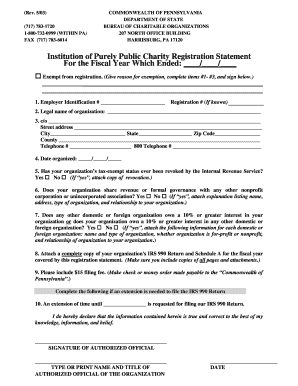
Institution purely charity registration statement
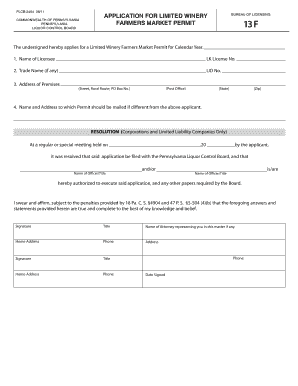
Pa lcb permits
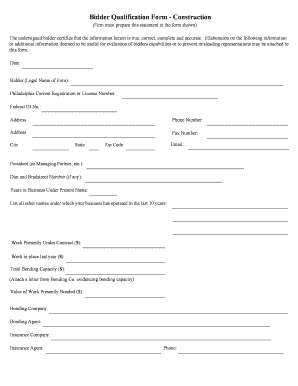
Pennsylvania temple university bidder qualification form blank
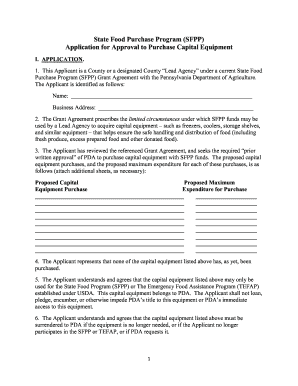
Pennsylvania food sfpp application approval
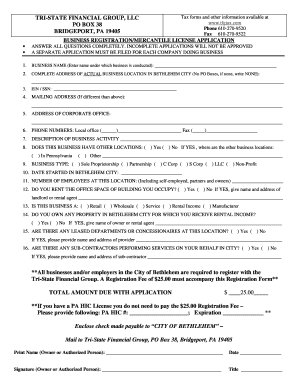
Business pa po
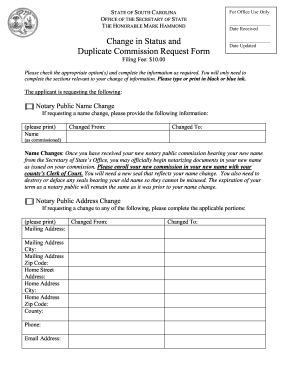
South carolina change status

Sc organization limited company search

Land disturbance permit greenville

California homemade food act
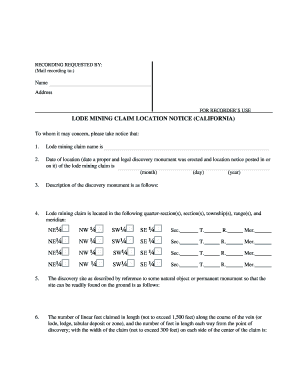
Lode mining form
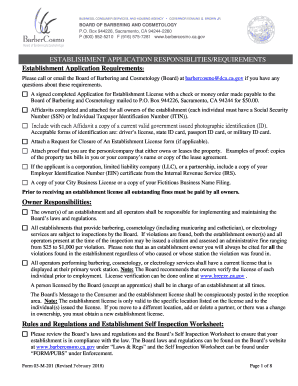
Of and barbercosmo
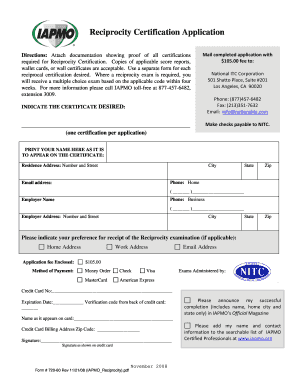
720 reciprocity nitc form
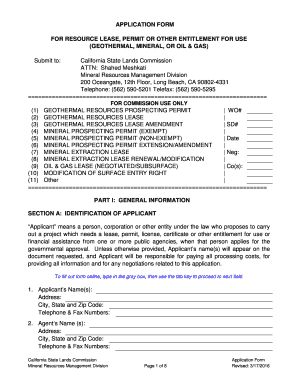
Lands commission form resource sample

2012 receipt verification contractor form los angeles fillable
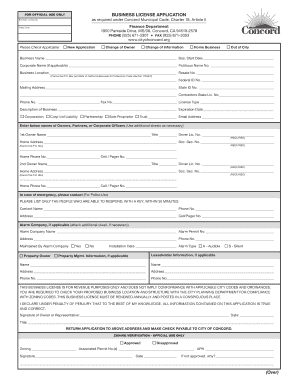
Ca concord business license
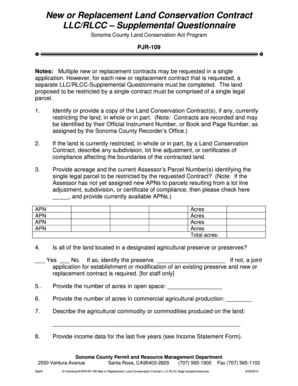
PJR-109 New or Replacement Land Conservation Contract LLCRLCC Supplemental Questionnaire PJR-109 New

Ca zoning certificate
Tank facility statement
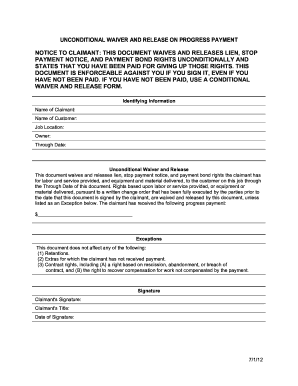
Unconditional waiver and final release

PDF Bail Indemnitor Disclosure Statement
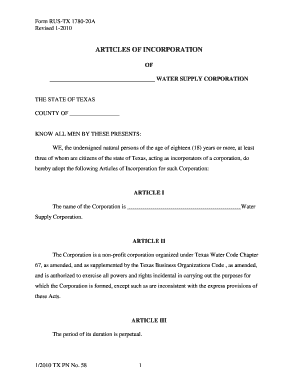
Tx tx pn 58

Application food
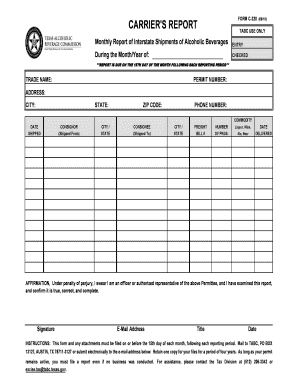
Report tabc from
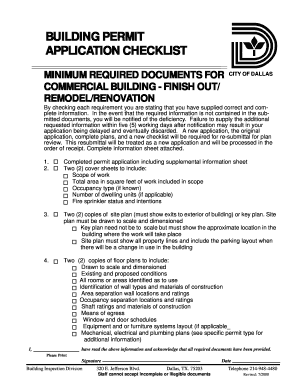
Building permit application dallas
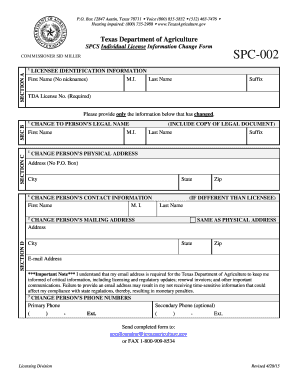
Spc 002

Cross connection houston city

Tow truck form
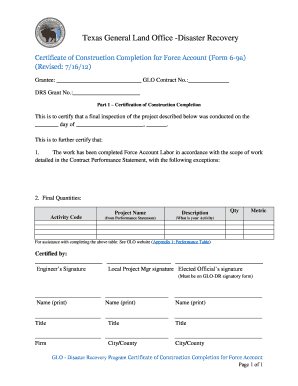
Tx 6 certificate force
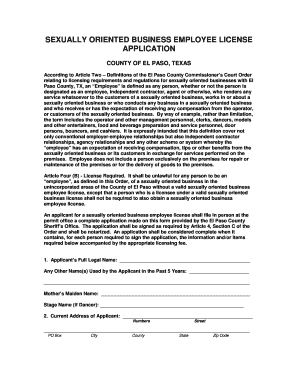
Sob license odessa tx

The killeen permit
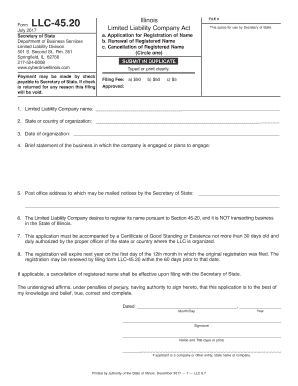
Llc 4520

Il sec 333 1 solicitation interest form

Economic disclosure statement cook county
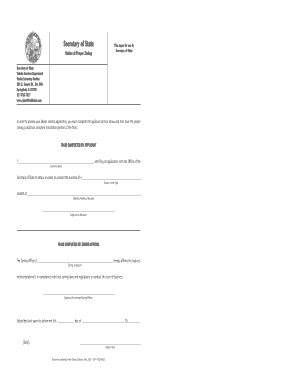
Illinois notice proper

Lp renewal c form

Assumed adopt general form
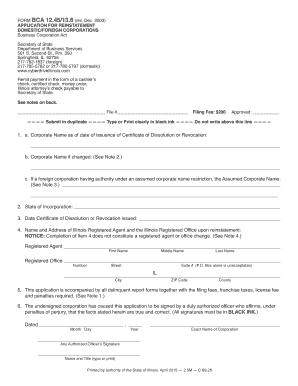
Bca12

Il sale filing form

Secretary state

Bca form fill
Il 2014 form

Il filing business broker

Business Brokers - Illinois Secretary of State

Nfp 114 05
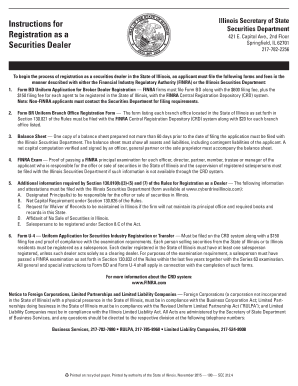
Illinois finra act form

Illinois 344 form
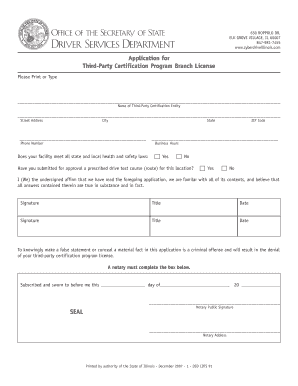
Cdts91 pdf
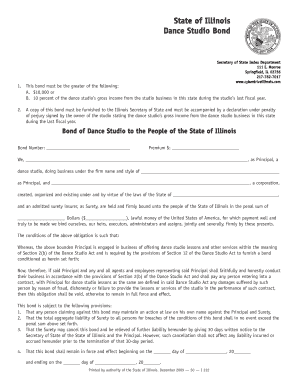
Il i222
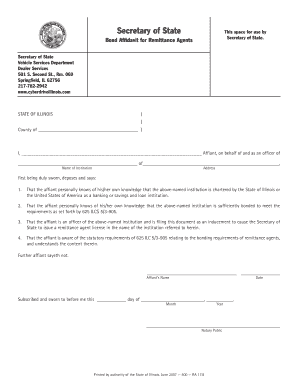
Affidavit for remittance

1151 form pdf

Utah dfcm roofing warranty

Md electrical license bureau
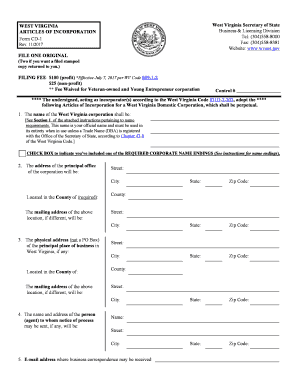
West virginia articles incorporation
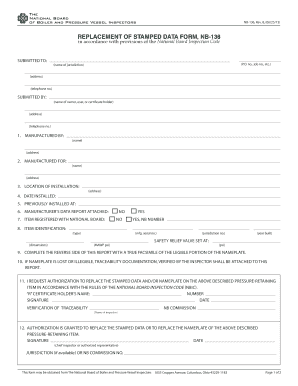
NB-136, Replacement of Stamped Data Form - The National Board - nationalboard
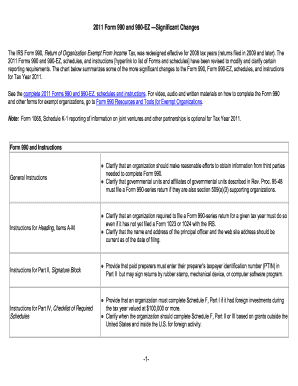
Form 990 ty2011

New England Electricity Rates Analysis - Nescoe

CSOS Certificate App Reg Addendum List Instructions - DEA's - deaecom
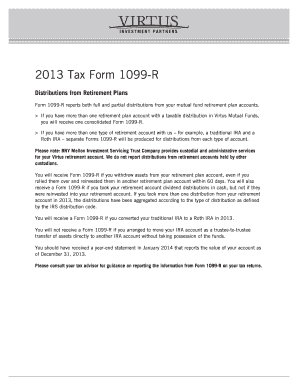
2012 Tax Form 1099-R Distributions from Retirement Plans Form 1099-R reports both full and partial d
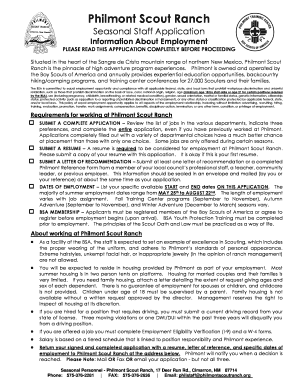
PLEASE READ THIS APPPLICATION COMPLETELY BEFORE PROCEEDING - scouting
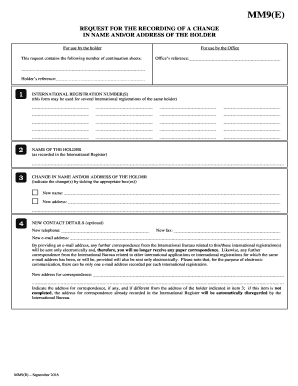
Form MM9 (Madrid Agreement Concerning the International - WIPO - wipo

Inmate from Portland dies at Maine State Prison - WCSH

Montana amend parenting

Hagen, DO
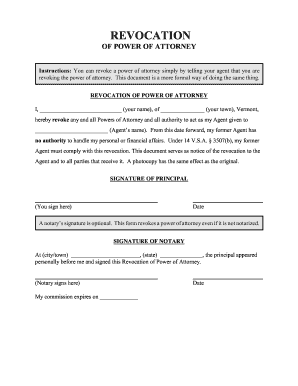
How to Revoke Your Power of Attorney in TennesseeCrow
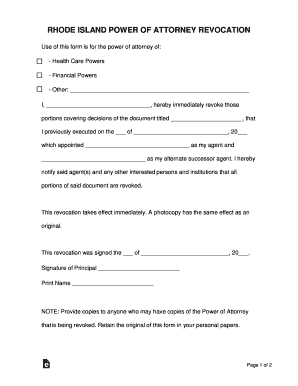
Free Rhode Island Revocation Power of Attorney Form - Word

Complaint Form for allegations of program discrimiation by the

Bruce Mouser,

New jersey roommate agreement - eForms
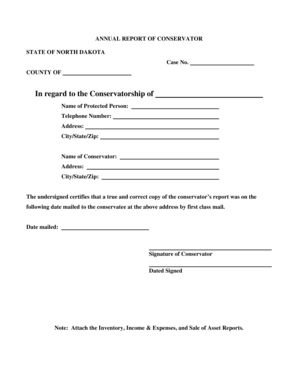
North dakota annual report conservator

University of Illinois Urbana-Champaign University Library
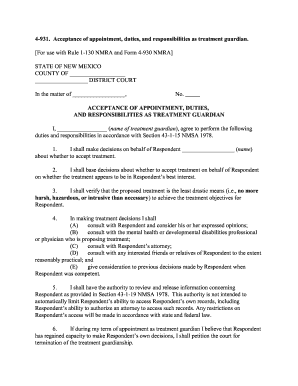
4-931 Acceptance of appointment duties and - nmcompcomm
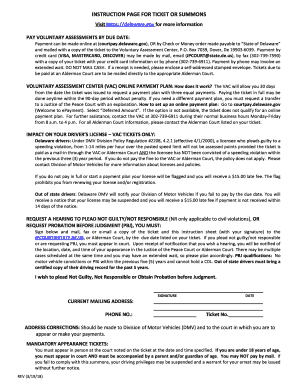
Delaware instruction ticket
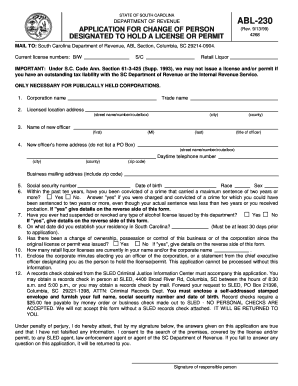
Revenue abl 230 form
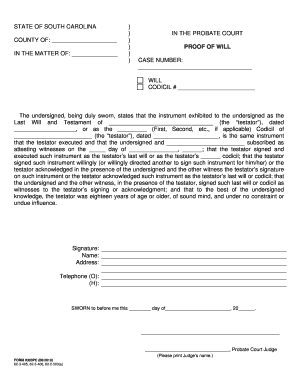
Superior court of guam last will and testament form

County wright form fillable

Minnesota lis pendens conveyancing

Petitioner's Request to Keep
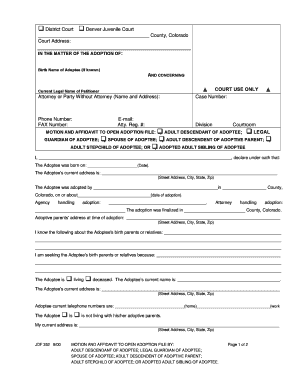
Denvergov org courts

Jdf514

Concord hampshire
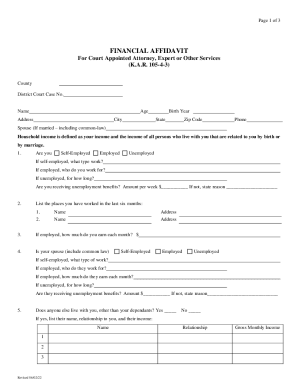
Kansas financial affidavit

Outside courtroom 396 pdf
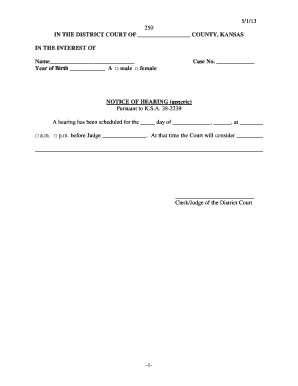
5 1 13 -1- 250 IN THE DISTRICT COURT OF - Kansas Judicial Council - kansasjudicialcouncil
Benefit from the DocHub online library of fillable PDF forms
Searching the PDF forms doesn't have to be a tedious and time-consuming process. With the DocHub online library, it has become easier to find the fillable PDF forms and modify them in your browser. The service allows you to adjust the document to your needs using powerful editing tools.
You can use online document editing features to modify almost any type of document with ease. You just need to find the template of your choice, open it in the editor, and use the toolbar to make the necessary corrections.
Follow this guide to get your document done with DocHub:
- Find the PDF template you need.
- Click the Get Form button to open the file in the editor.
- Use the toolbar to fill out and edit the document.
- Easily add and highlight text, insert images, checkmarks, and symbols.
- Drop new fillable fields, and rearrange or delete pages from your file.
- Save changes and download your record.
DocHub empowers everyone to streamline document editing, signing, and distribution, and form completion. Create an account and benefit from our well-organized PDF Forms library and comprehensive editor.