




01. Edit your ttlodac online
Type text, add images, blackout confidential details, add comments, highlights and more.

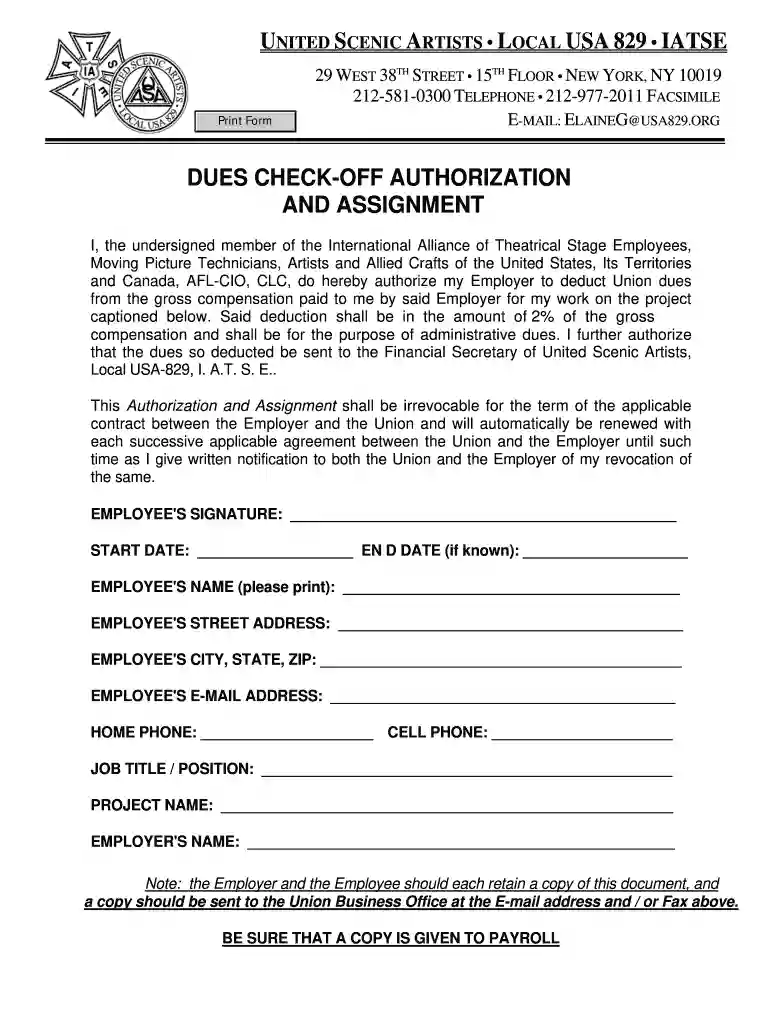
Type text, add images, blackout confidential details, add comments, highlights and more.

Draw your signature, type it, upload its image, or use your mobile device as a signature pad.

Send ttlodac template via email, link, or fax. You can also download it, export it or print it out.

Start using our platform today to fill out and manage your documents online for free!
At DocHub, your data security is our priority. We follow HIPAA, SOC2, GDPR, and other standards, so you can work on your documents with confidence.
by JJ McGeever 1953 Since the check- off has been found in three general forms, it might be well to give three definitions. The first definition is an all inclusive one. The CheokRead more
Jan 23, 2018 Dont include any social security benefits unless (a) you are married filing separately and you lived with your spouse at any time in 2017 or (b)Read more
Include a personal check, cashiers check, or money order for your initial payment based on the payment option you selected (20% of the offer amount for a lump.Read more


