
Get any PDF form from the DocHub library of ready-made templates - Page 1848
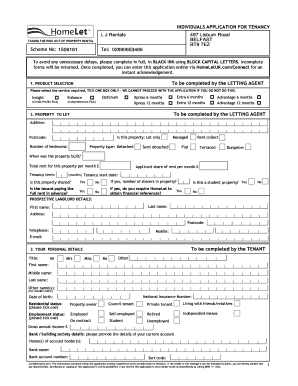
Lj rentals application form
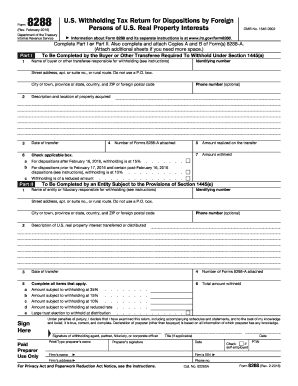
Irs form 8288 2016
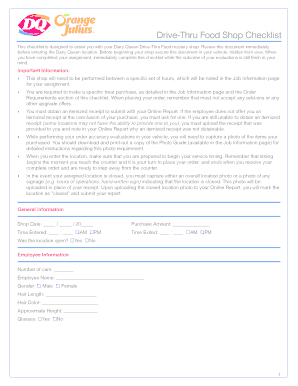
Drive thru shop checklist

Puppy aptitude test form

Company Name Organized in has a total of members at date

Nj pta bylaws
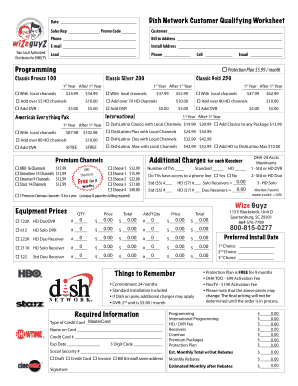
Dish Network New Customer Qualifying Worksheet - Wize Guyz Online
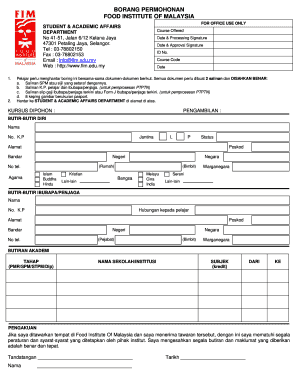
Yuran food institute of malaysia
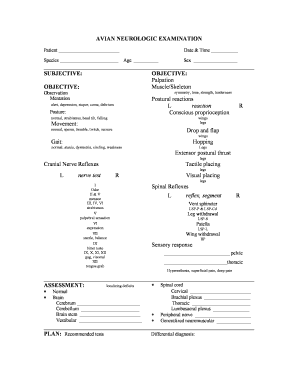
Full neuro exam template

Shellyssciencespot
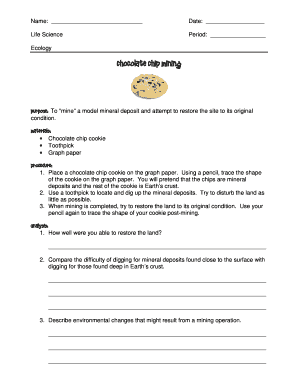
Chocolate mining

Bird beak adaptations - Shellys Science Spot
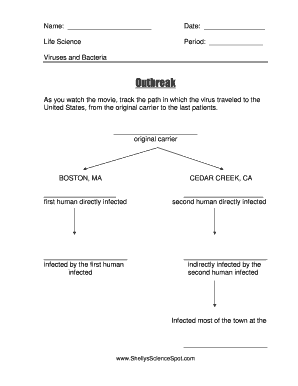
Outbreak movie worksheet
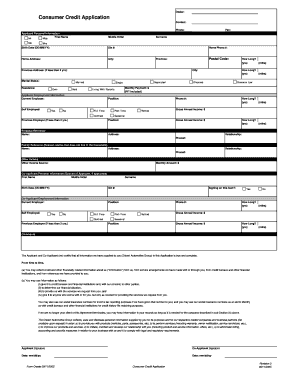
Consumer Credit Application - Dilawri Automotive Admin - dgcadmin
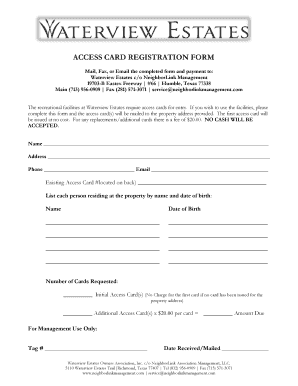
ACCESS CARD REGISTRATION FORM - Waterview Estates - waterviewestates
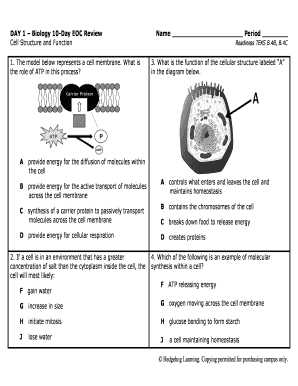
Hedgehog learning
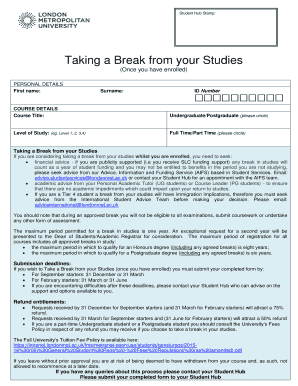
Student Hub Stamp - student londonmet ac

Site www DocHub com
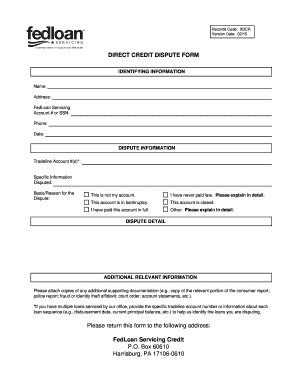
Fedloan credit dispute form
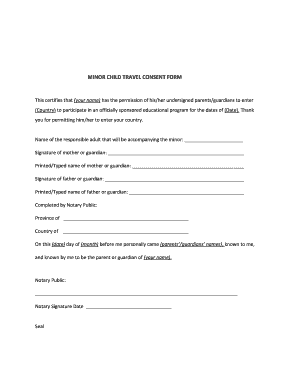
MINOR CHILD bTRAVEL CONSENTb FORM

Austin Lone Star Carefree RV Resort
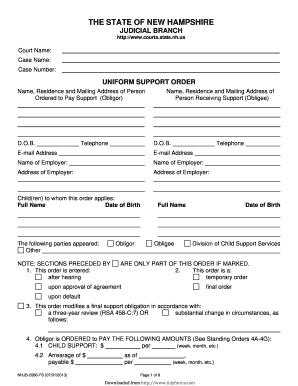
Uniform Support Order - TidyForms

Sample letter requesting ordination

BOnline Registration Formb - Peddymark
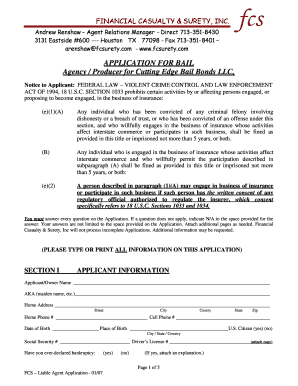
Bail Bond Application and Contract - Cutting Edge Bail Bonds
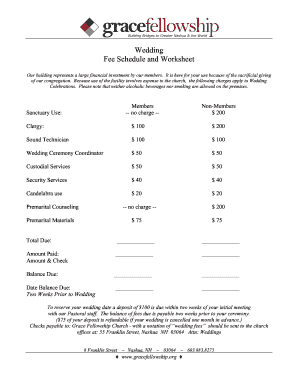
Wedding Fee Schedule and Worksheet - Gate City Church - gatecitychurch
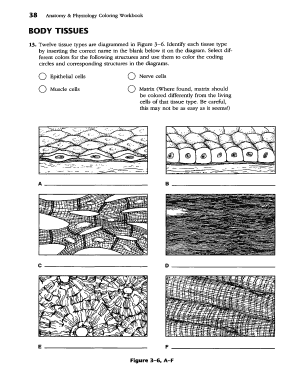
Quizlet
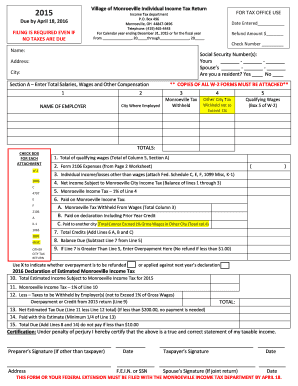
Individual Income Tax Return - Monroeville Ohio
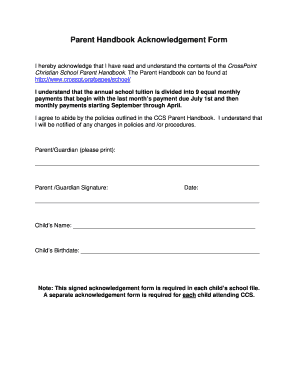
Hereby acknowledge that
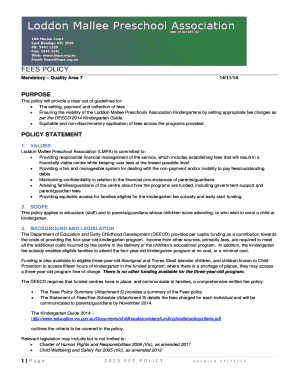
This policy will provide a clear set of guidelines for - lmpa org

SHS SportsForm Basketball
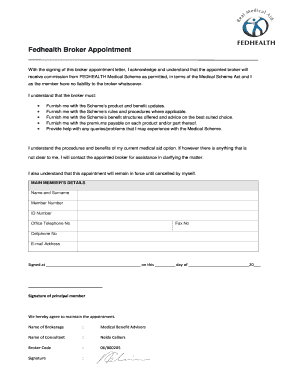
Fedhealth broker appointment form
Visitoz application form
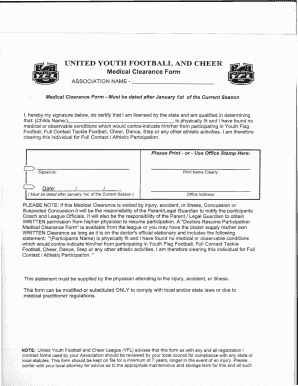
Football clearance form

Medical office registration form Rainbow Optometry
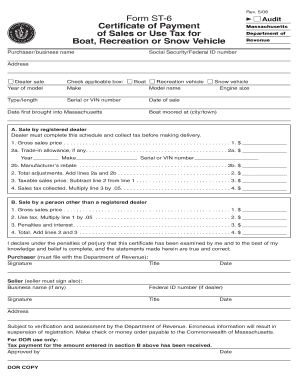
St6 form
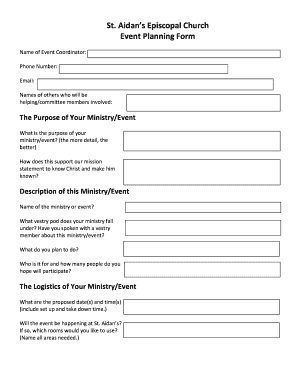
Event setup worksheet
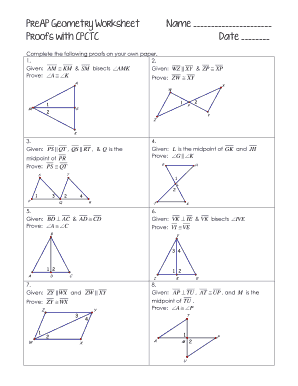
Cpctc worksheet
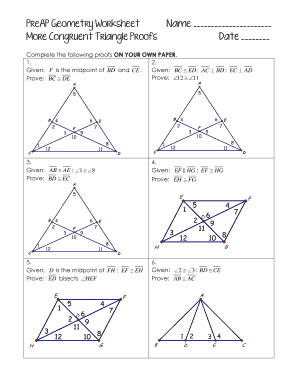
B 6 E 4 PreAP Geometry Worksheet Name 2 F 7 More Congruent

Chrysalis letter examples
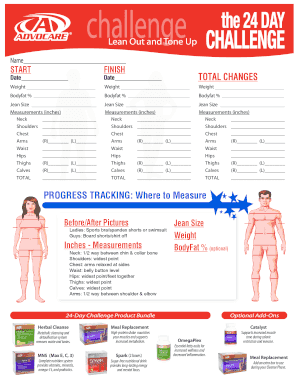
AdvoCare 24-Day Challenge AdvoCare 24-Day Challenge

Smiles 3 pupil's book pdf
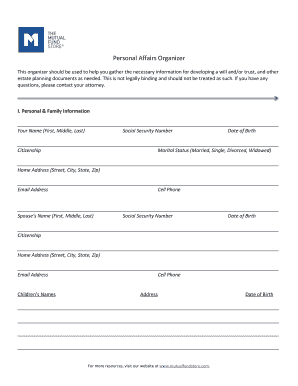
Personal affairs organizer
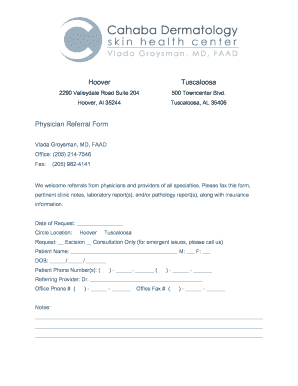
Hoover Tuscaloosa Physician Referral Form - Cahaba Derm
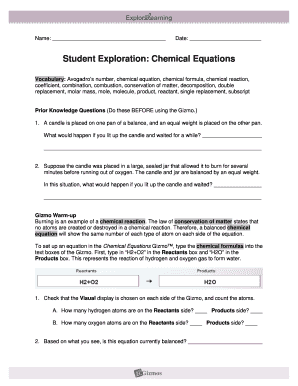
Electrons and chemical reactions gizmo answer key
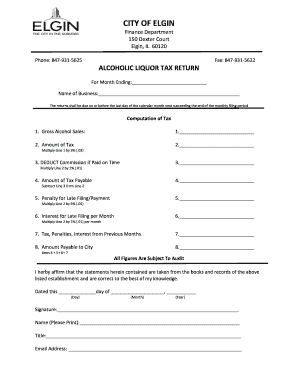
Tax return elgin

Dog walker application

Dgdp form

Ice bubbler
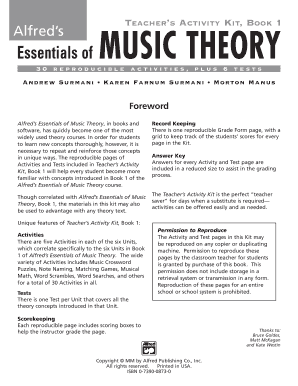
Alfred's essentials of music theory book 3 pdf

Your fingerprint cards must include
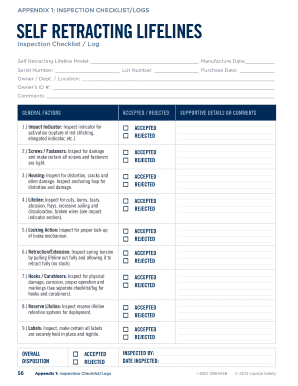
Horizontal lifeline inspection checklist
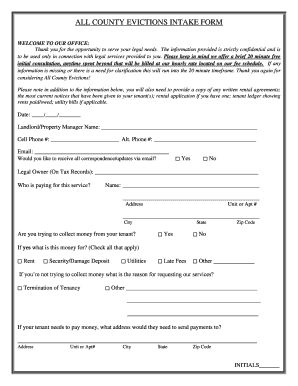
Free notices and forms for evictions near Seattle Washington

The million pound bank note pdf
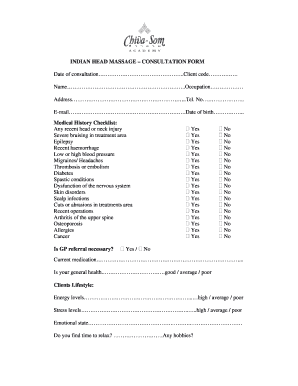
Indian head massage consultation form
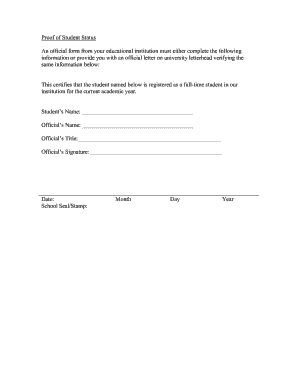
Proof of Student Status An official form from your educational ...
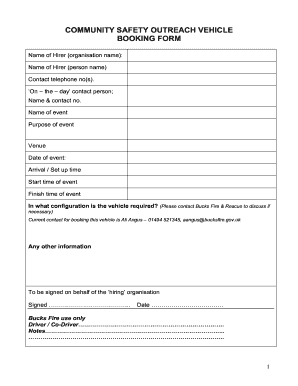
Ex Vehicle booking form 3 - youthfocusorguk - youthfocus org

Mietbescheinigung vorlage

Church documents on vocational maturity
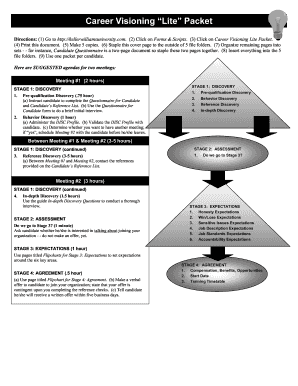
Cvl career visioning lite online
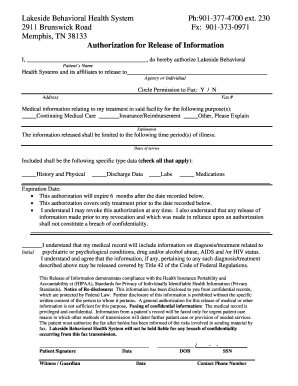
Lakeside Behavioral Health System
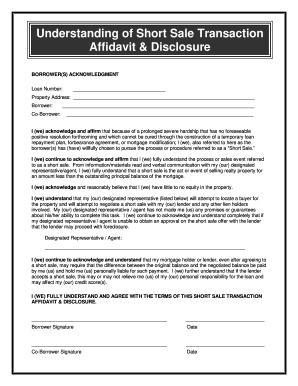
Short Sale Intent Disclosure Short Sale Intent Acknowledgment Disclosure

Ufaa claim forms pdf

Mdj form army sample

Wohnungsgeberbescheinigung zum ausdrucken
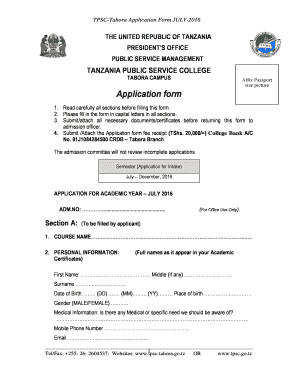
Sifa za kujiunga na chuo cha uhazili tabora
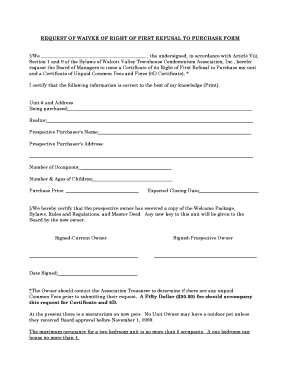
Waiver of right of first refusal condo form
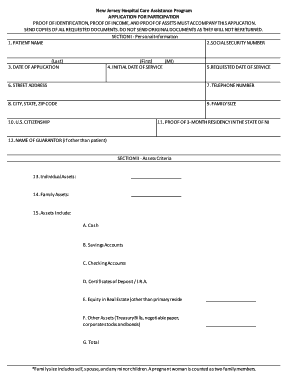
Atlanticare charity care
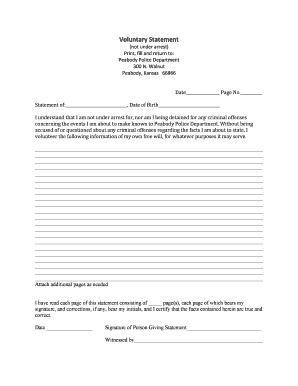
Police voluntary statement form
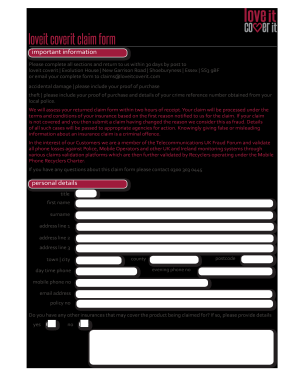
Loveitcoverit
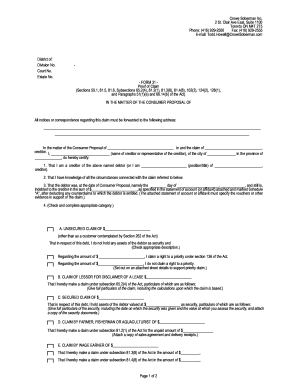
31 proof
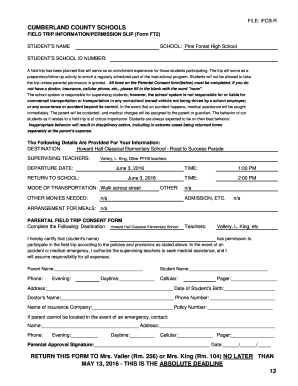
School field trip permission slip
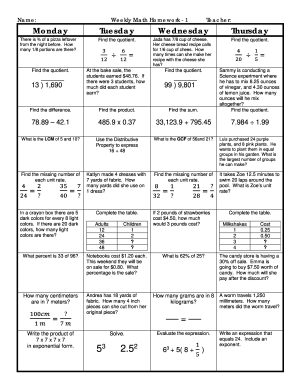
Weekly math review q3 2 answer key
Redlands community hospital redlands ca
Countdown forms form

Merchant Application amp Agreement Merchant Processing Terms - mkb memberclicks
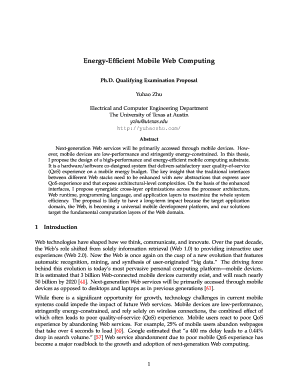
Energy-Efficient Mobile Web Computing - Yuhao Zhu

Itemization of damages
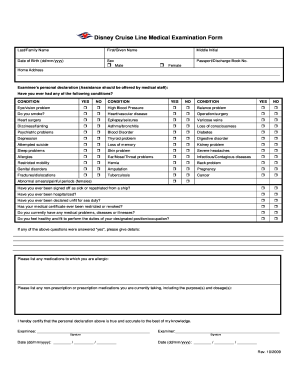
Disney Cruise Line Medical bExamination Formb
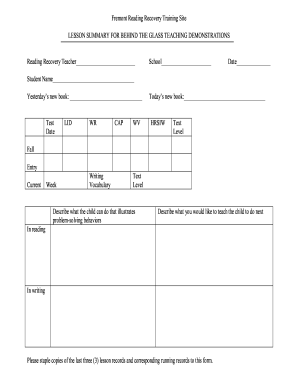
Reading recovery forms

Einkommensbescheinigung steuerberater
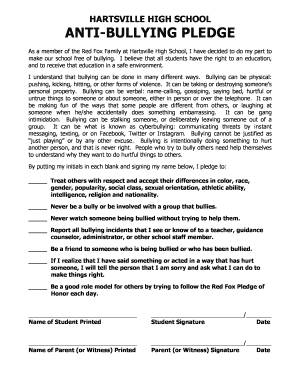
Anti bullying pledge printable
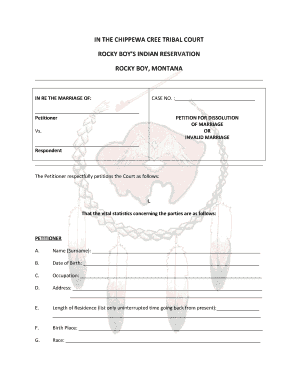
Chippewa cree tribal court
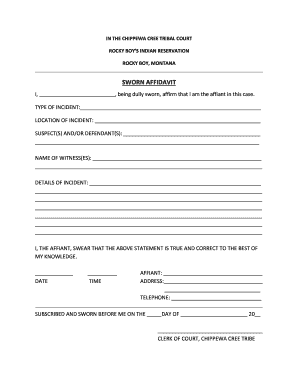
Rocky boy tribal courts

Customer order form
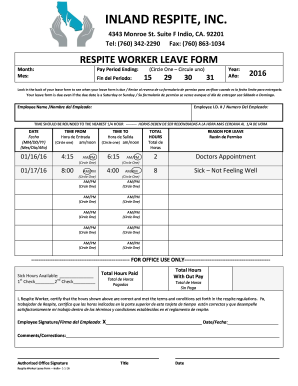
Inland respite indio
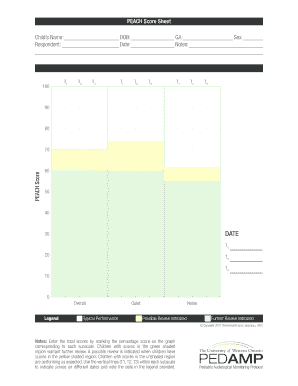
PEACH Score Sheet
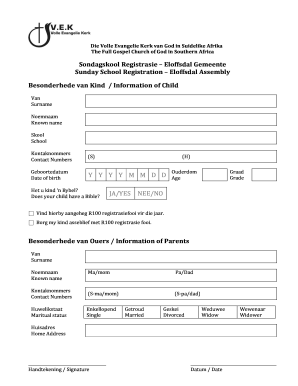
Sondagskool register
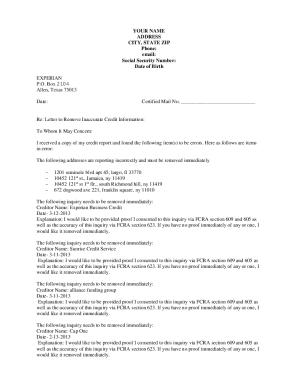
Hard credit inquiry removal tool pdf form

Pre-Operative Anesthesia Health Form - Delaware Surgery Center
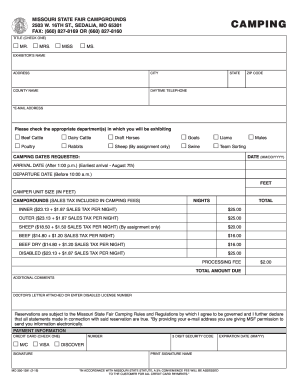
Missouri camping form
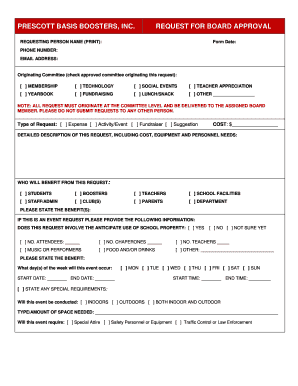
Request for board approval template

BANFF PATELLAR INSTABILITY INSTRUMENTdocx

BROKONb ORDER FORM
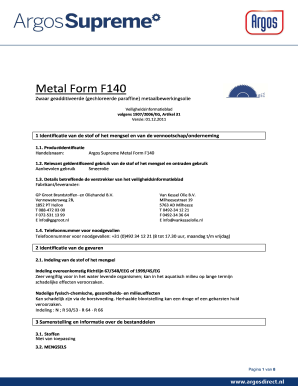
Form metaalbewerkingsolie search
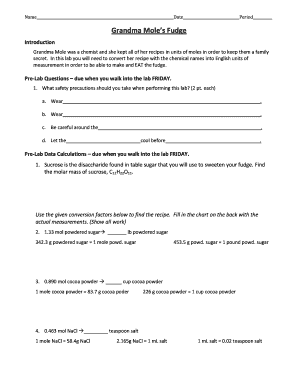
Grandma mole's fudge lab answers
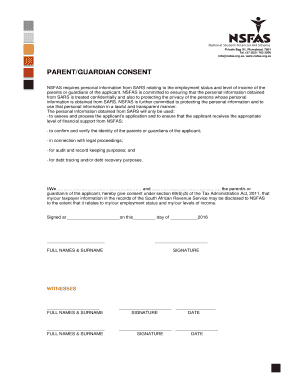
Nsfas consent form
FINAL WISHES AND REQUESTS - Final Expense Champions
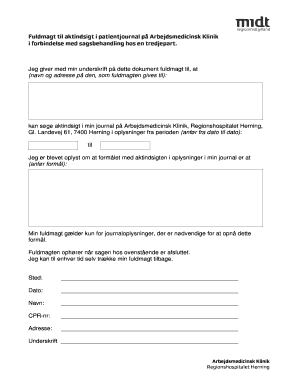
Fuldmagt til aktindsigt i patientjournal - De Arbejdsmedicinsk Klinikker - amkherning
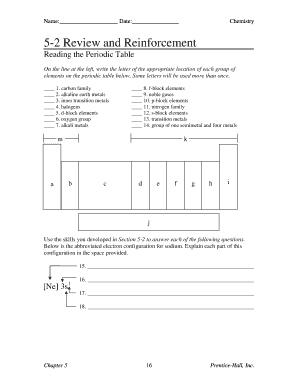
5 2 review and reinforcement
Benefit from the DocHub online library of fillable PDF forms
Searching the PDF forms doesn't have to be a tedious and time-consuming process. With the DocHub online library, it has become easier to find the fillable PDF forms and modify them in your browser. The service allows you to adjust the document to your needs using powerful editing tools.
You can use online document editing features to modify almost any type of document with ease. You just need to find the template of your choice, open it in the editor, and use the toolbar to make the necessary corrections.
Follow this guide to get your document done with DocHub:
- Find the PDF template you need.
- Click the Get Form button to open the file in the editor.
- Use the toolbar to fill out and edit the document.
- Easily add and highlight text, insert images, checkmarks, and symbols.
- Drop new fillable fields, and rearrange or delete pages from your file.
- Save changes and download your record.
DocHub empowers everyone to streamline document editing, signing, and distribution, and form completion. Create an account and benefit from our well-organized PDF Forms library and comprehensive editor.