
Effortlessly reduce Image file size to 300 kb


How to swiftly reduce Image file size to 300 kb online
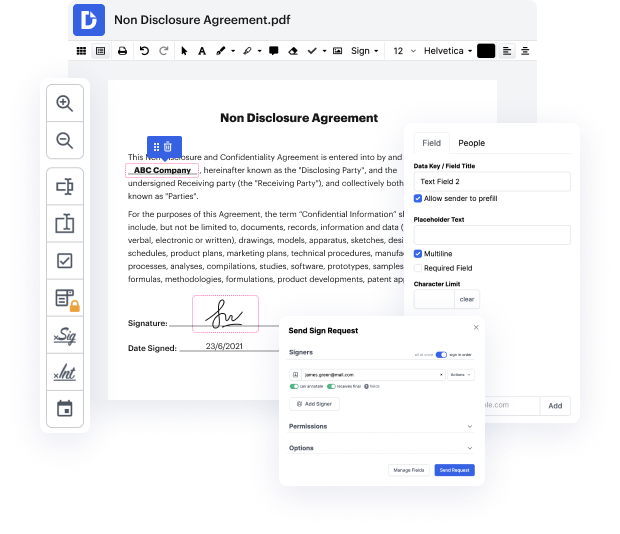
Often times you’ll need to reduce Image file size to 300 kb. Probably you need to send over document that’s simply too large to satisfy the submission requirements, or it’s graphic-heavy and occupies much space. In any case, having a trusted editing option makes this unpleasant routine very simple. You might turn to popular expensive solutions for help but that’s not needed. We offer a simple and affordable way to change your file size easily.
Find out how you can do it using our web-based solution.
- Import your file by uploading it from your computer or mobile phone or bringing it from the cloud.
- Find your file in the Documents section of your Dashboard.
- In the top rated toolbar, select the option “reduce Image file size to 300 kb” and apply it to your document.
- Wait until the editor processes the document reduction.
- Check out other useful features that let you work with paperwork like a pro.
- Download the audit trail reflecting the modifications made to the document.
- Share it with others using different delivery options.
Whethere you’re searching for the best way to reduce Image file size to 300 kb, or perhaps to squeeze your file size to get some space on your drive, our platform will help you get the task finished quickly. Get the most out of editing and annotating your paperwork and try our other features that allow you to modify, eSign and safeguard and collaborate on paperwork. Give it a try now and start working with files online more productively.
PDF editing simplified with DocHub






Drive efficiency with the DocHub add-on for Google Workspace
Got questions about 300 kb photo size?
How do I make the KB of a picture smaller?
How do I reduce the KB size of a JPEG for free?
How do I compress a JPEG to 250 KB?
How can I reduce the KB size of a photo for free?
How do I reduce the KB MB size of a photo?
How can I reduce the size of a picture for free?
How do I reduce a picture to 300kb?
See why our customers choose DocHub


Security and compliance
At DocHub, your data security is our priority. We follow HIPAA, SOC2, GDPR, and other standards, so you can work on your documents with confidence.
Learn more


