
Merge Resume


Easy instructions on how to Merge Resume
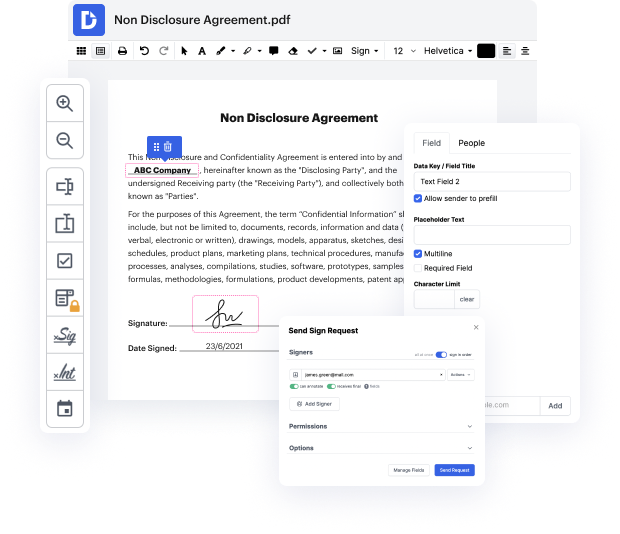
Having comprehensive power over your files at any time is important to alleviate your daily duties and enhance your efficiency. Accomplish any objective with DocHub tools for papers management and convenient PDF file editing. Gain access, modify and save and integrate your workflows along with other safe cloud storage.
Follow these simple steps to Merge Resume employing DocHub:
- Sign in in your profile or register for free with your Google profile or email address.
- Pick a file you want to add from your computer or integrated cloud storage (Box, Google Drive, or OneDrive).
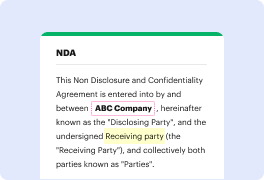
- Gain access to DocHub top-notch editing tools with a user-friendly interface and edit Resume in accordance with your needs.
- Merge Resume and save adjustments.
- Very easily correct any errors just before going forward along with your papers export.
- Download, export and send or quickly share your papers along with your co-workers and consumers.
- Come back to your papers or create Templates to optimize your efficiency
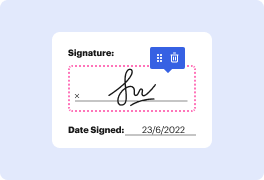
DocHub provides you with lossless editing, the possibility to work with any format, and securely eSign documents without having searching for a third-party eSignature software. Make the most of the file managing solutions in one place. Try out all DocHub capabilities today with the free profile.
PDF editing simplified with DocHub






Drive efficiency with the DocHub add-on for Google Workspace
How to merge resume
Many online resume tips are subjective, varying in effectiveness for different individuals. Austin Belsack's analysis of 125,484 resumes provided valuable data that removes some of this guesswork. His findings highlight foundational principles essential for crafting an impressive resume, whether for a first job or updating an existing one. In the video, Jeff shares five key learnings from the study, discusses their implications, and offers practical resume writing tips to help viewers stand out. He emphasizes the importance of these insights for anyone looking to enhance their resume for career advancement.

Got questions about cv merge?
What is hybrid vs functional resume?
Should I use a hybrid resume?
What is hybrid vs chronological resume?
What are the 3 types of resume formats?
How do I combine two resumes?
What is the difference between hybrid and functional resume?
What is a blended resume?
What is hybrid resume format?
See why our customers choose DocHub


Security and compliance
At DocHub, your data security is our priority. We follow HIPAA, SOC2, GDPR, and other standards, so you can work on your documents with confidence.
Learn more


