
Make attestation easily


How to Make attestation with DocHub
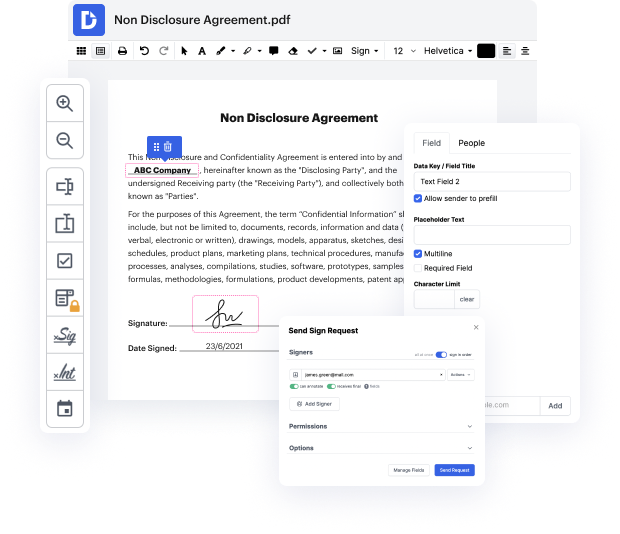
If you want to apply a minor tweak to the document, it must not require much time to Make attestation. Such a simple action does not have to demand extra training or running through handbooks to learn it. With the right document modifying tool, you will not spend more time than is needed for such a quick change. Use DocHub to streamline your modifying process regardless if you are a skilled user or if it is the first time making use of an online editor service. This instrument will require minutes to learn to Make attestation. The sole thing required to get more effective with editing is a DocHub profile.
Complete your edits in several simple steps.
- Go to the DocHub site and click the Sign up button.
- Key in your email, create a password, or utilize your email account to sign up.
- Proceed to the Dashboard when the signup is finished and click New Document to Make attestation.
- Add the document from your files or via a hyperlink from the selected cloud storage.
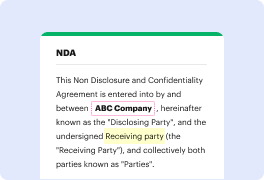
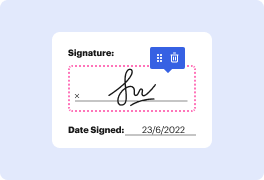
- Select the document to open it in editing mode and make use of the available tools to make all required changes.
- After editing, download the document on your device or keep it in your files with the newest modifications.
A simple document editor like DocHub can help you optimize the time you need to dedicate to document modifying irrespective of your prior experience with this kind of tools. Create an account now and increase your productivity instantly with DocHub!
PDF editing simplified with DocHub






Drive efficiency with the DocHub add-on for Google Workspace
How to how to self attest a document
To attest documents from the Greek embassy, ensure they are issued within six months to avoid rejection. The same applies for previously attested documents. Check the date of issue and proceed with attestation within six months. The attestations are only valid for six months as well. Find the Greek embassy's email and address easily for attestation process.

Got questions about self attestation can be done prominent and touching any area?
How do I create a self attested document?
What is an example of attestation?
What does attestation mean in LLC?
Can I self attest a document online?
What is an example of attestation?
How do I attest my documents?
Why is attestation needed?
What does it mean to have attestation?
How do I attest a document in Canada?
How do I make a document attested?
See why our customers choose DocHub


Security and compliance
At DocHub, your data security is our priority. We follow HIPAA, SOC2, GDPR, and other standards, so you can work on your documents with confidence.
Learn more


