
Make a Hogwarts Express Ticket Template Sign



Your best way to Make a Hogwarts Express Ticket Template Sign
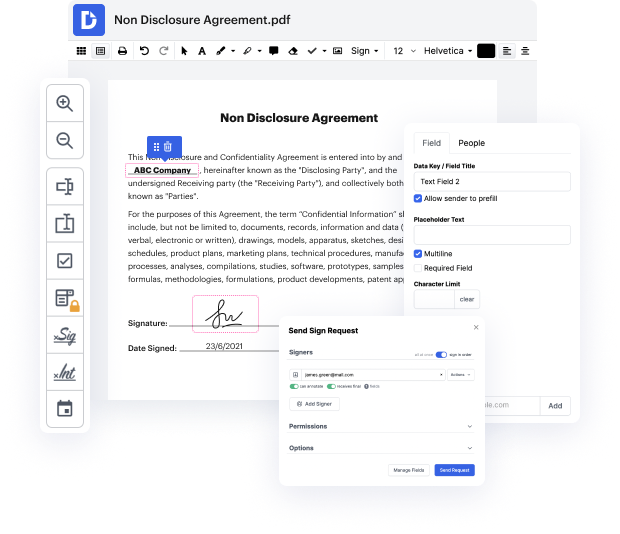
Struggling with needing to Make a Hogwarts Express Ticket Template Sign a PDF? Let DocHub make the process a breeze. It’s your number one online tool for making document processes super easy and efficient. From easy editing and effortless eSigning to collaborating with colleagues on projects, DocHub has every key feature under one roof. Read on to find out more about a top-rated solution for working with PDFs.
Five steps to Make a Hogwarts Express Ticket Template Sign with ease
- Register an account with DocHub or log in.
- Upload a PDF from your device or the cloud.
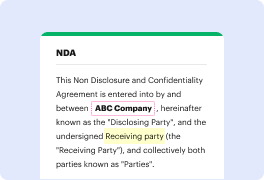
- Start editing it in the DocHub editor and find option to Make a Hogwarts Express Ticket Template Sign in the taskbar.
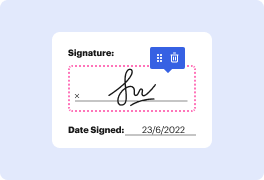
- Set your document up for signature and data collection.
- Collaborate on your PDF, save it, and distribute it in seconds.
Whether you need to finalize a big deal or work together on a school project, DocHub has you covered. With its intuitive interface and array of free features, challenges and problems around document processes are a thing of the past. Experience the convenience of managing your documents in a more organized, secure, and efficient way. Try DocHub and Make a Hogwarts Express Ticket Template Sign today!
PDF editing simplified with DocHub






Drive efficiency with the DocHub add-on for Google Workspace
How to ticket hogwarts express pdf
Today, we are making a Harry Potter train ticket. We start by getting a medium-sized print of the ticket and painting gold dots with a thin brush. We then add Platform Nine and Three-Quarters. Cut along the designated line, fold the ticket, and it's finished. The final result is brilliant.

See why our customers choose DocHub


Security and compliance
At DocHub, your data security is our priority. We follow HIPAA, SOC2, GDPR, and other standards, so you can work on your documents with confidence.
Learn more


