
Explore new possibilities and Edit Bank Statements with AI


Edit Bank Statements using AI without having batting an eye
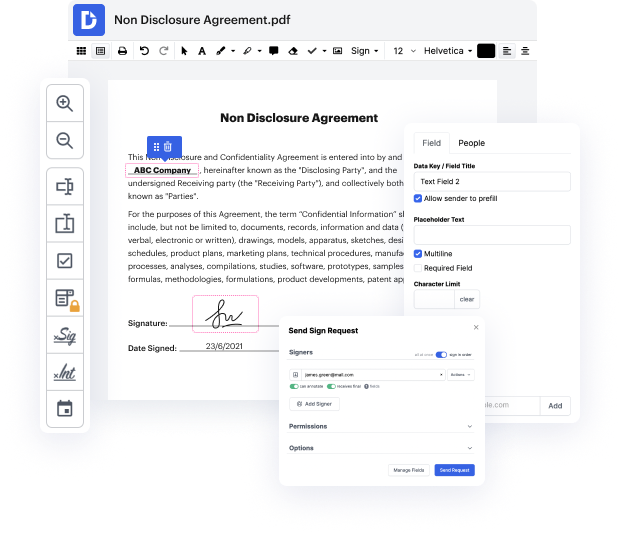
Document management is a fundamental element of your day-to-day tasks and workflows. Nonetheless, this fundamental task might occasionally feel overwhelming without the right platform. Luckily, DocHub can change your experience for the better. Introducing ChatGPT-powered functions, we aim to boost your routine tasks so that you can put your time and energy to better use. Edit Bank Statements, eSign, share, and securely store your documents in a single place without changing in between options.
The best way to Edit Bank Statements with AI easily
- Register a free DocHub profile to begin working.
- Add your document and wait for it to open in the editor.
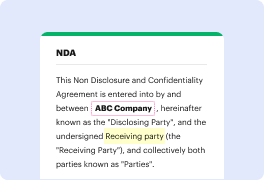
- Start a ChatGPT Assistant and then click on the Edit feature.
- Edit Bank Statements and review the final results.
- Make other modifications by using the Manage Fields sidebar.
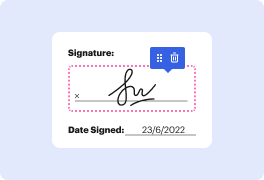
- Assign people to fillable fields to boost the completion process.
- Download or share your document as an email attachment or invite link.
Your workflows don’t need to be complex or demand costly software. DocHub check all the boxes for a modern, easy-to-use, and versatile platform for your organization or individual use. Edit Bank Statements using AI, improve workflows, collect eSignatures, and reclaim your office hours. Begin a free trial version right now to try the strength of AI!
A single solution for all your PDF needs






Drive efficiency with the DocHub add-on for Google Workspace
Got questions about bank statement editor?
How do you tell if a bank statement has been altered?
Can AI make me a bank statement?
How do you manipulate bank statements?
Can banks make mistakes on statements?
Can bank statements be modified?
Is it possible to edit bank statement?
Is a bank statement a legal document?
See why our customers choose DocHub


Security and compliance
At DocHub, your data security is our priority. We follow HIPAA, SOC2, GDPR, and other standards, so you can work on your documents with confidence.
Learn more


