
Delete Text to the Bill



Reduce time spent on document managing and Delete Text to the Bill with DocHub
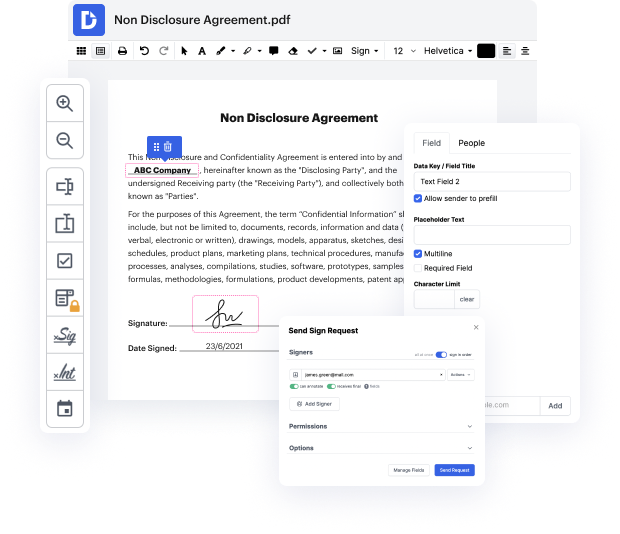
Time is a vital resource that every enterprise treasures and tries to transform in a advantage. When picking document management application, be aware of a clutterless and user-friendly interface that empowers users. DocHub gives cutting-edge tools to maximize your document managing and transforms your PDF editing into a matter of a single click. Delete Text to the Bill with DocHub to save a ton of efforts and enhance your productiveness.
A step-by-step instructions on how to Delete Text to the Bill
- Drag and drop your document in your Dashboard or upload it from cloud storage app.
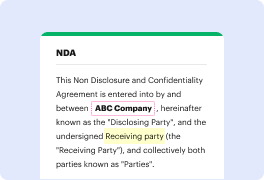
- Use DocHub advanced PDF editing tools to Delete Text to the Bill.
- Revise your document and make more changes if needed.
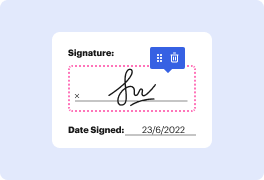
- Put fillable fields and assign them to a specific receiver.
- Download or deliver your document to your customers or colleagues to securely eSign it.
- Gain access to your files within your Documents folder at any time.
- Create reusable templates for frequently used files.
Make PDF editing an simple and intuitive process that helps save you plenty of precious time. Quickly change your files and send them for signing without the need of adopting third-party alternatives. Give attention to relevant tasks and enhance your document managing with DocHub today.
PDF editing simplified with DocHub






Drive efficiency with the DocHub add-on for Google Workspace
See why our customers choose DocHub


Security and compliance
At DocHub, your data security is our priority. We follow HIPAA, SOC2, GDPR, and other standards, so you can work on your documents with confidence.
Learn more


