



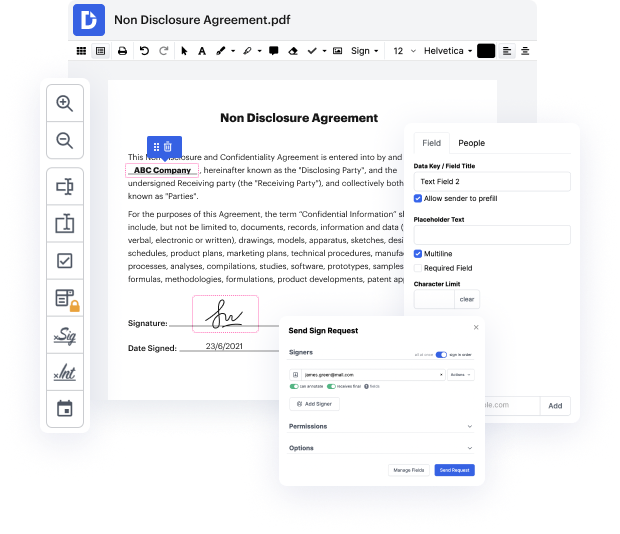
Depending on the tasks performed, there's often a necessity to have one file in different formats. Plus, it needs to be done quickly and with a trusted service. Our straightforward and multi-functional online service with a conversion function is the best. There's no need to look for another tool. Our top-notch editor can rapidly and securely convert OFX and modify your document as necessary.
Follow the steps below to convert OFX properly:
It’s the easiest and quickest way to convert OFX and redact paperwork with the same tool online. With no installations needed, you can access our editor anywhere from any internet-connected device. Try it now!


This video tutorial demonstrates how to convert a PDF to O FX quickly and easily. The process can be done on any computer or phone. For example, on an Android or iPhone device, navigate to a search engine like Google, then search for "PDF to O FX" to find various websites that offer this service. You can choose any website, upload your PDF file, and wait for it to be converted to O FX. Additionally, you can add your PDF file before the conversion process by using the options provided on the website. Once it's converted, simply click the option indicated to download the O FX file.


At DocHub, your data security is our priority. We follow HIPAA, SOC2, GDPR, and other standards, so you can work on your documents with confidence.
Learn more







