
Online file converter: convert PDF to CFG within moments



How to best convert CFG and edit it online
Subject to the tasks performed, there's often a necessity to have one file in several formats. In addition, it needs to be done quickly and with a trustworthy service. Our straightforward and multi-functional online service with a conversion function is the best. There's no reason to look for a different tool. Our cutting-edge editor can quickly and securely convert CFG and adjust your paperwork as necessary.
Follow the instructions below to convert CFG successfully:
- Click on the conversion link and open it in your preferred browser.
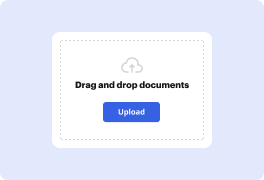
- Drag and drop the file to the upload area or browse for it from your device.
- Select the file from the cloud or use alternative upload options on the page.
- Pause while the processing finishes, and start changing your document.
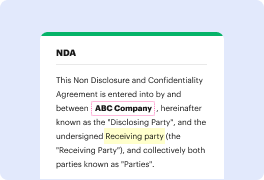
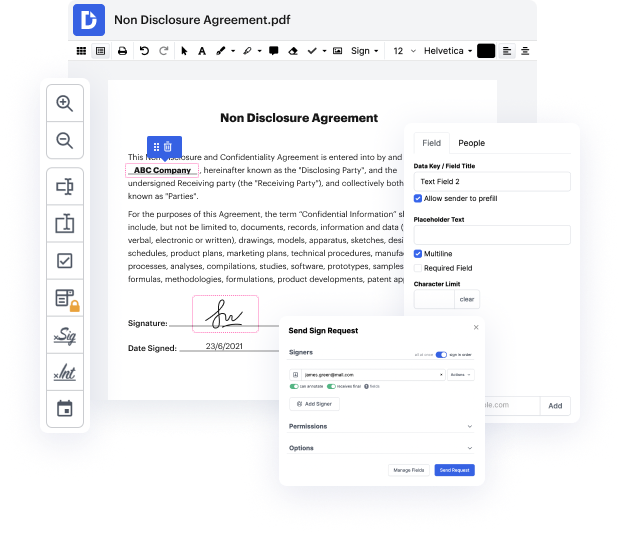
- Use the upper toolbar to insert text, symbols, images, and comments.
- Draw elements, highlight or whiteout confidential details in the template using the relative tools.
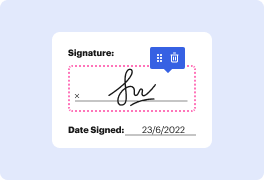
- Generate electronic signatures or request them from other people using the Sign feature.
- Manage pages in the template if needed and change the document name above.
- Download or export the form to the cloud and see the service convert CFG.
It’s the simplest and quickest way to convert CFG and redact forms with the same tool online. With no setups required, you can access our editor anywhere from any internet-connected device. Try it out today!
PDF editing simplified with DocHub






Drive efficiency with the DocHub add-on for Google Workspace
See why our customers choose DocHub


Security and compliance
At DocHub, your data security is our priority. We follow HIPAA, SOC2, GDPR, and other standards, so you can work on your documents with confidence.
Learn more


