
Online file converter: convert DES to PDF instantly



Convert DES to PDF and get your paperwork transformed quickly
PDF is the most widely used document format for personal and business needs. These files are:
- Secured from unauthorized modifying
- Accessible across different devices
- Easily sharable with others
That's why it's a great idea to transform other files into this format. A lot of tools on the internet can convert DES to PDF. However, our first-rate editor is the best choice if you need more than a simple converter and want to edit your paperwork smoothly and rapidly.
Here's how to convert DES to PDF and modify it quickly and easily:
- Import a file you need to change using one of the available options.
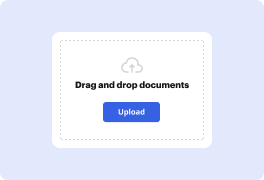
- Drag and drop it to the highlighted area, browse it from your device storage or the cloud.
- Wait while it's processing and see the service convert DES to PDF automatically.
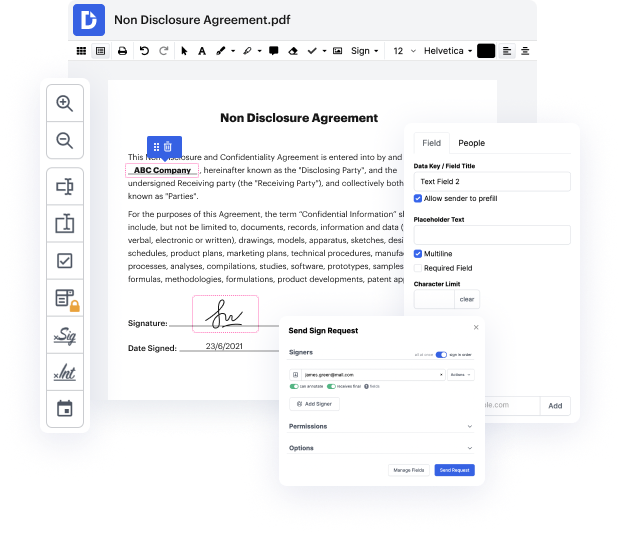
- Start adjusting the document using the top and side toolbars.
- Enter new text, add pictures, pointers, figures, and special symbols with the relative buttons.
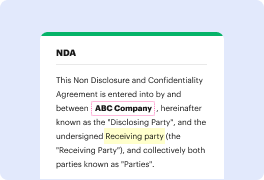
- Highlight pieces of content with different colors or remove confidential details.
- Use the Manage fields tool to adjust the form with various areas to fill out.
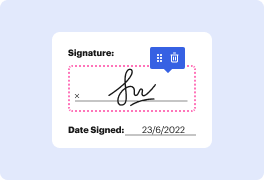
- Sign the paperwork and request signatures from others.
- Download the template, export it to the cloud, or share it with other people.
As shown above, our editor is a valuable tool for efficient document management. It allows you to instantly convert DES to PDF and adjust it to your needs rapidly. Give it a try today!
PDF editing simplified with DocHub






Drive efficiency with the DocHub add-on for Google Workspace
Got questions about convert files into pdf?
How do you convert an email to a PDF?
How do I convert a file to PDF on my computer?
How do I convert a design to PDF?
How do I convert a document to PDF for free?
How do I convert a document to PDF on my phone?
How do you turn a do file into a PDF?
How do I convert a file to PDF?
How do I convert a PDF to a DES file?
See why our customers choose DocHub


Security and compliance
At DocHub, your data security is our priority. We follow HIPAA, SOC2, GDPR, and other standards, so you can work on your documents with confidence.
Learn more


