
Convert Bill to Fillable PDF



Easy instructions on the way to Convert Bill to Fillable PDF
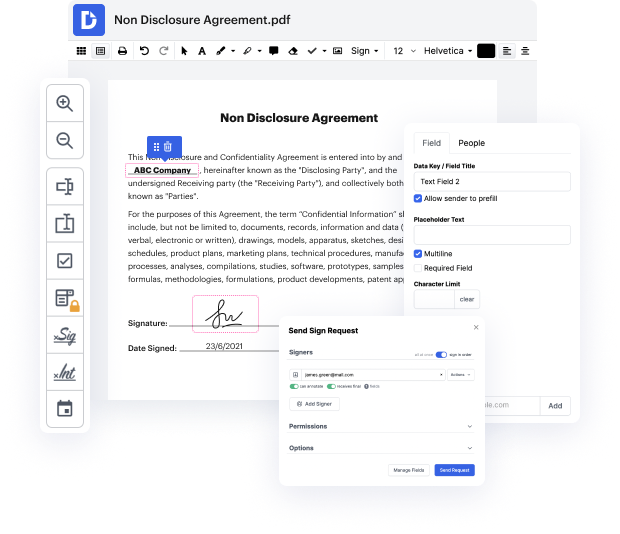
Having complete control of your documents at any time is crucial to ease your day-to-day tasks and enhance your productivity. Accomplish any goal with DocHub tools for document management and hassle-free PDF editing. Gain access, modify and save and integrate your workflows along with other safe cloud storage.
Follow these basic steps to Convert Bill to Fillable PDF using DocHub:
- Log in in your account or sign up for free using your Google account or e-mail address.
- Choose a document you need to add out of your computer or integrated cloud storage service (Box, Google Drive, or OneDrive).
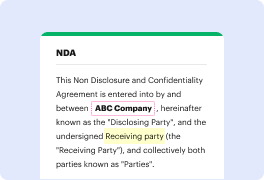
- Access DocHub advanced editing tools with a user-friendly interface and modify Bill according to your needs.
- Convert Bill to Fillable PDF and save adjustments.
- Easily fix any mistakes before going forward with your papers export.
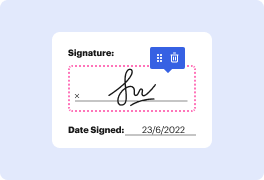
- Download, export and send or conveniently share your document with your co-workers and customers.
- Return to your document or create Templates to improve your productivity
DocHub provides you with lossless editing, the opportunity to work with any formatting, and securely eSign documents without searching for a third-party eSignature alternative. Maximum benefit of the document management solutions in one place. Consider all DocHub functions right now with your free of charge account.
PDF editing simplified with DocHub






Drive efficiency with the DocHub add-on for Google Workspace
How to transfer a bill to a pdf
In this tutorial, Kevin demonstrates how to create a fillable PDF form for free, without relying on paid services like DocHub. He introduces LibreOffice, a free and open-source alternative similar to Microsoft Office, which can be downloaded from libraryoffice.org. Kevin emphasizes its cost-effectiveness and user-friendly features, making it accessible for anyone looking to create PDF forms without incurring expenses. He invites viewers to follow along as he guides them through the setup process.

Got questions about free fillable pdf converter?
How do I convert a Word document to a fillable PDF without Acrobat?
How do I send a bill in PDF format?
How do I turn a scanned document into a fillable PDF?
How do I convert a PDF to a fillable form without Acrobat?
Can docHub convert a scanned PDF to Word?
Can you convert a scanned PDF to a fillable PDF?
Can you convert PDF to fillable free?
Can you convert PDF to fillable free?
See why our customers choose DocHub


Security and compliance
At DocHub, your data security is our priority. We follow HIPAA, SOC2, GDPR, and other standards, so you can work on your documents with confidence.
Learn more


