
Cc Signature Order


Your best way to Cc Signature Order
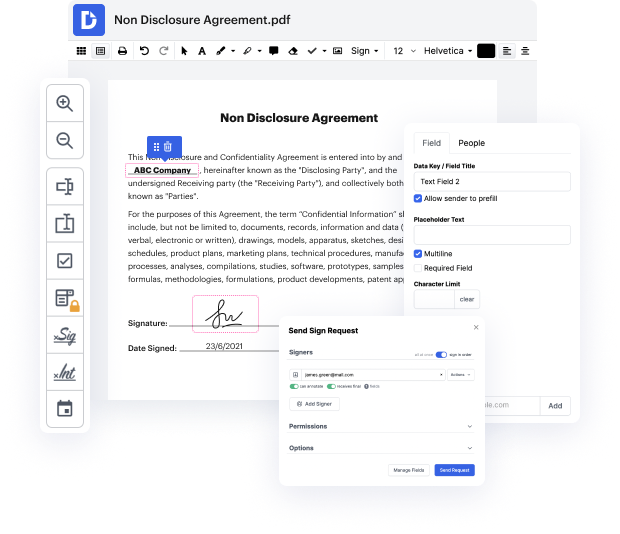
Struggling with needing to Cc Signature Order a PDF? Let DocHub make the process a breeze. It’s your number one online tool for making document processes super easy and efficient. From slick editing and effortless eSigning to working with colleagues on projects, DocHub has every key feature under one roof. Learn more to uncover more about a highly-rated solution for handling PDFs.
Five steps to Cc Signature Order with ease
- Create an account with DocHub or log in.
- Add a PDF from your device or the cloud.
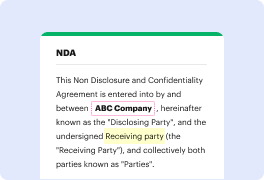
- Start editing it in the DocHub editor and find option to Cc Signature Order in the taskbar.
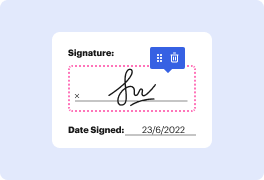
- Set your document up for signature and data collection.
- Collaborate on your PDF, get it, and distribute it in seconds.
Whether you need to finalize a big deal or work together on a school project, DocHub has you covered. With its user-friendly interface and array of free features, troubles and difficulties around document processes are a thing of the past. Experience the convenience of managing your PDFs in a more structured, secure, and efficient way. Try DocHub and Cc Signature Order today!
PDF editing simplified with DocHub






Drive efficiency with the DocHub add-on for Google Workspace
How to is it c c signature
DocHub is a fast and easy tool for getting documents signed. It is as simple as sending an email - just enter the signer's email address, add a file, and type a custom message. Ensure the right people see and sign the document by using identity verification and passwords for protection. Customize form fields and signature blocks before sending, and set fields to be required or read-only. The signer receives an email with instructions to complete and sign the form. Both parties receive a secured PDF copy of the signed document. Track the signing progress in real-time and access a full audit trail in your DocHub account. Trust DocHub for secure e-signatures.

Got questions about cc document?
What is CC on ?
What does CC mean in ?
How to send CC in ?
How do I forward a document to another signer?
What does receive a copy mean on ?
How do I add CC to after sending?
DefinitionWhat is a CC order?
What is a CC signature?
What is the signing order of a contract?
See why our customers choose DocHub


Security and compliance
At DocHub, your data security is our priority. We follow HIPAA, SOC2, GDPR, and other standards, so you can work on your documents with confidence.
Learn more


