
Personalized purchase Order Forms
Enhance order template management process and browse Personalized purchase Order Forms web collection. Find case-specific forms, adjust them, and securely send them with other collaborators.

Create a new Personalized purchase Order Form
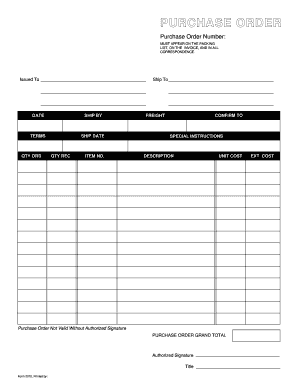
Purchase order template
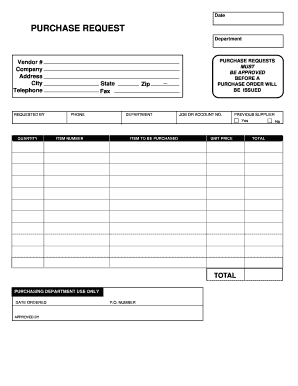
Purchase request form
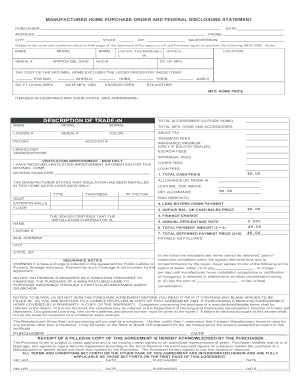
Manufactured home purchase order
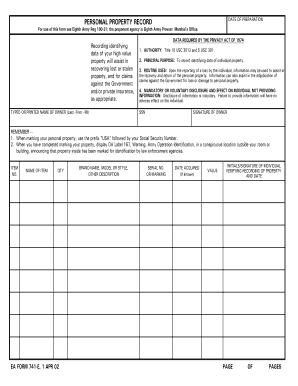
Form personal property record
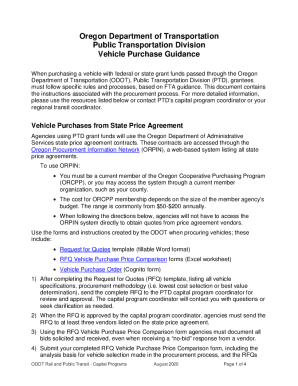
Dealer purchase order form

Embroidery purchase order form
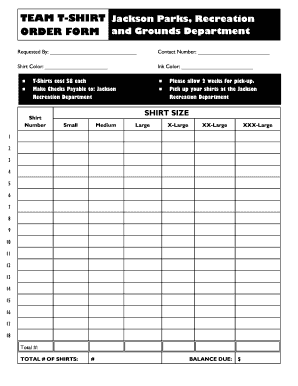
Editable t shirt order form
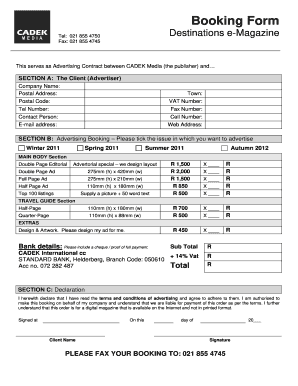
Order booking format
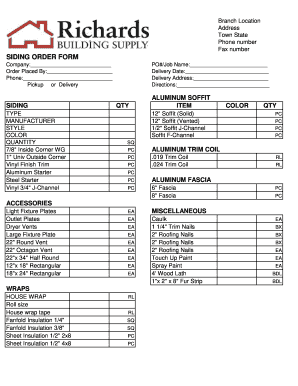
Siding order form
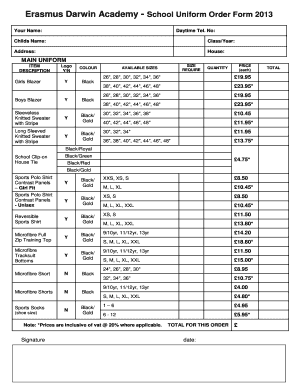
Uniform order form template
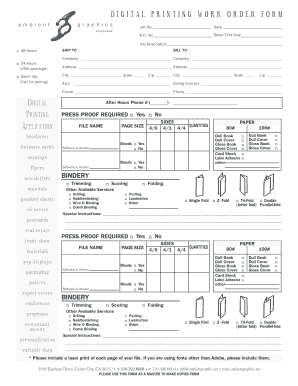
DIGITAL PRINTING WORK ORDER FORM
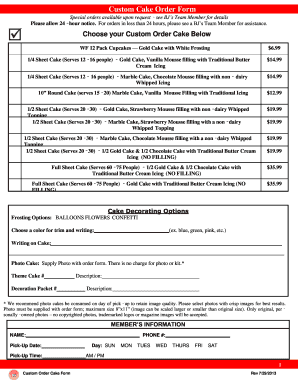
Bjs cake order form
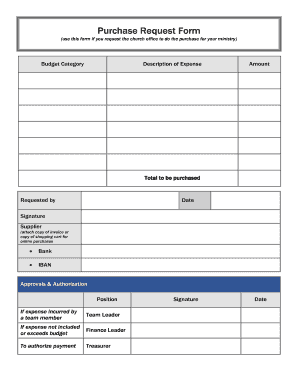
Purchase Request Form (use this form if you request the church office to do the purchase for your ministry) Budget Category Description of Expense Amount - ibcberlin
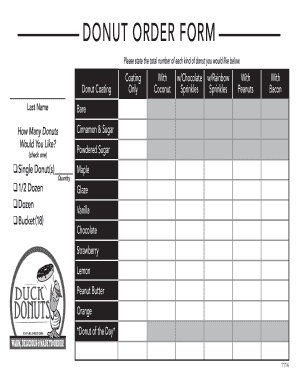
Donuts order form

Tshirt order form template

Verbal order form template
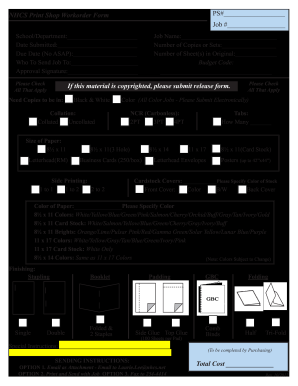
Print order form
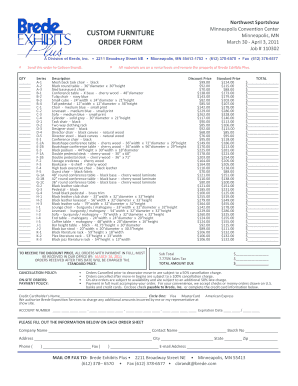
Furniture order form
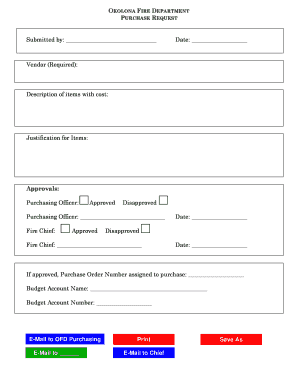
Purchase request form

Pay order form
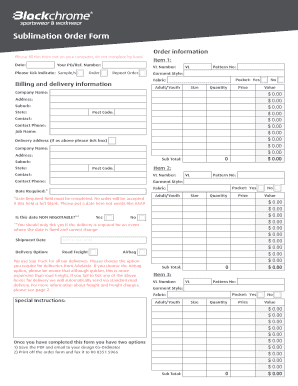
Sublimation order forms

Customer order form
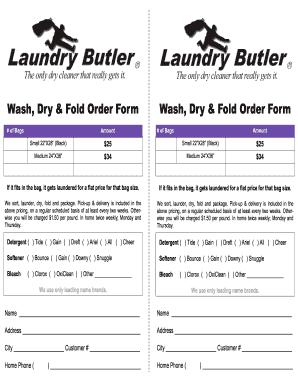
Laundry order form

Video order form
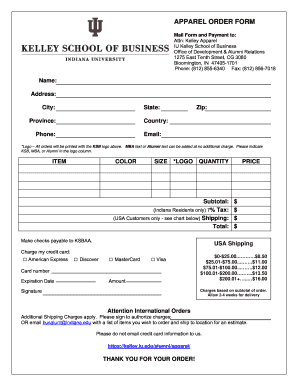
Apparel order form template
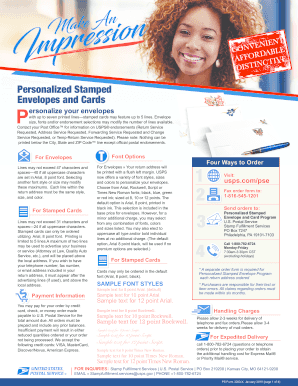
Personalized stamped envelopes order form
Conditional purchase order template
Training program order form template
Job order form
Sample letter purchase
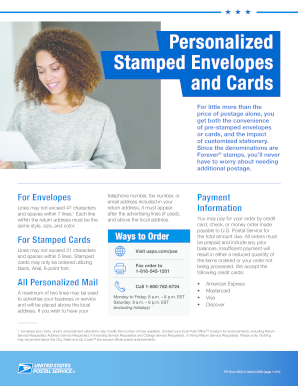
Stamp fulfillment services order form 2022

External training request form
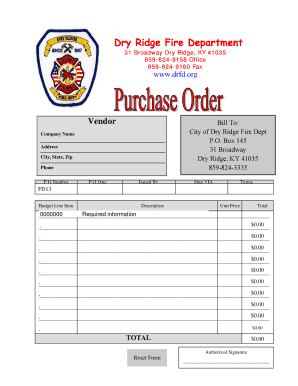
Purchase Order Form - Dry Ridge Fire Department - drfd
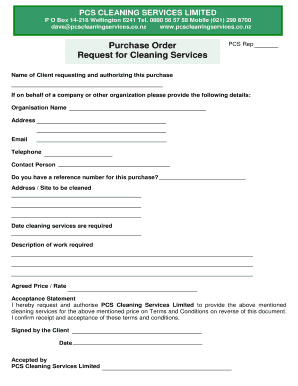
Purchase Order and Request for Cleaning Services
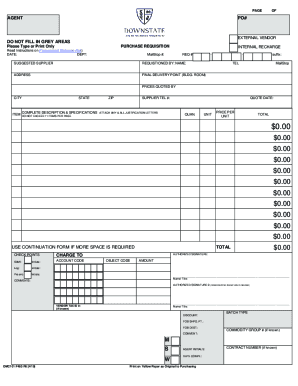
Dhsu-purchase-requisition-form

Subway group order form
-
1
- 2
Improve your file operations with Personalized purchase Order Forms
Your workflows always benefit when you are able to locate all the forms and documents you need at your fingertips. DocHub provides a wide array of document templates to ease your everyday pains. Get hold of Personalized purchase Order Forms category and easily discover your document.
Begin working with Personalized purchase Order Forms in a few clicks:
- Gain access to Personalized purchase Order Forms and locate the form you need.
- Click on Get Form to open it in our editor.
- Start adjusting your form: add fillable fields, highlight sentences, or blackout sensitive details.
- The application saves your adjustments automatically, and after you are all set, you are able to download or share your file with other contributors.
Enjoy fast and easy document administration with DocHub. Explore our Personalized purchase Order Forms collection and look for your form today!
Video Guide on Personalized purchase Order Forms management

Commonly Asked Questions about Personalized purchase Order Forms
How to generate a PO?
Heres a quick checklist to creating your purchase order: Choose a template. Add issue data. Write the PO number. Add business information including the billing address for the buyer and the seller. Mention product details including item descriptions, model numbers, quantity, and so on. Mention the delivery date.
How do I manually create a PO?
Create Purchase Order In the SAP menu, choose Logistics Materials Management Purchasing Purchase Order Create Vendor/Supplying Plant Known. The Create Purchase Order screen appears. Enter the necessary data in the relevant screen areas. Check the data entered. Choose to save the purchase order.
What is the difference between an order form and a purchase order?
Order forms may be used in some processes and are more similar to purchase orders in that the buyer fills one out to begin an ordering process. The main difference, however, is that the official order form template is provided by the seller, and, as a result, the buyer is placing an order on the terms of the vendor.
How do I create a purchase order format?
Key Components of a Standard Purchase Order Format Purchase Order Number. Assigned to each request, the purchase order number enables tracking of orders placed with different vendors. Buyers Name and Logo. Buyers Address. Sellers Name. Issuance Date. Delivery Location.
How can I make my own order form?
Must-have components for creating an order form. Contact information. Name, email address, phone number, and shipping address are necessary pieces of information to gather from your buyers. Product description. Payment information. Shipping and handling. Order summary. Terms and conditions. Visuals. Order confirmation.
How do you generate a PO number?
PO numbers are decided by the buyer. If youre one of the small business owners with relatively few purchases to make, creating a unique PO number is straightforward. Just use a unique number assigned to identify each transaction. For example, 00001 for the first one followed by 00002, 00003, 00004, and so on.
Related Templates
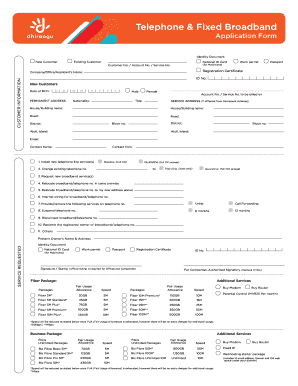
Dhiraagu my account
The document is an application form for telephone and fixed broadband services, detailing customer information requireme ...

Sample Associate Evaluation Form - Altman Weil
The document is a Sample Associate Evaluation Form designed for partners to assess the performance of associate attorney ...

Irretrievably lost baggage - Claim form
The document is a claim form for passengers whose baggage has been declared irretrievably lost by Virgin Atlantic Airway ...

Claim form - Virgin Atlantic
This document is a claim form for passengers whose baggage has been declared irretrievably lost by Virgin Atlantic Airwa ...

Taclane price list
The document is a price list for the TACLANE®-FLEX Encryptor (KG-175F), detailing customizable encryption platforms with ...

Candidate Spotlight: Linda Vavricka and Sarah Smith
The document outlines the application process for hosting a block party in Islip, NY. It specifies that applicants must ...
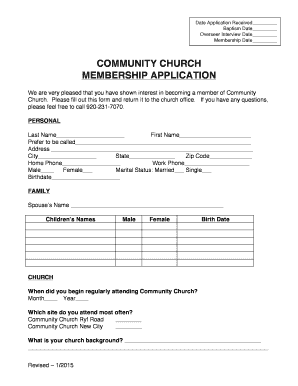
Membership form for church
The document is a membership application form for Community Church, requesting personal and family information, church a ...

Beneficiary Designation form - sdcera
The Beneficiary Designation Form is used by SDCERA members to designate primary and contingent beneficiaries for retirem ...


