
Create your Professional Nonlegal Letter from scratch
Start Building Now




Here's how it works
A detailed guide on how to craft your Professional Nonlegal Letter online
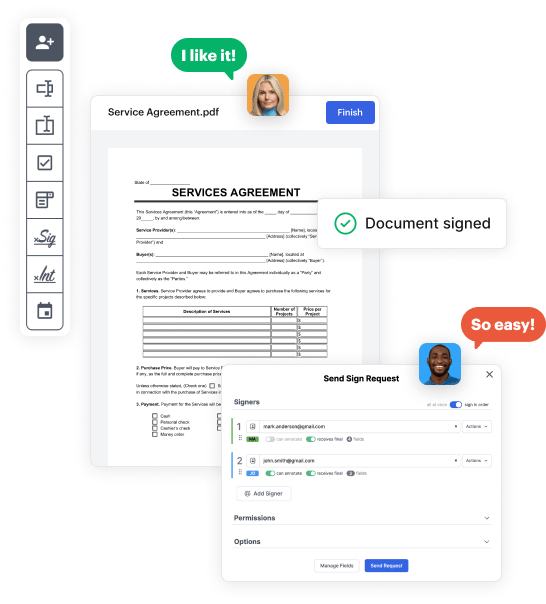
Step 1: Start with DocHub's free trial.
Go to the DocHub website and register for the free trial. This provides access to every feature you’ll require to build your Professional Nonlegal Letter without any upfront cost.
Step 2: Access your dashboard.
Log in to your DocHub account and go to the dashboard.
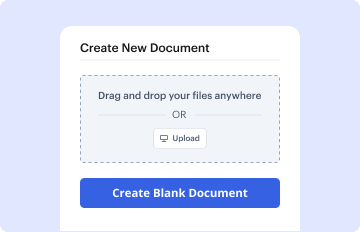
Step 3: Craft a new document.
Click New Document in your dashboard, and choose Create Blank Document to craft your Professional Nonlegal Letter from scratch.
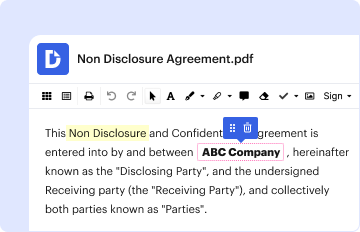
Step 4: Use editing tools.
Add different elements such as text boxes, radio buttons, icons, signatures, etc. Organize these elements to suit the layout of your document and designate them to recipients if needed.
Step 5: Modify the form layout.
Rearrange your document easily by adding, moving, removing, or merging pages with just a few clicks.
Step 6: Create the Professional Nonlegal Letter template.
Convert your freshly designed form into a template if you need to send many copies of the same document numerous times.
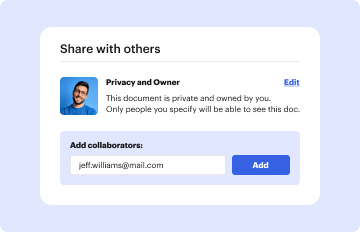
Step 7: Save, export, or distribute the form.
Send the form via email, distribute a public link, or even post it online if you aim to collect responses from more recipients.
