
Create your Defendant's Legal Form from scratch
Start Building Now




Here's how it works
A brief guide on how to create a polished Defendant's Legal Form
Step 1: Log in to DocHub to begin creating your Defendant's Legal Form.
First, sign in to your DocHub account. If you don't have one, you can simply register for free.
Step 2: Head to the dashboard.
Once you’re in, go to your dashboard. This is your central hub for all document-based tasks.
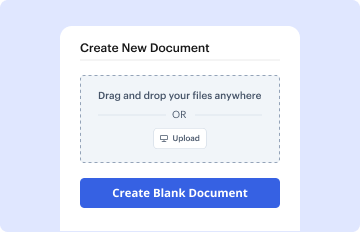
Step 3: Kick off new document creation.
In your dashboard, select New Document in the upper left corner. Hit Create Blank Document to create the Defendant's Legal Form from a blank slate.
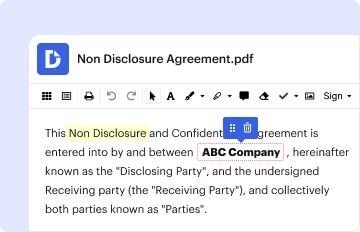
Step 4: Add form elements.
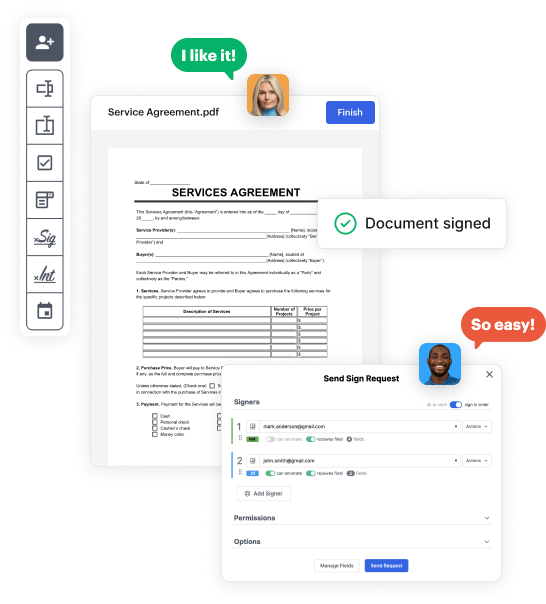
Add numerous elements like text boxes, images, signature fields, and other options to your form and assign these fields to particular recipients as necessary.
Step 5: Customize your form.
Customize your document by adding walkthroughs or any other crucial information using the text option.
Step 6: Review and adjust the form.
Thoroughly go over your created Defendant's Legal Form for any typos or essential adjustments. Take advantage of DocHub's editing capabilities to enhance your form.
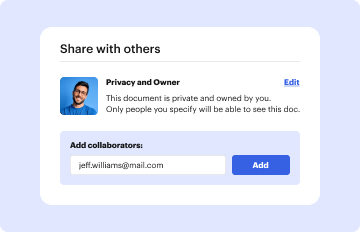
Step 7: Send out or download the form.
After completing, save your file. You can select to save it within DocHub, transfer it to various storage options, or send it via a link or email.
