
Create your Child Support Legal Document from scratch

Start Building Now
Title decoration

Here's how it works

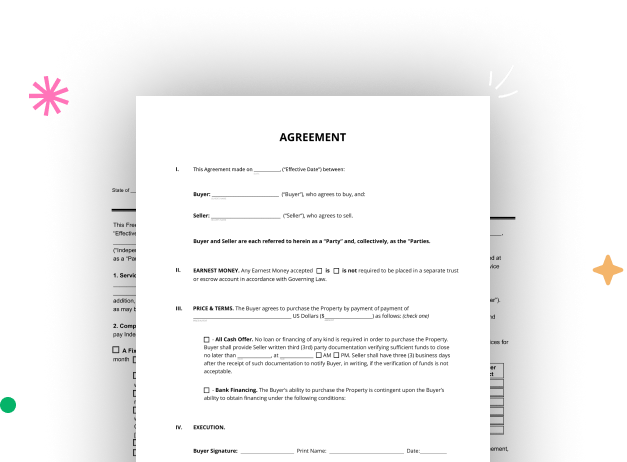
01. Start with a blank Child Support Legal Document
Open the blank document in the editor, set the document view, and add extra pages if applicable.
02. Add and configure fillable fields
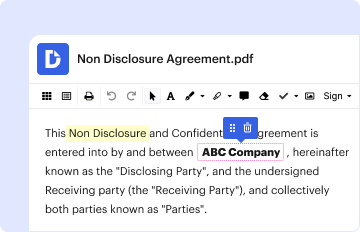
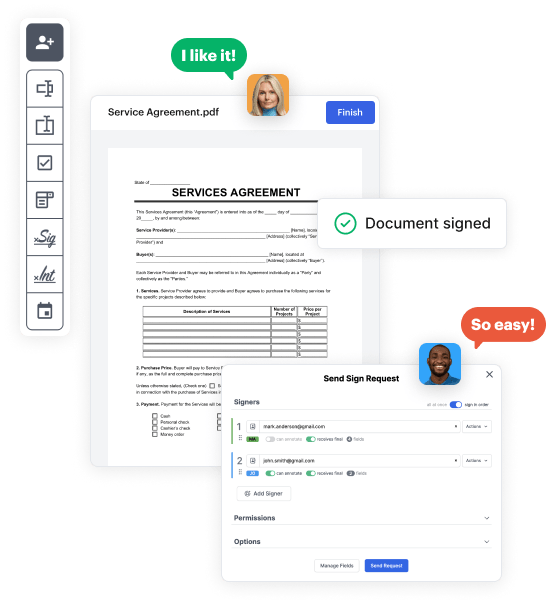
Use the top toolbar to insert fields like text and signature boxes, radio buttons, checkboxes, and more. Assign users to fields.
03. Distribute your form
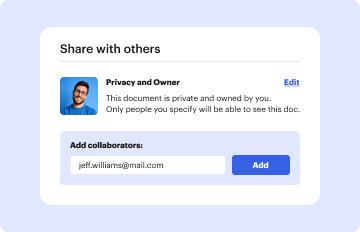
Share your Child Support Legal Document in seconds via email or a link. You can also download it, export it, or print it out.

Create your Child Support Legal Document in a matter of minutes

Form edit decoration

Step 1: Access DocHub to build your Child Support Legal Document.

Begin signining into your DocHub account. Try out the pro DocHub functionality at no cost for 30 days.

Step 2: Navigate to the dashboard.

Once signed in, head to the DocHub dashboard. This is where you'll create your forms and handle your document workflow.

Step 3: Create the Child Support Legal Document.

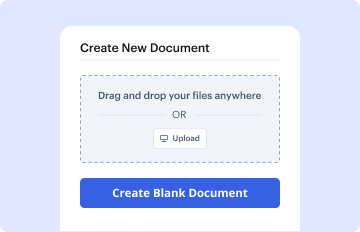
Click on New Document and choose Create Blank Document to be taken to the form builder.

Step 4: Set up the form layout.

Use the DocHub toolset to add and configure form fields like text areas, signature boxes, images, and others to your document.

Step 5: Insert text and titles.

Include necessary text, such as questions or instructions, using the text field to guide the users in your document.

Step 6: Customize field settings.

Modify the properties of each field, such as making them mandatory or formatting them according to the data you expect to collect. Assign recipients if applicable.

Step 7: Review and save.

After you’ve managed to design the Child Support Legal Document, make a final review of your document. Then, save the form within DocHub, transfer it to your selected location, or distribute it via a link or email.


be ready to get more

Build your Child Support Legal Document in minutes

Start creating now

Got questions?

We have answers to the most popular questions from our customers. If you can't find an answer to your question, please contact us.
Contact us
Download the Child Support Application (Form LDSS-3433) from the New York State Child Support website. Complete the form, attach all required documents, and mail it to the appropriate Child Support Office. Regardless of the filing method chosen, accurately complete the Child Support Application (Form LDSS-3433).
If you filed the petition, someone other than you must serve the papers to the other party. This individual must be over the age of 18 years old and cannot be a party to the case (e.g., a child). If you prefer, you can also hire either a Process Server or the New York City Sheriffs Office to serve the papers.
In New York State, a child is entitled to be supported by his or her parents until the age of 21. However, if the child is under 21 years of age, and is married, or self-supporting, or in the military, the child is considered to be emancipated and the parents support obligation ends.
The affidavit typically includes information such as the parents relationship with the child, their ability to provide for the childs physical and emotional needs, the childs educational and medical history, and any other relevant information that may be helpful to the court in making a custody decision.
If you did not send in the documents, bring them with you on your court date: Completed Income and Expense Declaration (FL-150) - . Three most recent paystubs. Most recent copy of your tax returns. Child care verification, including receipts (if applicable); and.
be ready to get more

Build your Child Support Legal Document in minutes

Start creating now

Related Q&A to Child Support Legal Document

Filing a Child Support Case Child support cases are usually started in Family Court in the county where the child lives. There is no filing fee in Family Court. After a child support petition is filed, the other side must be served a summons, the petition, and the financial disclosure form.
The parties may hire lawyers to represent them or may speak for themselves without a lawyer. Where a party cannot afford to hire one, the court will assign a lawyer at no cost, only when it is alleged that there has been a violation of the order and a party is in danger of going to jail.
Visit the Family Court where your court order was issued and complete a Support Petition for Modification form (also known as form 4-11). Call the Family Court where your child support order was issued and they will mail you the Support Petition for Modification form. Fill it out and mail it back.

Additional resources on building your forms


