
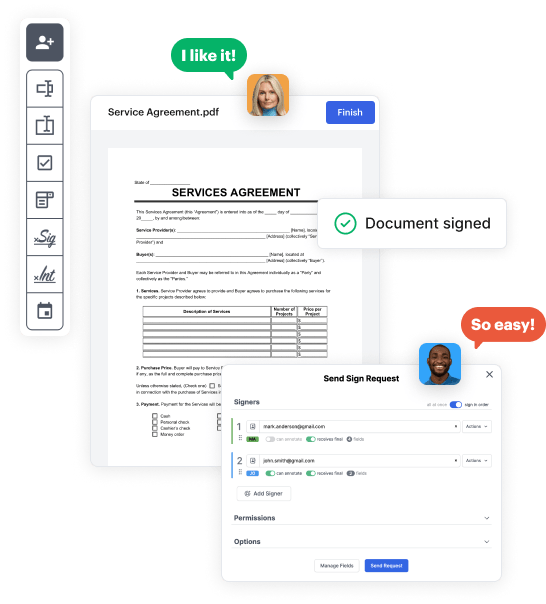
Create your Non profit printable Donation Form from scratch

Start Building Now
Title decoration

Here's how it works

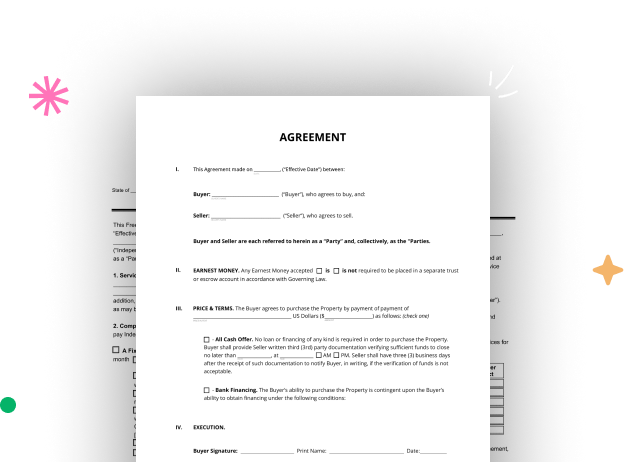
01. Start with a blank Non profit printable Donation Form
Open the blank document in the editor, set the document view, and add extra pages if applicable.
02. Add and configure fillable fields
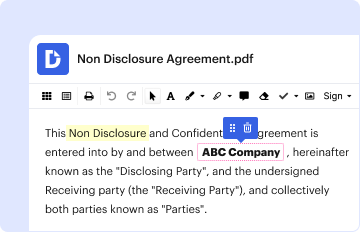
Use the top toolbar to insert fields like text and signature boxes, radio buttons, checkboxes, and more. Assign users to fields.
03. Distribute your form
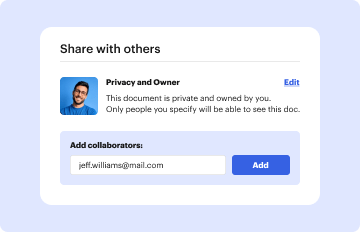
Share your Non profit printable Donation Form in seconds via email or a link. You can also download it, export it, or print it out.

A brief guide on how to create a polished Non profit printable Donation Form

Form edit decoration

Step 1: Sign in to DocHub to begin creating your Non profit printable Donation Form.

First, sign in to your DocHub account. If you don't have one, you can easily register for free.

Step 2: Navigate to the dashboard.

Once you’re in, navigate to your dashboard. This is your main hub for all document-focused tasks.

Step 3: Launch new document creation.

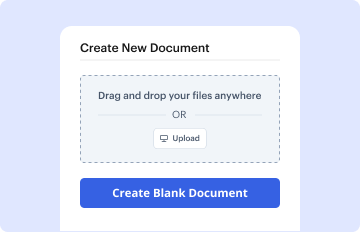
In your dashboard, hit New Document in the upper left corner. Select Create Blank Document to create the Non profit printable Donation Form from the ground up.

Step 4: Add form fillable areas.

Place various items like text boxes, images, signature fields, and other fields to your form and assign these fields to specific recipients as necessary.

Step 5: Customize your document.

Refine your template by inserting walkthroughs or any other crucial details utilizing the text tool.

Step 6: Review and adjust the document.

Attentively examine your created Non profit printable Donation Form for any errors or required adjustments. Leverage DocHub's editing features to enhance your document.

Step 7: Distribute or download the document.

After finalizing, save your work. You can select to keep it within DocHub, export it to various storage options, or forward it via a link or email.


be ready to get more

Build your Non profit printable Donation Form in minutes

Start creating now

Got questions?

We have answers to the most popular questions from our customers. If you can't find an answer to your question, please contact us.
Contact us
To create a professional donation receipt, make sure that the receipt of the donation includes all vital details, including: Name and contact details of the donor. Name of the non-profit organisation. Receipt number and donation date. Donation type, amount, and purpose. Signature of entities involved.
How to Set Up a Donation Page for Fundraising Success in 8 Steps Create an interesting fundraiser title. Write a meaningful fundraiser story. Choose the best types of photos and videos for your fundraiser. Pick the right fundraising goal. Share your fundraiser to get more donations. Thank your supporters. How to Set Up a Donation Page for Fundraising Success in 8 Steps GoFundMe blog set-up-donation-page GoFundMe blog set-up-donation-page
7 Pro Tips to Build a Charitable Donation Form that Works Include suitable donation amounts. Share how gifts are used. Dont ask too many questions. Add recurring donation intervals. Use branding. Add multiple payment options. Test your donation form before sharing it with donors. Charitable Donation Forms Pro Tips with Free Template Donorbox nonprofit-blog charitable-don Donorbox nonprofit-blog charitable-don
How to Create a Donation Page Spin Up Your Donation Page and Its Form. Enable Recurring Giving. Add Your Copy. Choose Your Visuals. Set Up Your Donation Forms Fields. Add Suggested Donation Amounts. Update Your Confirmation Page. Test Your Donation Page.
How to Create Tax-Compliant Donation Receipts Name of the organization. Donors name. Recorded date of the donation. Amount of cash contribution or fair market value of in-kind goods and services. Organizations 501(c)(3) status.
be ready to get more

Build your Non profit printable Donation Form in minutes

Start creating now

Related Q&A to Non profit printable Donation Form

5 Steps to Set Up a Donation Page for Your Nonprofit Step 1: Sign Up with Donorbox (for Free!) and Connect Your Payment Processor. Step 2: Create a Campaign and Your Donation Page. Step 3: Customize the Donation Form. Step 4: Customize Your Email Receipt to Donors. How to Set Up a Donation Page for Nonprofit Fundraising Success Donorbox nonprofit-blog create-a-donatio Donorbox nonprofit-blog create-a-donatio
How to Create Tax-Compliant Donation Receipts Name of the organization. Donors name. Recorded date of the donation. Amount of cash contribution or fair market value of in-kind goods and services. Organizations 501(c)(3) status. Nonprofit How-to: Creating a Donation Receipt - Classy Classy blog creating-a-donation-receipt Classy blog creating-a-donation-receipt
There are four different ways you can make a Gift Aid declaration for donations: Tick the Gift Aid box when you donate. Print our editable Gift Aid declaration and post it to us at FREEPOST RED CROSS. Fill in our online Gift Aid form. Call 0300 456 1155 to make a declaration over the phone.

Additional resources on building your forms