
Create your Privacy policy Canada Form from scratch

Start Building Now
Title decoration

Here's how it works

01. Start with a blank Privacy policy Canada Form
Open the blank document in the editor, set the document view, and add extra pages if applicable.
02. Add and configure fillable fields
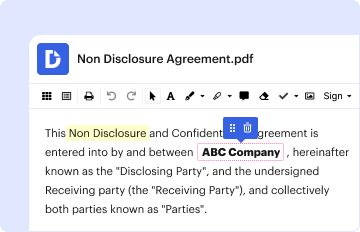
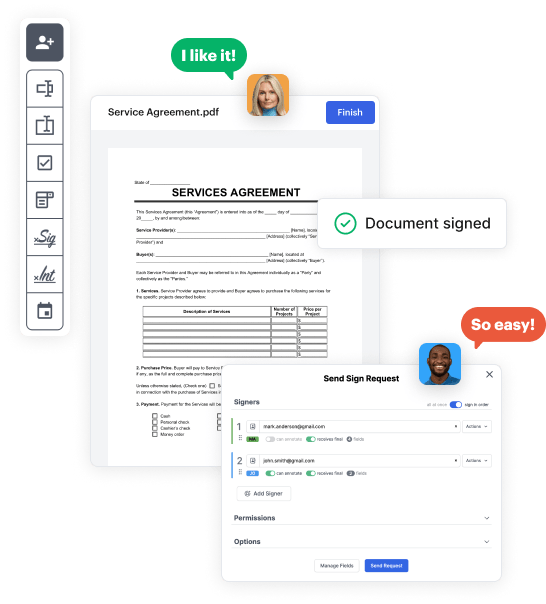
Use the top toolbar to insert fields like text and signature boxes, radio buttons, checkboxes, and more. Assign users to fields.
03. Distribute your form
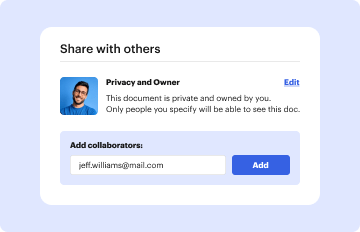
Share your Privacy policy Canada Form in seconds via email or a link. You can also download it, export it, or print it out.

Create your Privacy policy Canada Form in a matter of minutes

Form edit decoration

Step 1: Access DocHub to set up your Privacy policy Canada Form.

Begin by accessing your DocHub account. Explore the pro DocHub functionality free for 30 days.

Step 2: Go to the dashboard.

Once logged in, go to the DocHub dashboard. This is where you'll create your forms and manage your document workflow.

Step 3: Create the Privacy policy Canada Form.

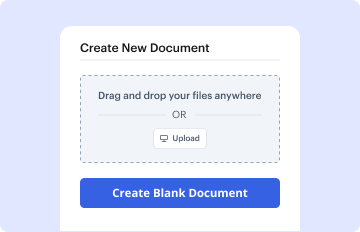
Hit New Document and select Create Blank Document to be redirected to the form builder.

Step 4: Design the form layout.

Use the DocHub tools to add and configure form fields like text areas, signature boxes, images, and others to your document.

Step 5: Add text and titles.

Add needed text, such as questions or instructions, using the text field to lead the users in your document.

Step 6: Customize field properties.

Adjust the properties of each field, such as making them compulsory or arranging them according to the data you plan to collect. Assign recipients if applicable.

Step 7: Review and save.

After you’ve managed to design the Privacy policy Canada Form, make a final review of your document. Then, save the form within DocHub, transfer it to your preferred location, or share it via a link or email.


be ready to get more

Build your Privacy policy Canada Form in minutes

Start creating now

Got questions?

We have answers to the most popular questions from our customers. If you can't find an answer to your question, please contact us.
Contact us
Yes, you can write your own privacy policy. You dont need to hire a lawyer to write a policy for your website or app using a privacy policy template will help you include all the clauses necessary to explain your data-handling practices to users.
How to write a privacy policy? Include your business name and contact information. Mention what type of information you collect. Explain how and why you collect data. Describe how users can opt-out. Mention if user data is shared with third-parties. Specify how long you will retain user data.
2. What does the GDPR require for a Privacy Policy? Your Privacy Policy must be written in clear, easy to understand language. You must include your legal basis for processing personal information. You must disclose the GDPR-granted user rights. You must let users know how long you retain their personal information for.
Personal information shall not be used or disclosed for purposes other than those for which it was collected, except with the consent of the individual or as required by law. Personal information shall be retained only as long as necessary for the fulfilment of those purposes.
Building a Privacy Policy Keep it simple. Review other privacy policies. Collect only what you need. Be open about when personal information may be disclosed. Tell customers when information will be stored outside of Canada. Be open about how you safeguard information.
be ready to get more

Build your Privacy policy Canada Form in minutes

Start creating now

Related Q&A to Privacy policy Canada Form

In order to write a Privacy Policy that complies with Canadian privacy regulations, you will need to make sure that it contains specific clauses, including: What kind of information you collect and how you collect it. What you do with the information you collect. How you keep the information you collect safe.
How to write a privacy notice and what goes in it your full contact details; the types of personal data you collect; where you got peoples data from, if it wasnt from them; why you have peoples information and what youre doing with it; your lawful basis and your legitimate interests where relevant;
Examples of Useful Clauses for Your Privacy Policy What information is collected and how. How is the information used. How is the information stored and protected. Company contact information. Use of cookies, log files and tracking. How a user can opt out of data collection/usage.
Yes, the Free Privacy Policy Generator is free to use. We provide free policies for websites and apps. You can choose to get our premium professional Privacy Policy that includes more provisions clauses to better protect your business, website or app.
There are certain requirements for crafting a GDPR-compliant privacy policy apart from the standard clauses: It must be easy to understand and clearly written. It must include your legal basis for processing personal data. It must disclose GDPR data subject rights.

Additional resources on building your forms


