
Create your N 600 certificate of citizenship Application Form from scratch
Start Building Now




Here's how it works
Build N 600 certificate of citizenship Application Form from the ground up with these detailed guidelines
Step 1: Start off by launching DocHub.
Start by creating a free DocHub account using any offered sign-up method. If you already have one, simply log in.
Step 2: Sign up for a 30-day free trial.
Try out the complete suite of DocHub's pro features by registering for a free 30-day trial of the Pro plan and proceed to build your N 600 certificate of citizenship Application Form.
Step 3: Add a new empty document.
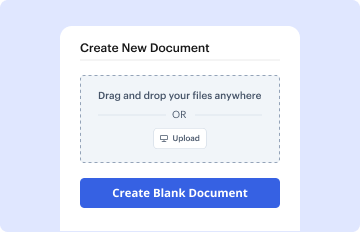
In your dashboard, select the New Document button > scroll down and hit Create Blank Document. You’ll be taken to the editor.
Step 4: Organize the document’s view.
Utilize the Page Controls icon marked by the arrow to toggle between two page views and layouts for more flexibility.
Step 5: Start adding fields to design the dynamic N 600 certificate of citizenship Application Form.
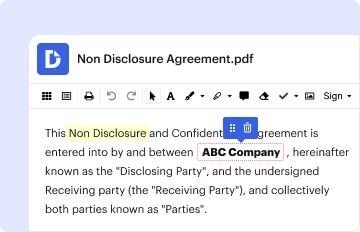
Navigate through the top toolbar to add document fields. Insert and configure text boxes, the signature block (if applicable), insert images, etc.
Step 6: Prepare and customize the incorporated fields.
Arrange the fillable areas you incorporated based on your preferred layout. Modify each field's size, font, and alignment to ensure the form is user-friendly and polished.
Step 7: Finalize and share your document.
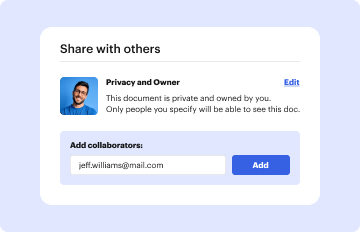
Save the ready-to-go copy in DocHub or in platforms like Google Drive or Dropbox, or create a new N 600 certificate of citizenship Application Form. Distribute your form via email or utilize a public link to engage with more people.
