
Get any PDF form from the DocHub library of ready-made templates - Page 279
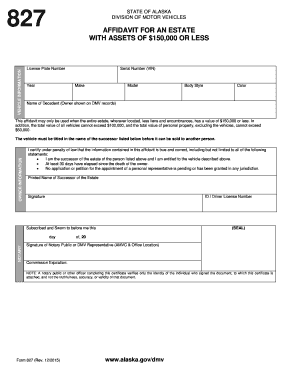
Downloadable vehicle appraisal form - amenitieskhachsan

Registering Your SnowmobileDepartment of Motor Vehicles

PDF Release of Driving Records-Personal Info Express Consent Forms

Driving record montana form

Affidavit of builder dmv 62 tr form

Wv dmv forms

Wv fuel sticker decal form 2020
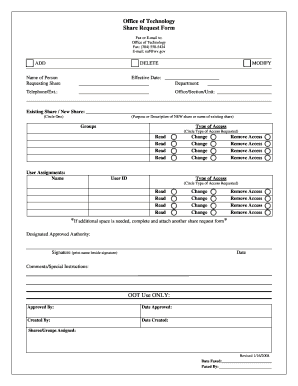
Naf wv gov
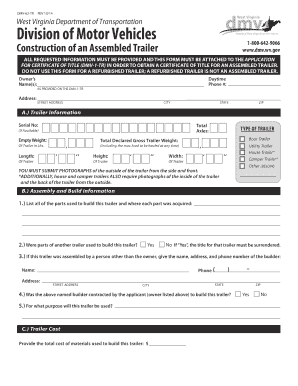
DMV-62-TR - transportation wv
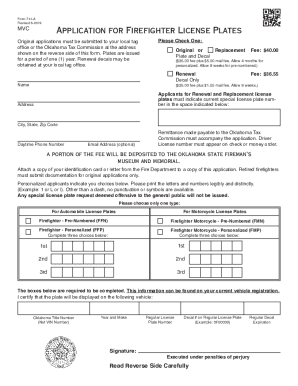
FIREFIGHTER PLATE APPLICATION - Iowa Fire Chiefs

Electronic meur odot construction

150-101-157 Form OR-SOA (Rev

Maine fuel sticker
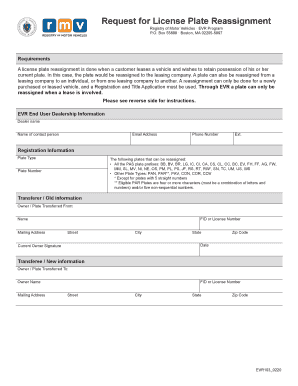
Plate reassignment form massachusetts
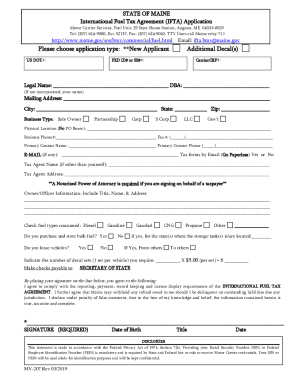
Maine fuel sticker

Massdot roadway work notification form

Plate reassignment
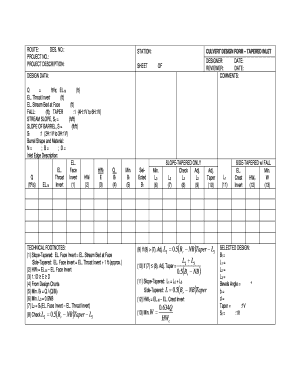
Culvert Design Form -- Tapered Inlet - in
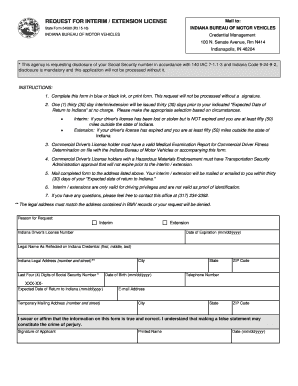
Request for interim extension license - Indiana State Forms - forms in
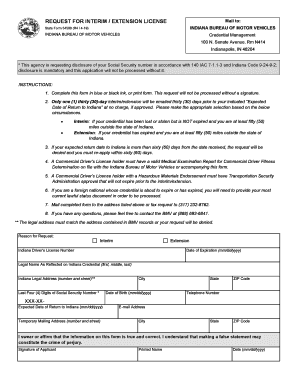
54580 doc

Kentucky uky accident report
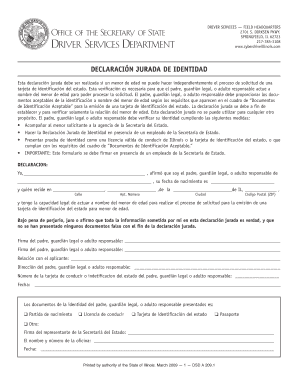
Jurada cyberdrive illinois
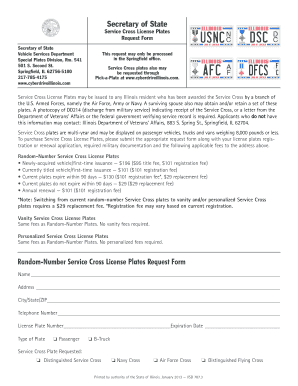
Illinois service cross

Illinois sample license template

Il traffic offenses state

Illinois vsd village
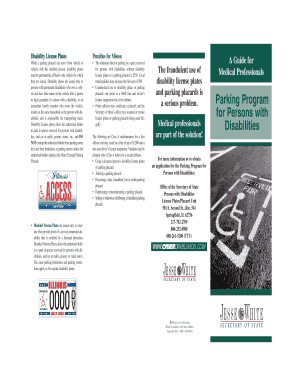
Illinois guide parking disabilities form
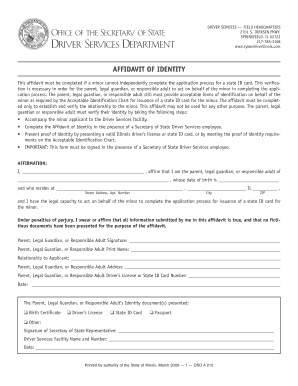
Il identity form
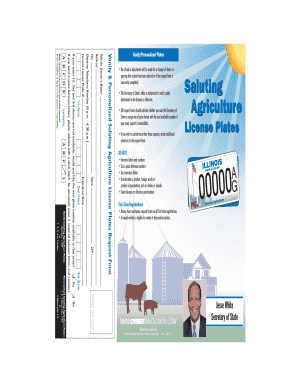
Illinois agriculture plates
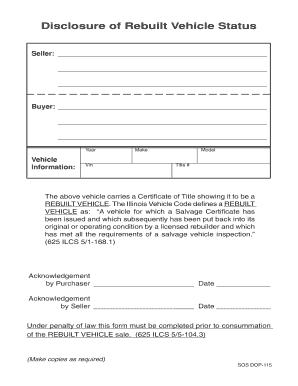
Illinois dop vehicle online

Illinois beneficiary affidavit form

Illinois signature form

Il office secretary departments form

2015 ID ITD 3203
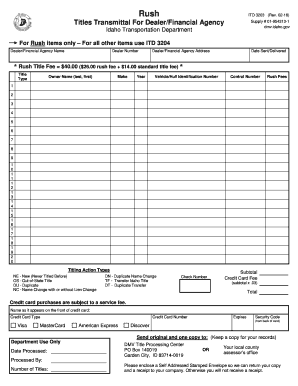
Idaho transmittal form

Georgia affidavit boat get

Ga used motor vehicle board form

Driver report accident

Florida hsmv77122 ridercoach personal form print

Floridian inspection form get
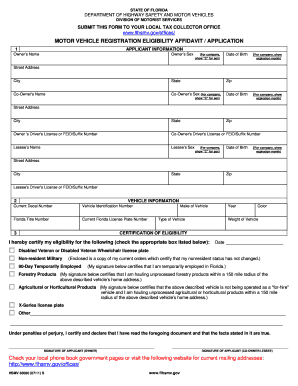
Feid suffix

Vehicle transfer affidavit format pdf
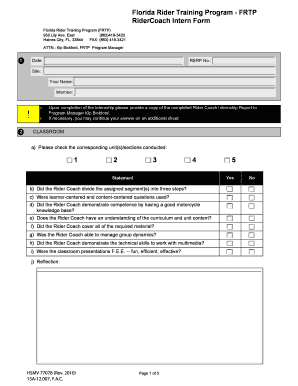
Florida ridercoach
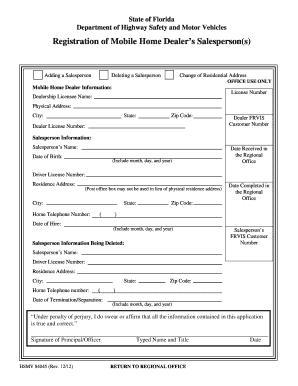
Hsmv 84045
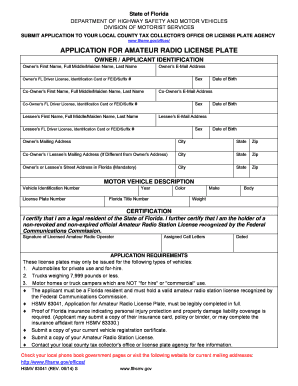
Florida application plate
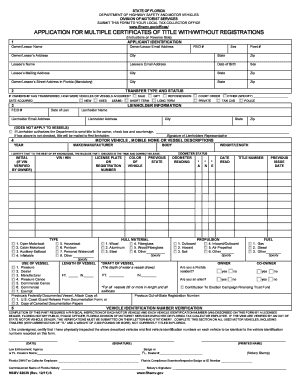
Hsmv 82039
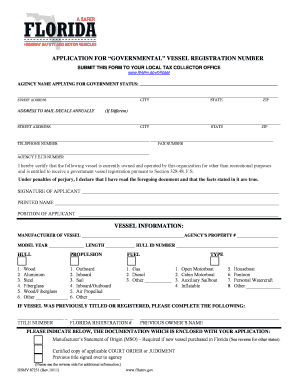
Florida governmental vessel registration

Florida authorization security form
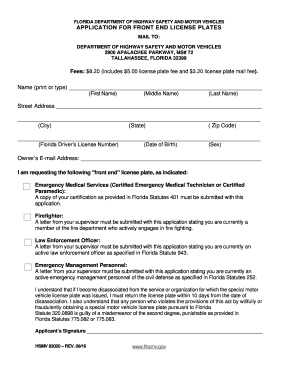
Fl end license

Florida driving commissioned

Florida permanent agency license plate
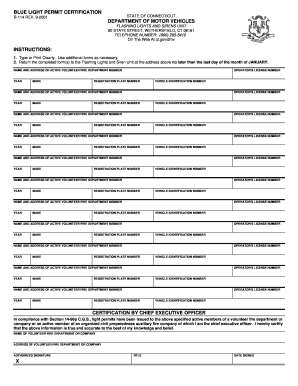
Ct r114
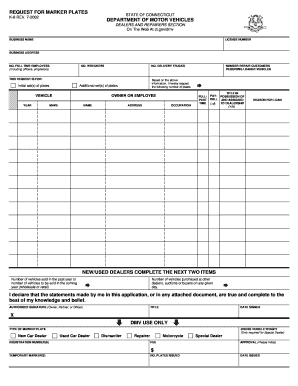
Connecticut k6 request plates form

Dc irp

Connecticut transportation vehicle form
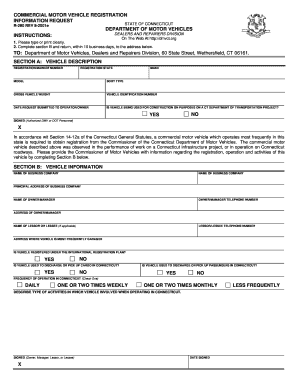
Connecticut registration commercial

Ct impoundment information record fill
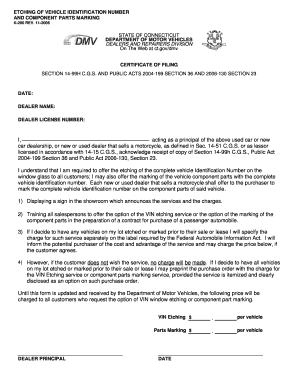
Connecticut k200 vehicle identification form fill

Ct flashing white headlamp form

K 26 form

Connecticut rment gov
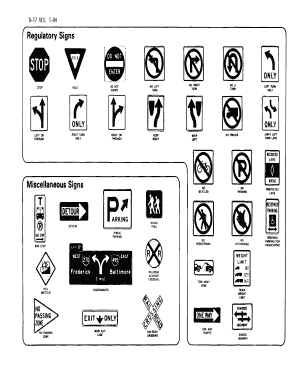
Connecticut road signs

Ct license fee active form printable
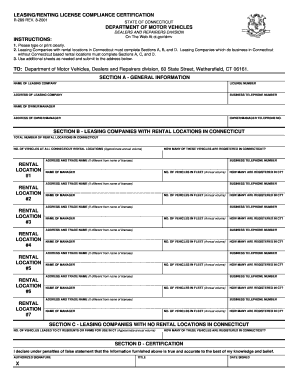
R 289 compliance certificate
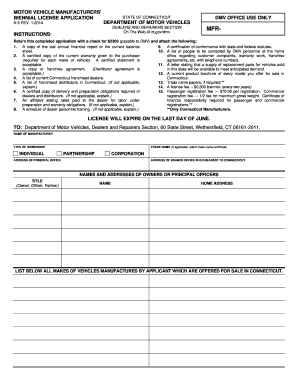
Ct motor application

Franchise notification form
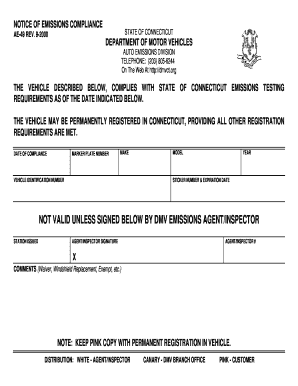
2000 ae49 emissions compliance

Fleet License Application - the State of Connecticut Website

Connecticut r 280 shool instructor download
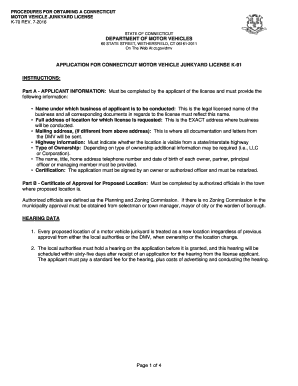
Ct procedures motor vehicle form
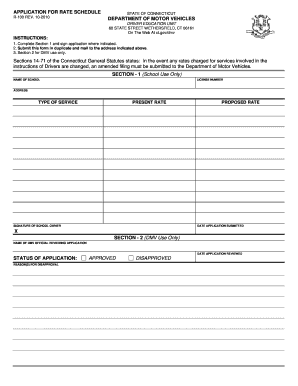
Ct rate schedule

Motor false ct online
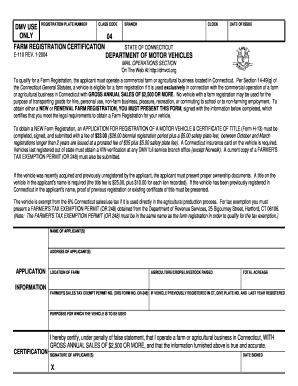
Connecticut farm registration

P 142d form

Ct no affidavit

Duplicate current driver license

Ct transporter registration

Law enforcement registration

Colorado dr2388 affidavit tax fill
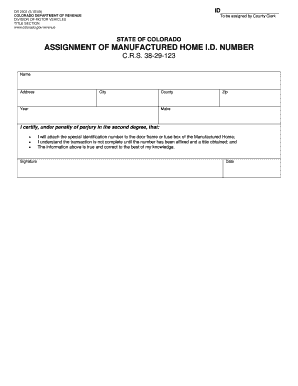
Co manuctured id number
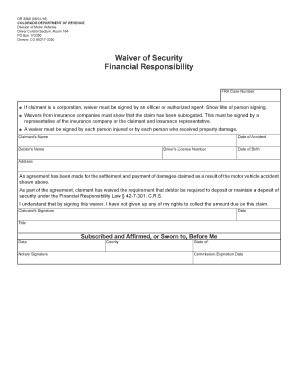
Waiver financial responsibility

Depot colorado revenue
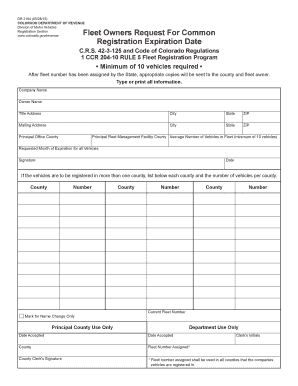
Colorado common registration online
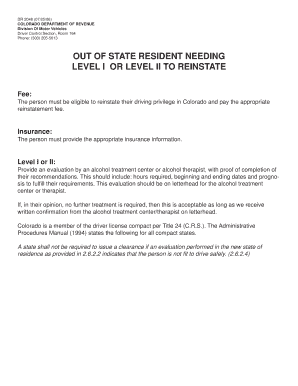
Colorado dr 2048
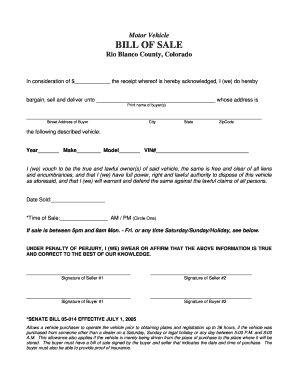
Colorado bill sale blanco

Colorado lieu bond

Ca in transit permit

Inf70

Method of testing cement treated base and - California Department - dot ca
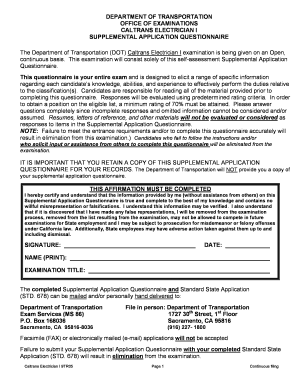
Supplemental Application for CT Electrician I - California - dot ca

PARKING ADMINISTRATION REQUEST FOR REVIEW
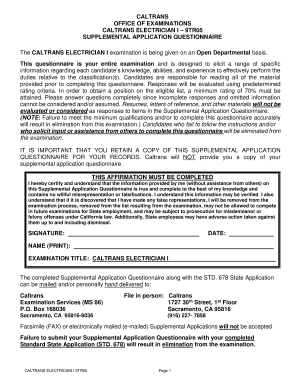
CALTRANS ELECTRICIAN I 9TR05

Arkansas license bass

Arkansas plate deer

Az statement
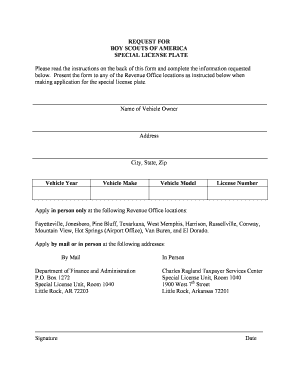
Request boy special
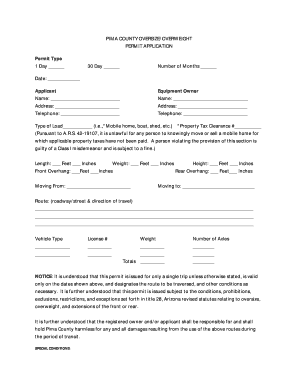
Pima overweight permit
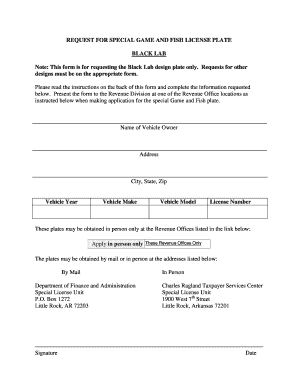
Arkansas license plate black lab

Arkansas fire fighter certification form fill

Arkansas license plate hummingbird
Benefit from the DocHub online library of fillable PDF forms
Searching the PDF forms doesn't have to be a tedious and time-consuming process. With the DocHub online library, it has become easier to find the fillable PDF forms and modify them in your browser. The service allows you to adjust the document to your needs using powerful editing tools.
You can use online document editing features to modify almost any type of document with ease. You just need to find the template of your choice, open it in the editor, and use the toolbar to make the necessary corrections.
Follow this guide to get your document done with DocHub:
- Find the PDF template you need.
- Click the Get Form button to open the file in the editor.
- Use the toolbar to fill out and edit the document.
- Easily add and highlight text, insert images, checkmarks, and symbols.
- Drop new fillable fields, and rearrange or delete pages from your file.
- Save changes and download your record.
DocHub empowers everyone to streamline document editing, signing, and distribution, and form completion. Create an account and benefit from our well-organized PDF Forms library and comprehensive editor.