
Get any PDF form from the DocHub library of ready-made templates - Page 1017
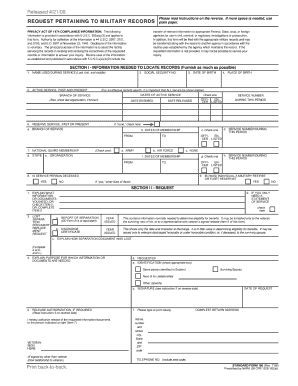
Sf180
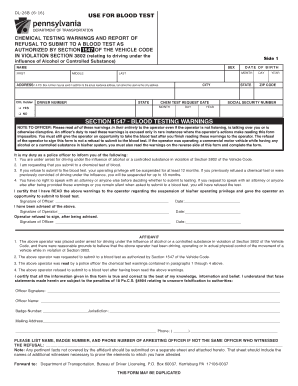
Dl 26 form
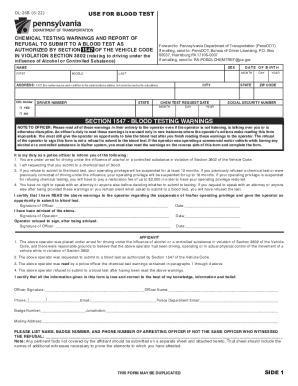
SECTION 1547 - BLOOD TESTING WARNINGS
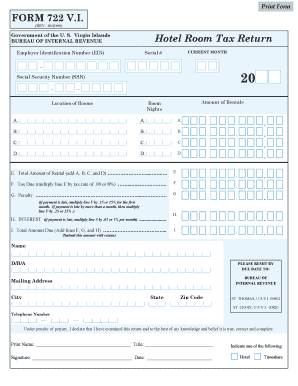
Form 722 vi 2009
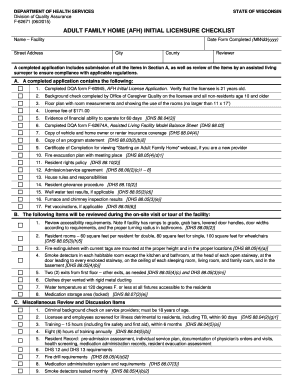
Adult Family Home Initial Licensure Checklist, F-62671 1100
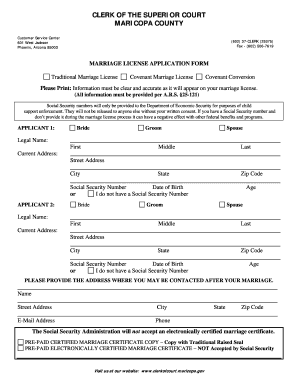
ML Application Form doc

Initial Completion Date:
Personal injury application - Connecticut Judicial Branch
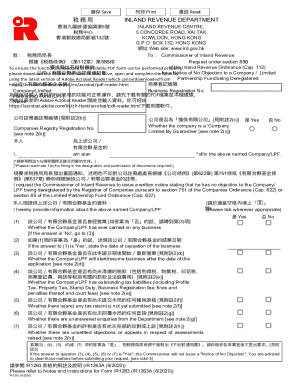
11288B Request under section 88B of the Inland Revenue Ordinance (Cap 112) for a Notice of No Object
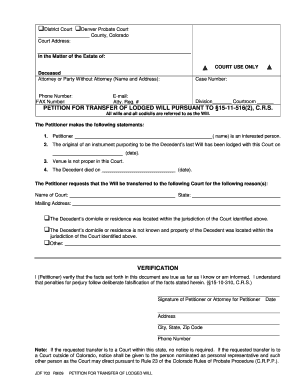
- courts state co
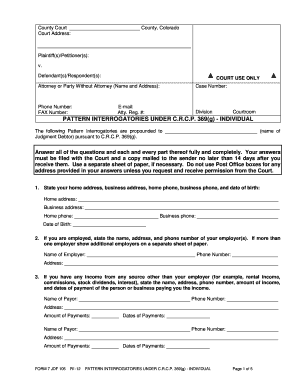
369(g) - INDIVIDUAL
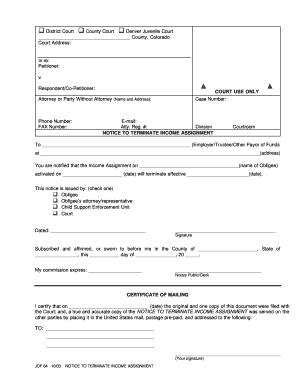
Income form
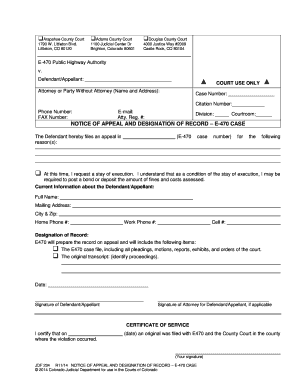
Designation record e 470
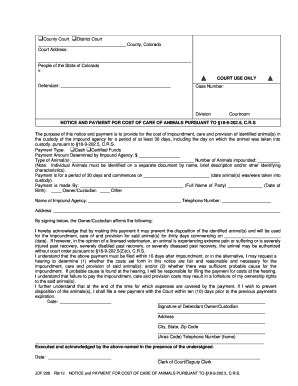
Civil Local Rules - United States District Court for the District of Colorado - courts state co
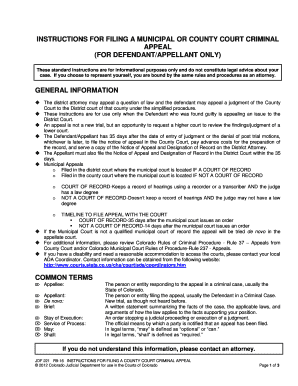
- courts state co
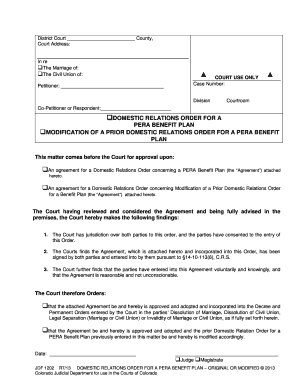
Jdf1202
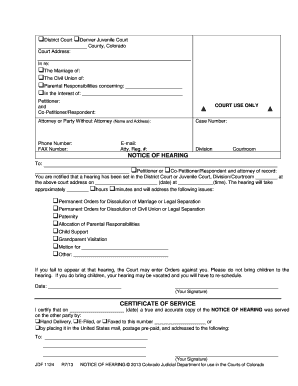
- courts state co
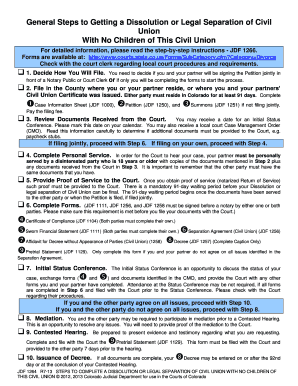
General Steps to Getting a Dissolution or Legal Separation of Civil
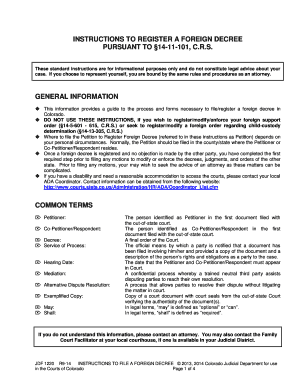
Jdf 1220
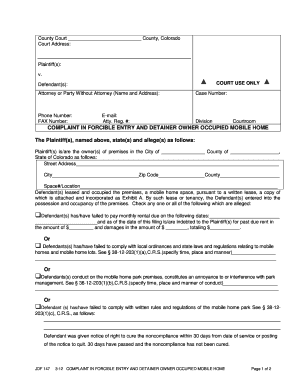
- courts state co
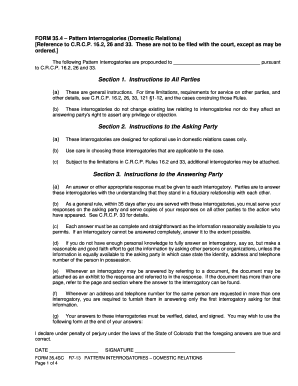
4 form
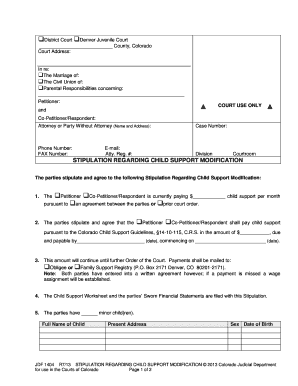
Colorado stipulation support
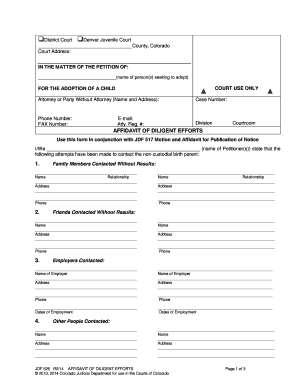
Jdf 526
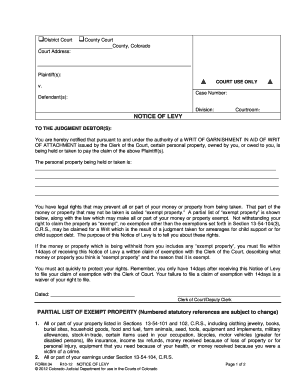
- courts state co

Rules of Practice for the Eighth Judicial District Court
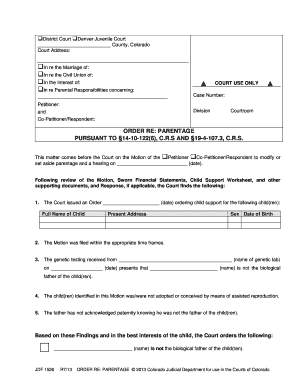
This matter comes before the Court on the Motion of the Petitioner Co-Petitioner Respondent to modif
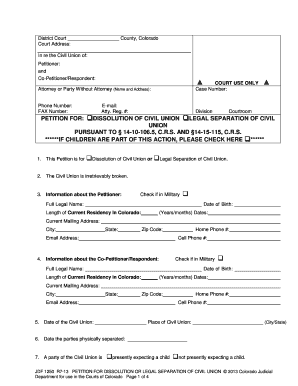
Colorado petition dissolution form

Colorado decree dissolution
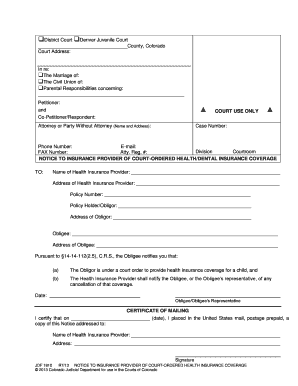
Notice provider court coverage
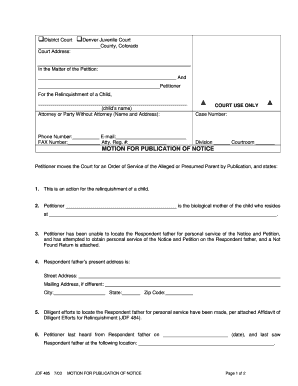
Jdf485

- courts state co
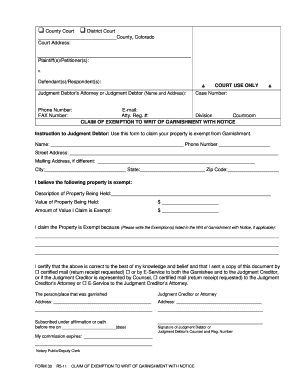
Exemption writ
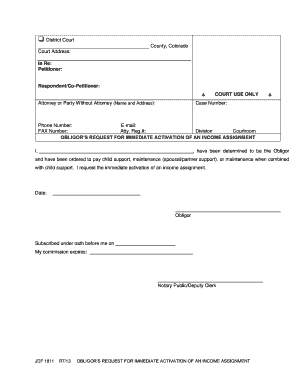
Jdf 1811
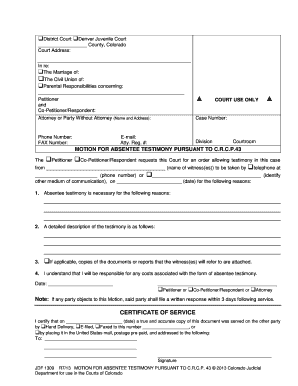
Jdf 1309
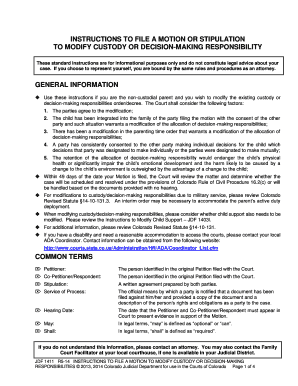
Instructions file motion making
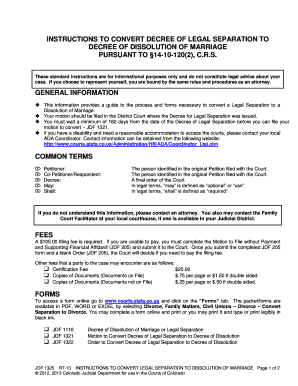
This information provides a guide to the process and forms necessary to convert a Legal Separation t

- courts state co
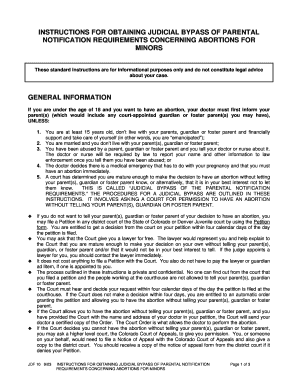
Jdf10

Download PDF - Colorado Judicial Branch - courts state co

Jdf 1301
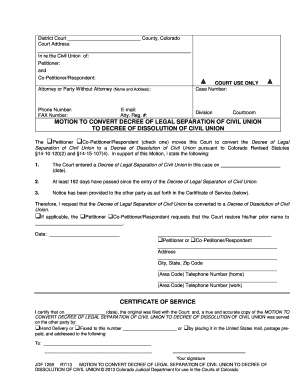
- courts state co
Palestine poland romania: Topics by WorldWideScience
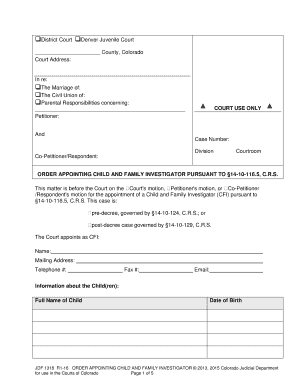
1318 form

- courts state co
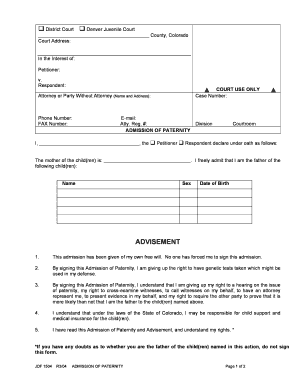
Ren notary colorado
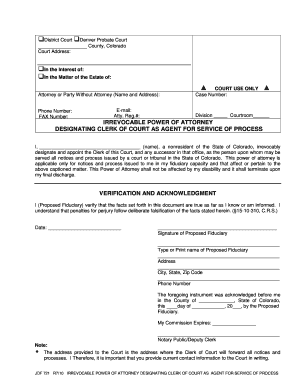
Jdf721
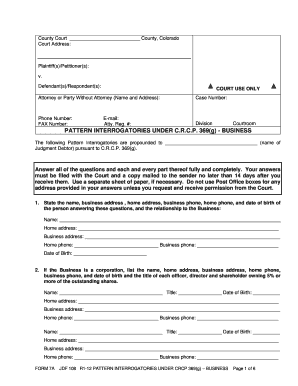
- courts state co
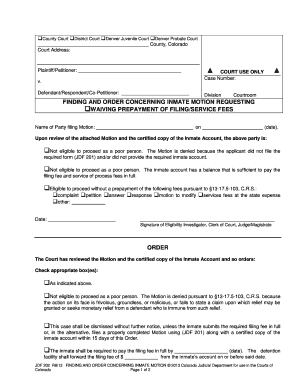
Lawrence Journal-World 04-30-14 by Lawrence Journal-World - Issuu

Co waiver service
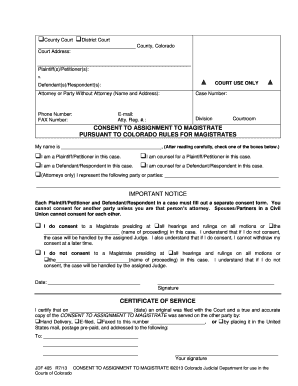
Colorado jdf405 form
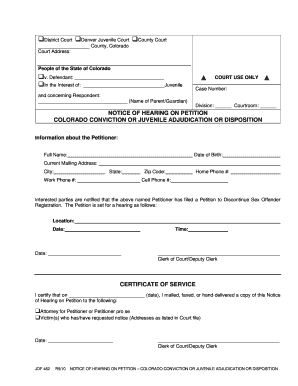
Jdf462 notice form get
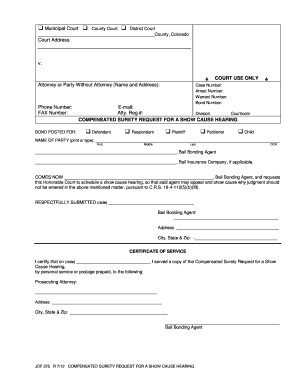
No Proof of Insurance - City of Boulder, Colorado - courts state co
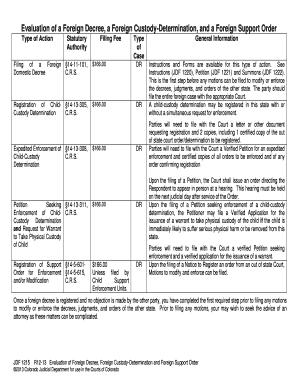
Jdf1215
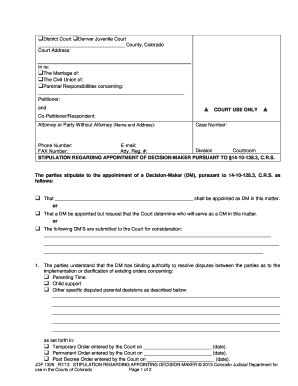
The parties stipulate to the appointment of a Decision-Maker (DM), pursuant to 14-10-128 - courts st
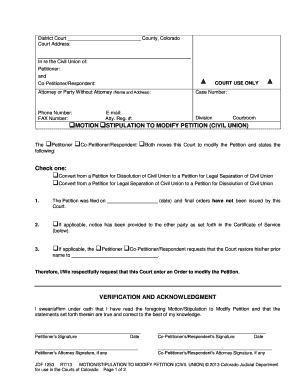
Moves this Court to modify the Petition and states the
Co jdf 499
- courts state co
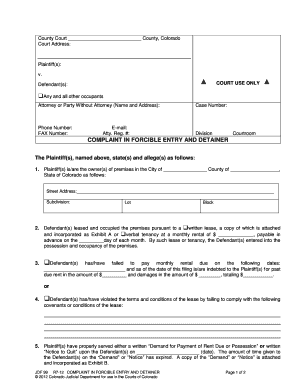
Colorado jdf 99 complaint
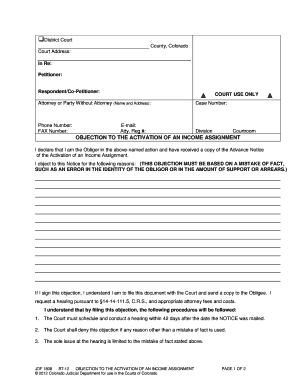
- courts state co
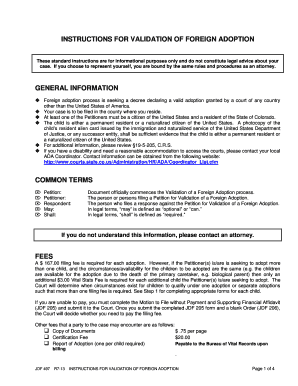
Colorado jdf497 form

Jointly or On Your Own
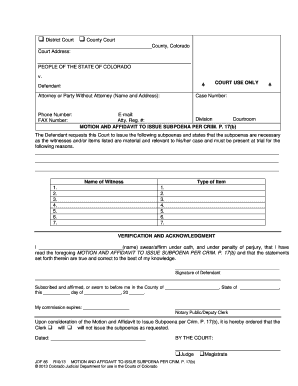
Co jdf 85
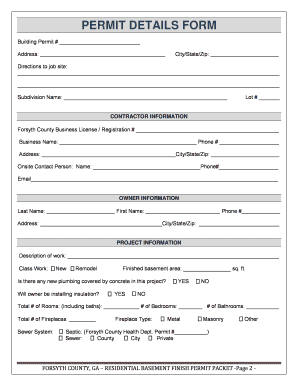
Forsyth basement permit
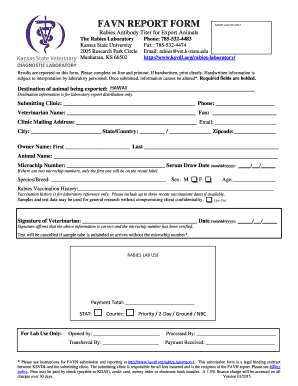
Favn report form
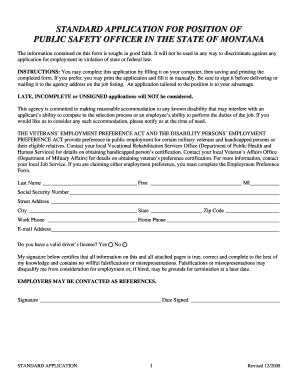
Standard Application for Position of Public Safety Officer in Montana

- schools nyc

Fl lee county transfer
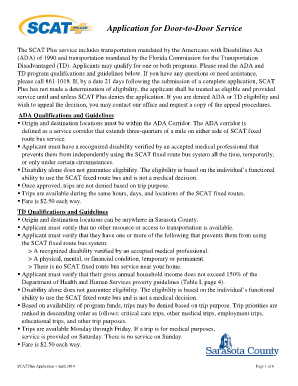
SCAT Plus Application - Sarasota County Government - scgov
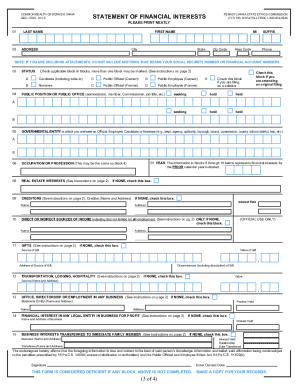
Statement of financial interest 2012 form

Identification texas template
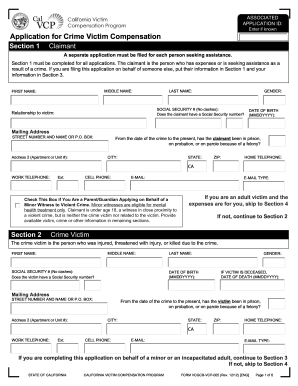
Vcgcb forms
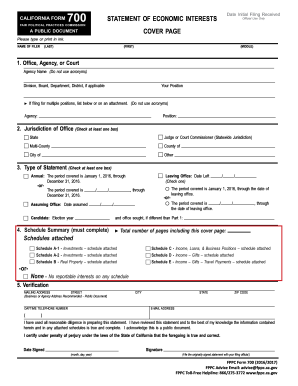
2016 form 700

A homeowner liens
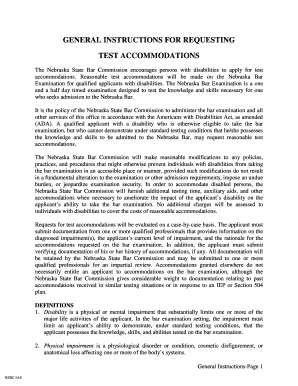
Nebraska 10 form
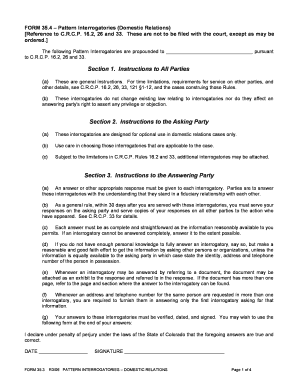
Crcp 162 26 33 121 2006 form
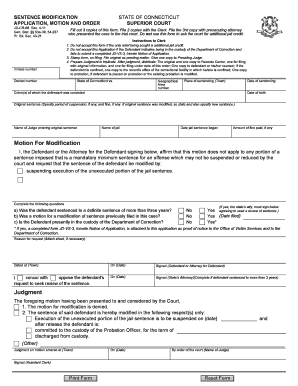
Sentence modification online form
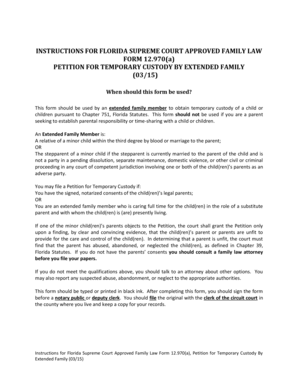
970(a) - flcourts
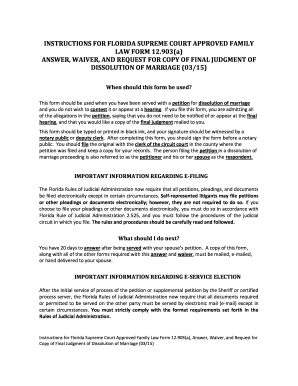
Form florida marriage 2015

Ventura county small claims forms

- courts ca
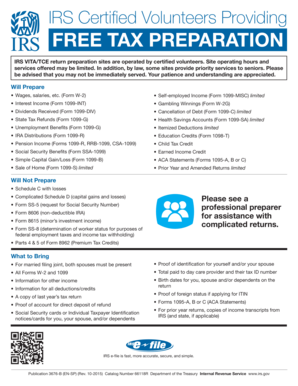
Publication 3676-B EN-SP Rev 10-2015 IRS Certified Volunteers Providing FREE TAX PREPARATION - irs
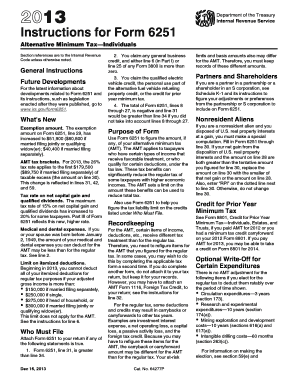
2013 form 6251

Form 8453 pe instructions

Federal form 1041 instructions
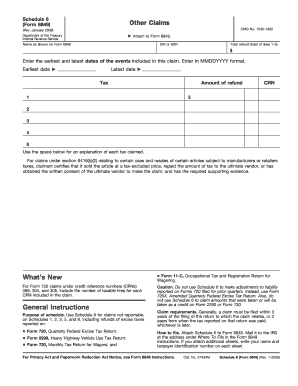
Form 8849 fillable
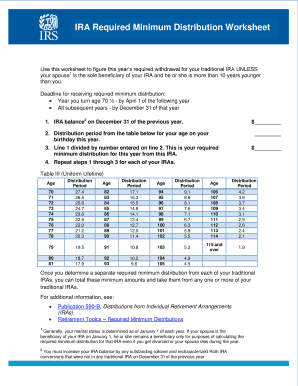
Irs required minimum distribution
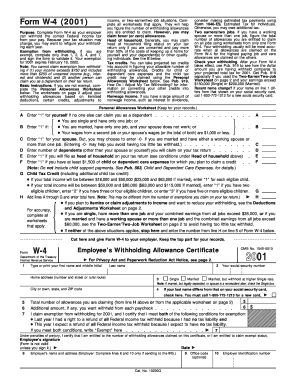
Form 2001

About Form 5695, Residential Energy CreditsInternal - IRS

Irs publication 3598
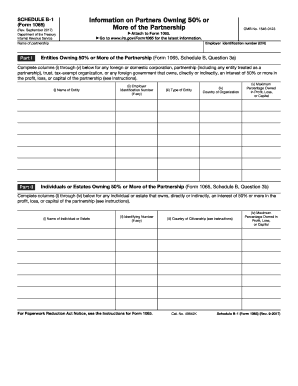
1065 schedule b 1 2018

8453 pe 2020
2016 Publication 505 Tax Withholding and Estimated Tax - irs

Irs
SOI Tax Stats - SOI BulletinsInternal Revenue Service
PDF Publication 1345 (Rev 4-2020) - Internal Revenue Service

2020 IRS Publication 1693
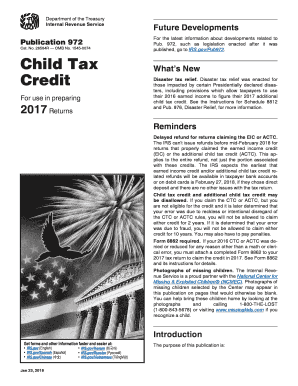
Publication 972 (2017), Child Tax Credit Internal - IRS

Earned income tax credit eitc irs publication 4194 form
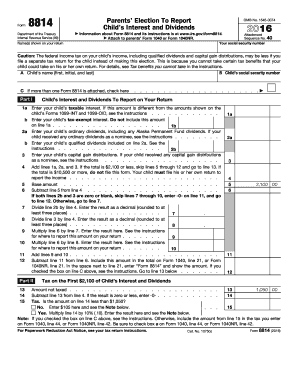
2016 Form 8814 Parents' Election To Report Child's Interest and Dividends - irs
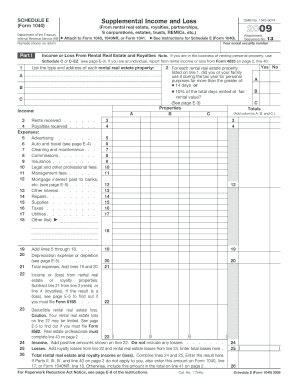
Schedule e form 2009
Benefit from the DocHub online library of fillable PDF forms
Searching the PDF forms doesn't have to be a tedious and time-consuming process. With the DocHub online library, it has become easier to find the fillable PDF forms and modify them in your browser. The service allows you to adjust the document to your needs using powerful editing tools.
You can use online document editing features to modify almost any type of document with ease. You just need to find the template of your choice, open it in the editor, and use the toolbar to make the necessary corrections.
Follow this guide to get your document done with DocHub:
- Find the PDF template you need.
- Click the Get Form button to open the file in the editor.
- Use the toolbar to fill out and edit the document.
- Easily add and highlight text, insert images, checkmarks, and symbols.
- Drop new fillable fields, and rearrange or delete pages from your file.
- Save changes and download your record.
DocHub empowers everyone to streamline document editing, signing, and distribution, and form completion. Create an account and benefit from our well-organized PDF Forms library and comprehensive editor.