Start using our platform today to streamline your document editing and ensure a smooth submission process!
| Versions | Form popularity | Fillable & printable |
|---|---|---|
| 2012 | 4.8 Satisfied (286 Votes) |
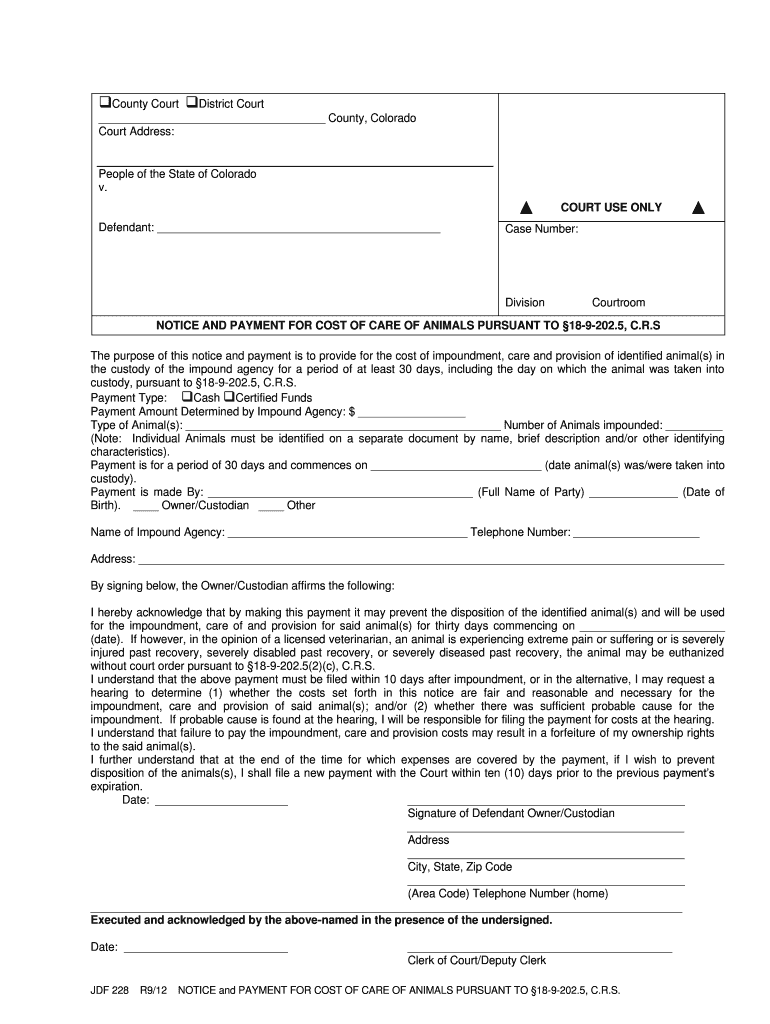
Yes, you can use DocHub for signing any business and private paperwork, including your Civil Local Rules - United States District Court for the District of Colorado - courts state co. All electronic signatures you create with our service are legally binding and court-admissible, as DocHub complies with criteria required by ESIGN and UETA. Save your completed document with a detailed Audit Trail if needed.
Document editing with DocHub is equally convenient on desktop and mobile devices. You only need an internet browser to revise your Civil Local Rules - United States District Court for the District of Colorado - courts state co on Android. Open our site and sign in to access the tools you need. Add your file and introduce your intended changes. Next, you can keep your form in your file storage or send it out instantly.
At DocHub, your data security is our priority. We follow HIPAA, SOC2, GDPR, and other standards, so you can work on your documents with confidence.
Learn more