




01. Edit your form online
Type text, add images, blackout confidential details, add comments, highlights and more.

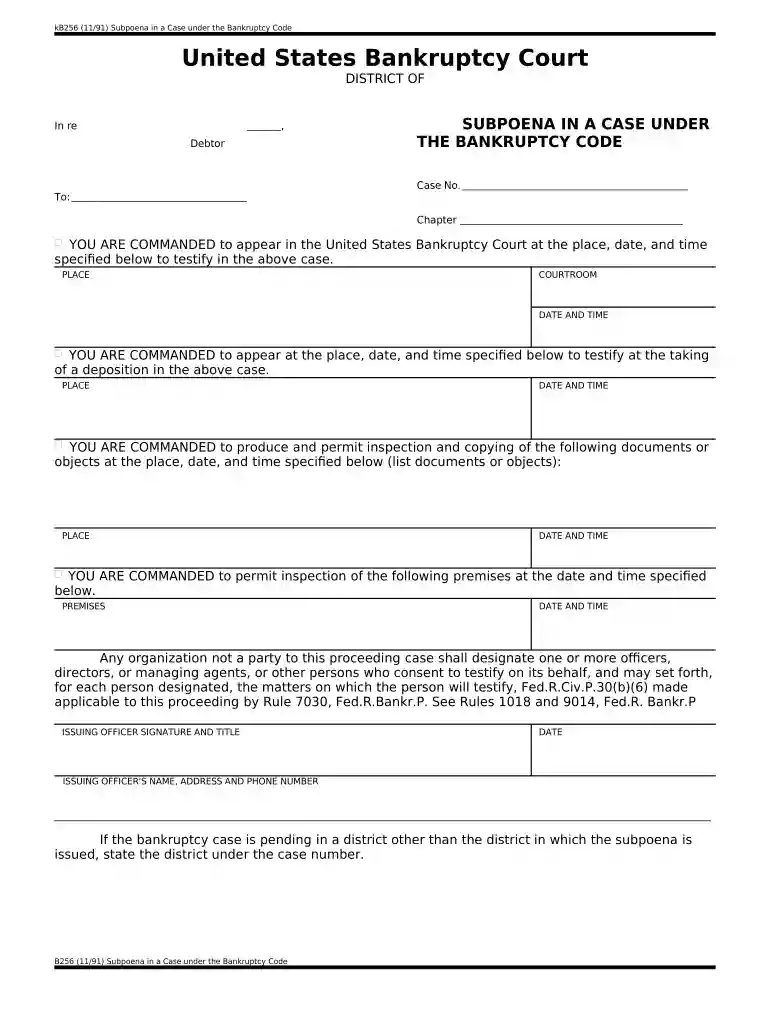
Type text, add images, blackout confidential details, add comments, highlights and more.

Draw your signature, type it, upload its image, or use your mobile device as a signature pad.

Send it via email, link, or fax. You can also download it, export it or print it out.

Start using our platform today to streamline your bankruptcy documentation process for free!
At DocHub, your data security is our priority. We follow HIPAA, SOC2, GDPR, and other standards, so you can work on your documents with confidence.




Under chapter 11, the debtor may seek an adjustment of debts, either by reducing the debt or by extending the time for repayment, or may seek a moreRead more
A case commenced under the Bankruptcy Act, [act July 1, 1898, ch. 541, 30 Stat. 544, as amended], and all matters and proceedings in or relating to any suchRead more
Lehman Brothers Holdings Inc. declared bankruptcy September 15, 2008. The filing marked the largest bankruptcy in U.S. history with $613 billion dollars of debtRead more


