
Pip Order Forms
Manage your order documents and explore Pip Order Forms. Keep confidential data safe with DocHub's data encryption and access controls.

Create a new Pip Order Form
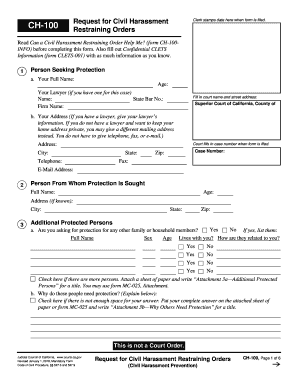
Restraining order
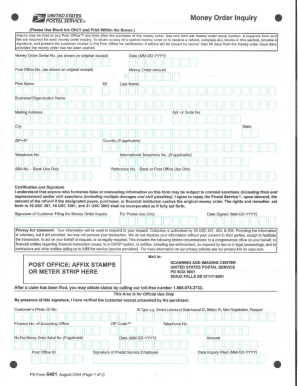
Ps form 6401
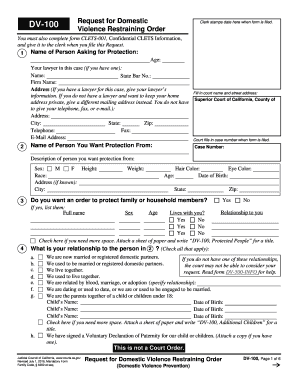
Restraining order california
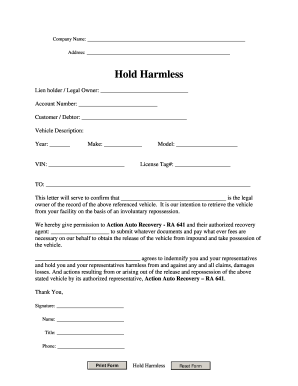
Repo order form
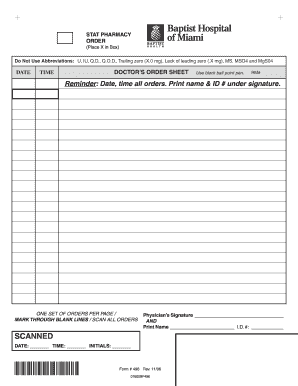
Blank physician order form

Temporary restraining order form 2012

Nj restraining order form
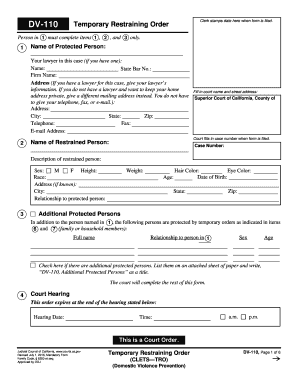
California restraining order form

Ca restraining order fresno
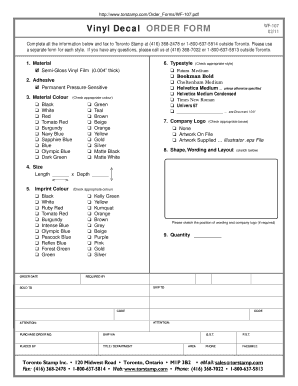
Decal order form template
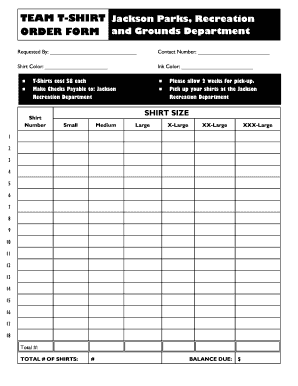
Editable t shirt order form
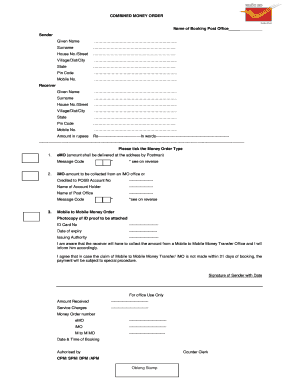
Money order form
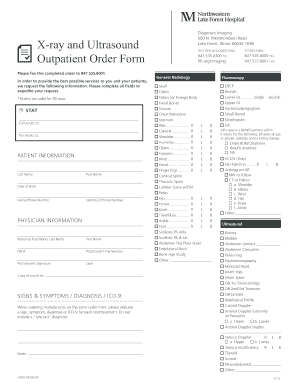
Hospital order forms
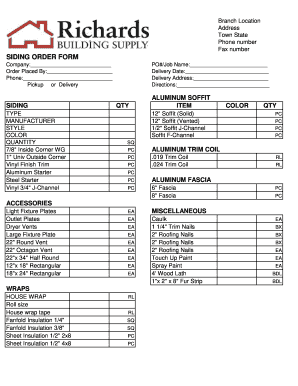
Siding order form
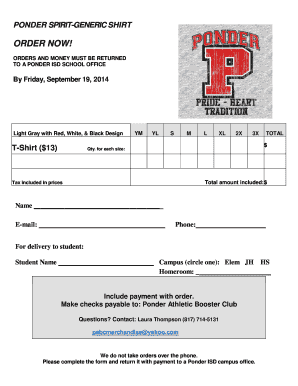
Tshirt order forms templates
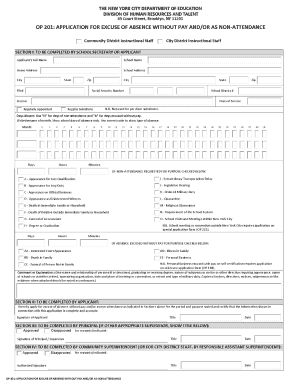
Nyc doe personal day request form
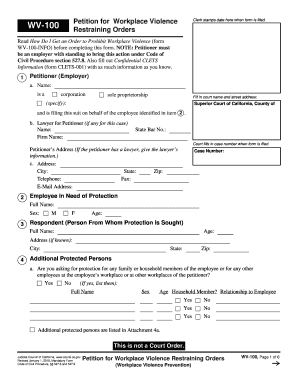
Form wv restraining

DV-200 Proof of Personal Service. Judicial Council forms

Pip form download pdf printable

Restraining order mn

Cmp m1 garand order form

Michigan personal protection order

Dsa 609: disability access inspection certifcate order form

CC 377, Petition for Personal Protection Order (Nondomestic)

T-Shirt and Hoodie Order Form - Dallas ISD - dallasisd
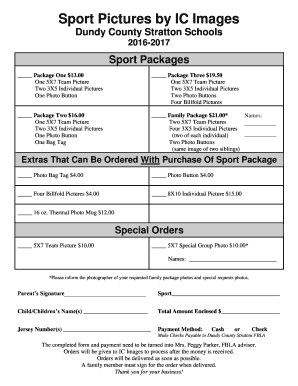
Sports photo packages order forms

Order forms nephrology for hospital
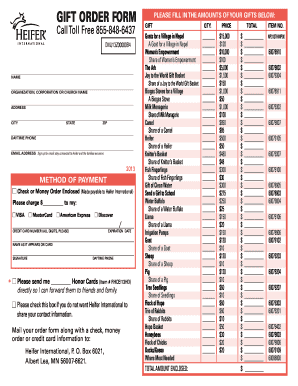
Heifer international printable order form

Sweatshirt order form template
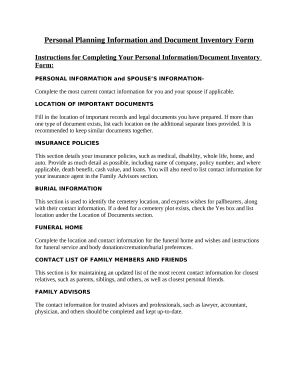
Personal information form template

Clothing request form
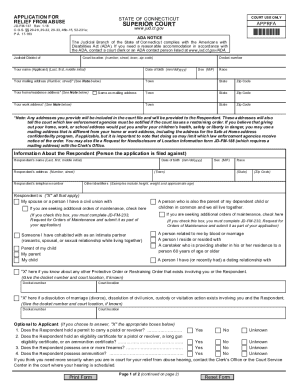
Restraining order forms ct
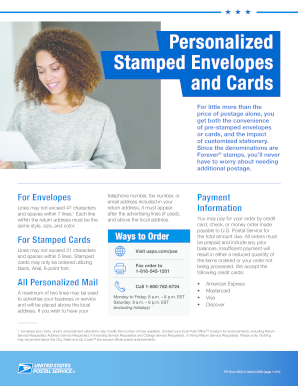
Stamp fulfillment services order form 2022
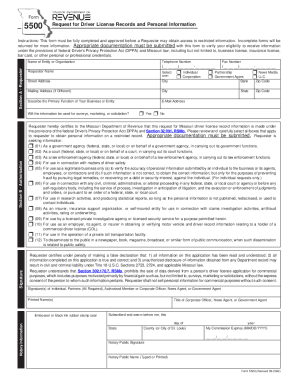
5500 - Request for Driver License Records and Personal Infomation

Elta md physician order form
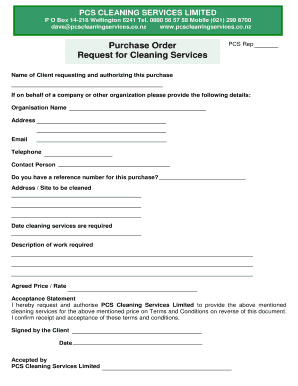
Purchase Order and Request for Cleaning Services
-
1
- 2
Get and manage Pip Order Forms online
Boost your document administration with the Pip Order Forms collection with ready-made form templates that meet your requirements. Get your form, alter it, complete it, and share it with your contributors without breaking a sweat. Begin working more effectively with your documents.
The best way to manage our Pip Order Forms:
- Open our Pip Order Forms and find the form you require.
- Preview your form to ensure it’s what you want, and click on Get Form to start working on it.
- Change, add new text, or highlight important information with DocHub features.
- Fill out your form and save the changes.
- Download or share your form with other recipients.
Explore all the possibilities for your online document administration using our Pip Order Forms. Get a totally free DocHub account today!
Video Guide on Pip Order Forms management

Commonly Asked Questions about Pip Order Forms
Can you complete PIP form online?
Apply online You can only apply for PIP online in some areas. Youll need to check your postcode when you start your application. To start your claim online youll need your: National Insurance number.
Does the PIP form have to be handwritten?
It is perfectly OK for you to type your answers and attach them as extra pages to the PIP2, just make sure that each page has your full name and NIN at the top and that they are numbered, we recommend page X of Y so that it is easy to see if pages are missing.
What are the 14 PIP questions?
The questions: Preparing Food. POINTS. DESCRIPTION. Taking Nutrition. POINTS. Managing therapy or monitoring a health. POINTS. Washing and bathing. POINTS. Managing toilet needs or incontinence. POINTS. Dressing and undressing. POINTS. Communicating verbally. POINTS. Reading and understanding signs, symbols and words. POINTS.
Can PIP forms be typed?
You dont have to write all of your answers on the form. You can write them on separate sheets. Or you can type your answers and print them off.
Where can I get PIP forms?
Contact the Department for Work and Pensions (DWP) and fill in the PIP1 form - they can do this for you over the phone. Fill in the How your disability affects you form - you can choose to get a paper form by post or get an email with a link to an online form.
Can you write to PIP?
If you want to apply by post Its quicker to apply by phone, but if that isnt possible you can write to the DWP and ask for a PIP1 form. Write to the PIP New Claims address. Youll need to tell them why you (or someone else) cant fill in the PIP1 form over the phone.
Can I print a PIP form online?
Send pip form via email, link, or fax. You can also download it, export it or print it out. Draw your signature, type it, upload its image, or use your mobile device as a signature pad.
How do I write a PIP form?
Include as much detail as possible. To qualify for PIP, you need to show that you need help with the activities on more than half the days in a year. Make it clear on the form how often you have problems with the activities. If your health changes, explain how often this happens and the effect it has on you.


