
Get any PDF form from the DocHub library of ready-made templates - Page 908
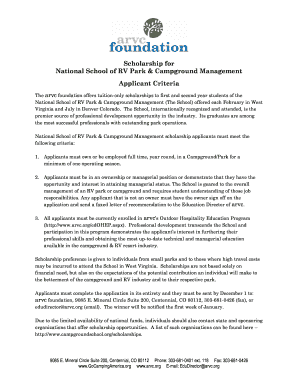
Application school students
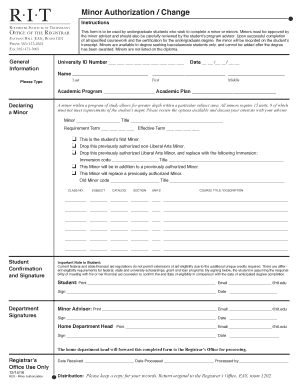
Rit minor authorization form
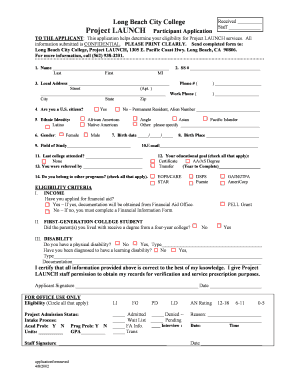
Project LAUNCH Participant Application - Long Beach City College - lbcc

Gateway to college el paso
Parent Guardian or Legal Authorized Representative
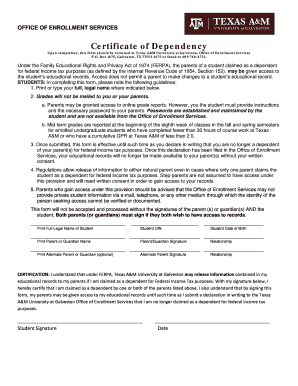
Certificate dependency
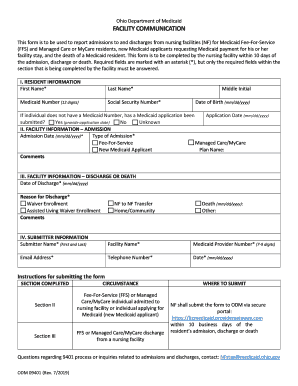
FACILITY COMMUNICATION
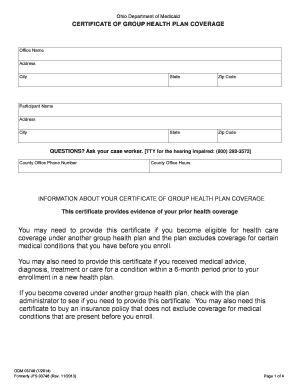
ODM03748 - Certificate of Group Plan Health Coverage - Ohio
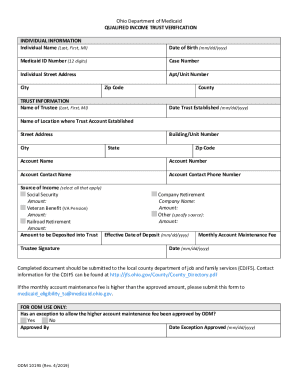
Ohio medicaid qualified income trust
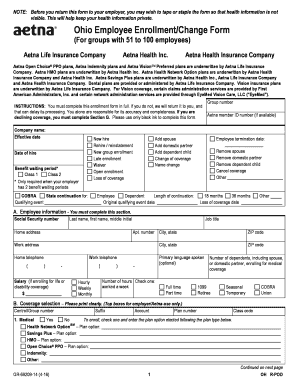
Ohio Employee Enrollment Change Form (For groups with - Aetna

Ohio asbestos
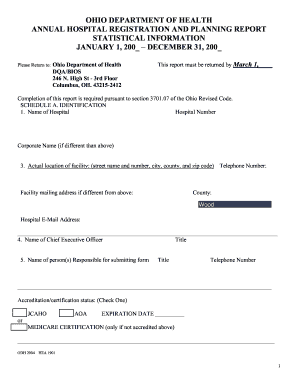
Ohio hospital registration

Fillable Online New York State - County Opioid Quarterly

Lirr insurance
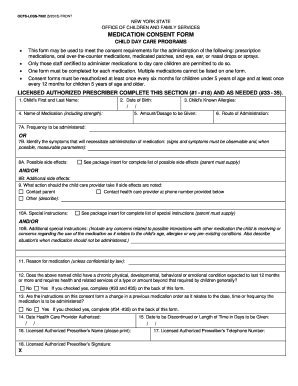
Ocfs ldss 7002

Nys ehs

Example of recovery care plan detox oasas

Family questionnaire medical

Dcf f cfs0962 adoption requests
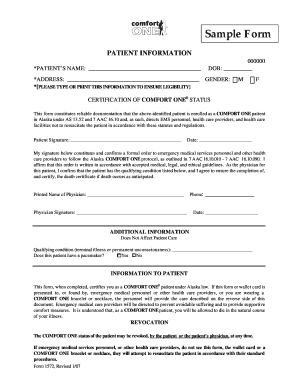
State of alaska do not resuscitate

Civilian process

Waystogive texaschildrens make-a-giftMake a Gift - Texas Children's Hospital
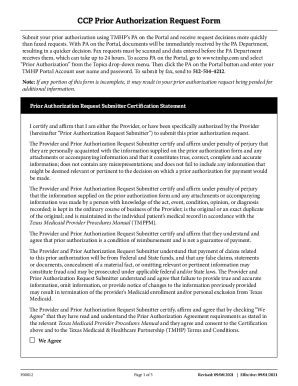
Texas authorization request form
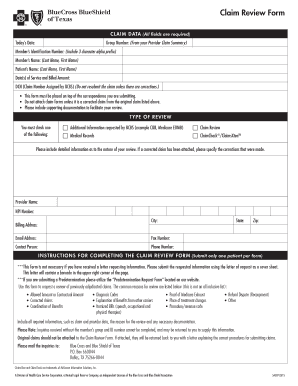
Bcbstx claim review form
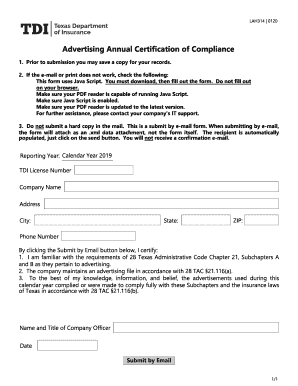
Advertising certification compliance

18886323862

Day Activity and Health Services (DAHS) - Form 3050

Supported Employment Employment Assistance Service Delivery Log Form 4117
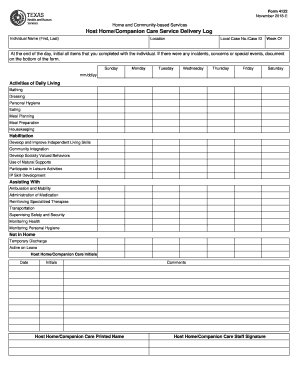
Form 4122

Pif provider form
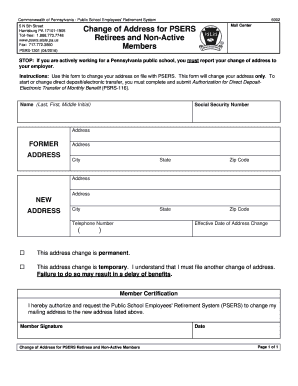
Address psers edit
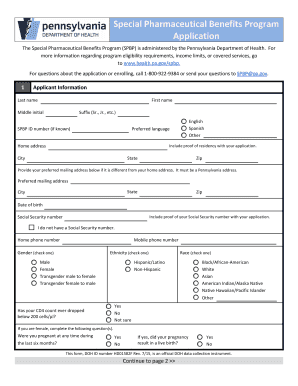
Pa benefits program application get

Placer ca DocumentCenterViewAPPLICATION FOR CERTIFIED COPY OF DEATH RECORD

Sierra-at-Tahoe Child Care Center Child Admission Form sierra-at-Tahoe Child Care Center Child Admis
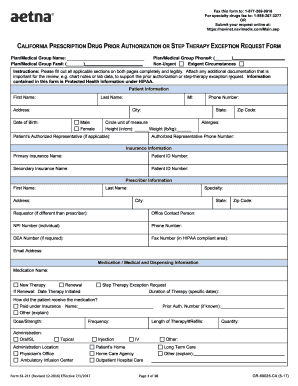
California form aetna
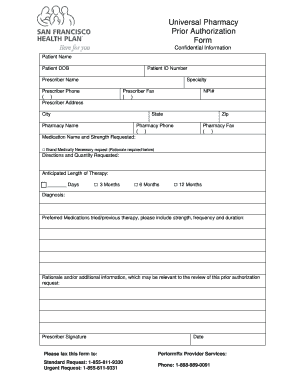
Prior Authorization Form General Request Form Fax
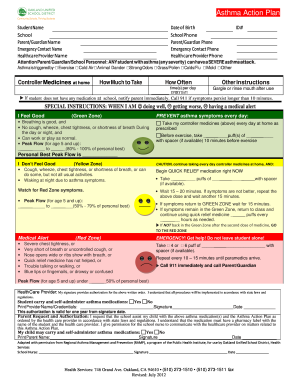
School asthma action plan pdf
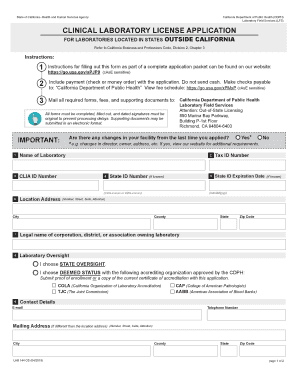
Lab 144a

Soc 847

Adobe file
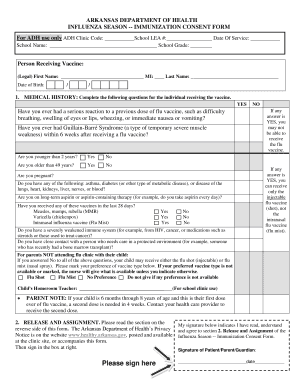
Immunization Consent Form - Cabot Public Schools
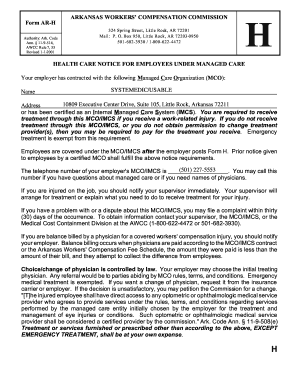
Ar notice

Work-Related Violence Research Project - US Department of
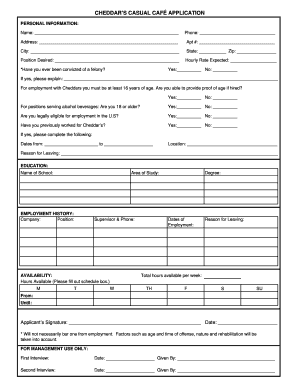
Resume form
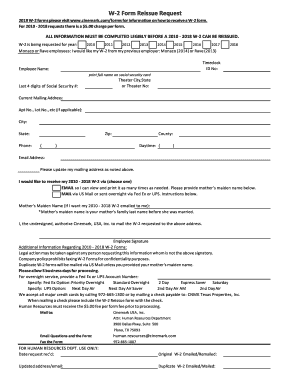
Cinemark w2 online
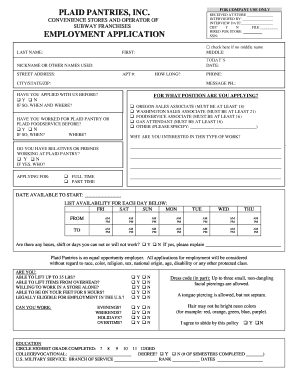
Plaid pantries application

Mr Pawn Job Application

Embs form
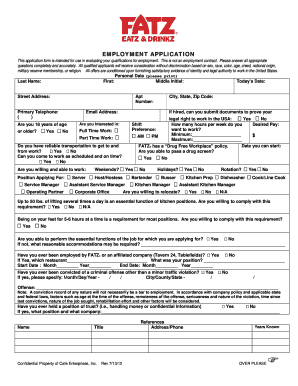
Fatz form fillable
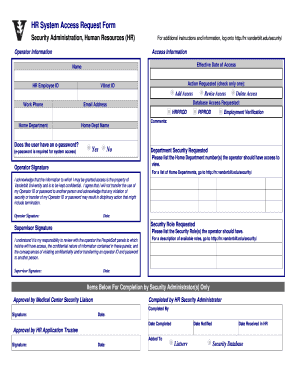
HR System Access Request Form - hr vanderbilt

Request information previous employer
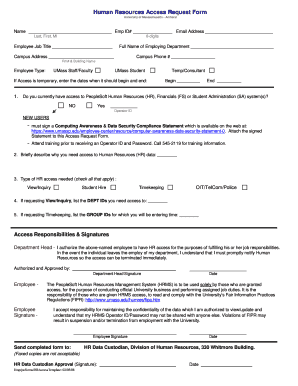
Hr access form
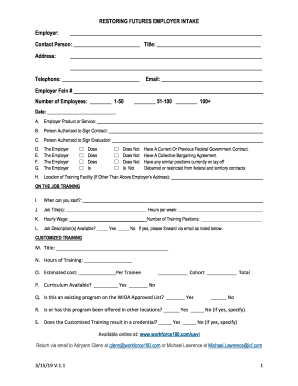
3 15 19 Employer Intake Form for public completion V2 1
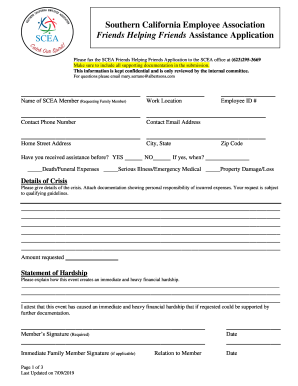
Fax the SCEA Friends Helping Friends Application to the SCEA NorCal office at (925) 467-2006
2 form reissue
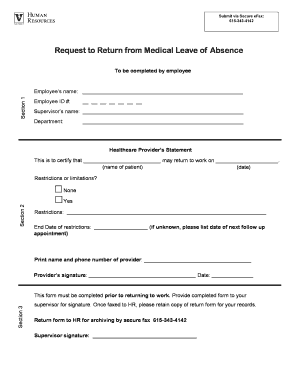
Return leave
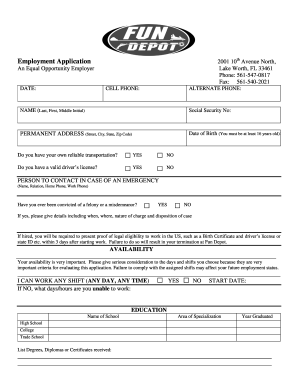
Fun depot

Riverside community college transcripts
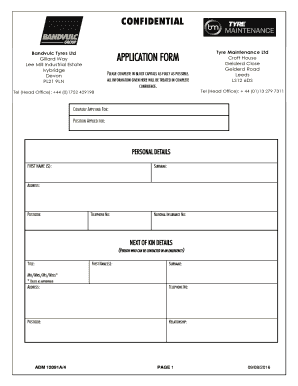
Lee Mill Industrial EstateCompanies and services on the

Camelback application
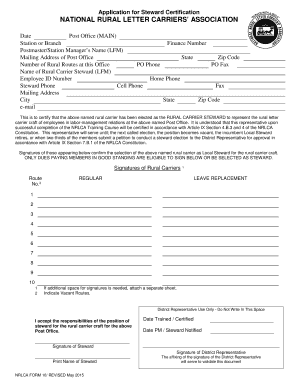
Nrlca national rural steward
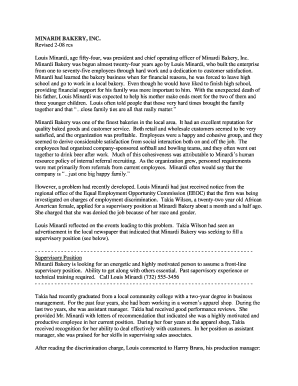
MINARDI BAKERY, INC Revised 2-08 rcs Louis Minardi, age fifty - andrews
Nef form
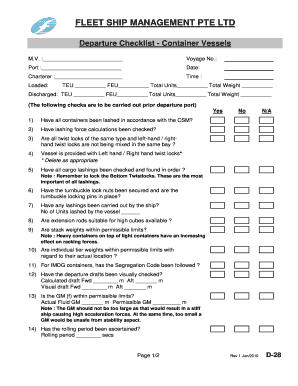
Departure checklist ship
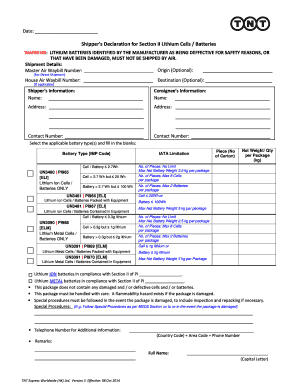
Lithium battery declaration form 2022
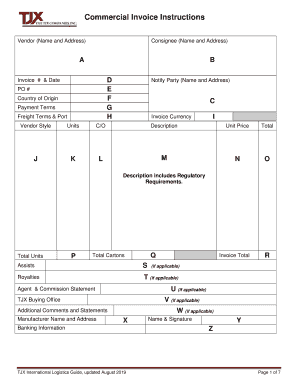
Tjx invoice
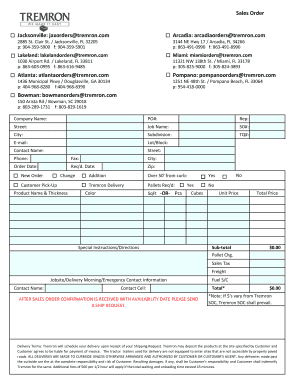
Tremron form
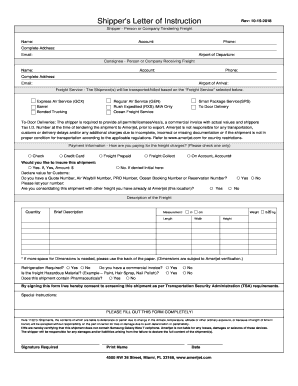
Ups shippers letter of instruction
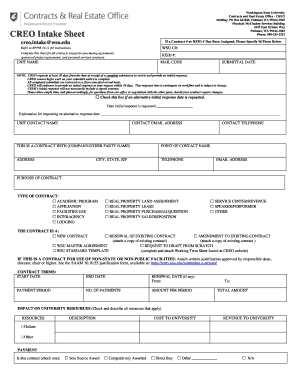
CREO Intake Sheet (CIS) - Washington State University
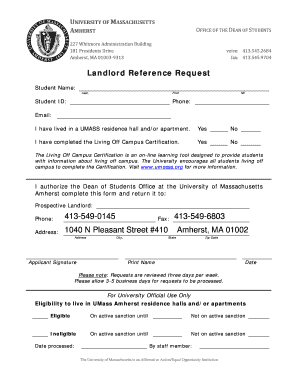
Landlord Reference Request Form - University of Massachusetts
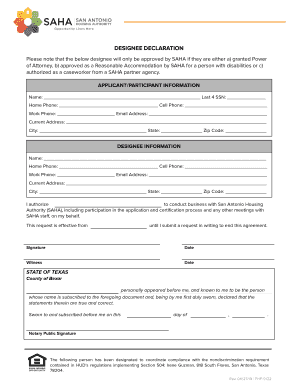
Designee declaration

Conditions terms
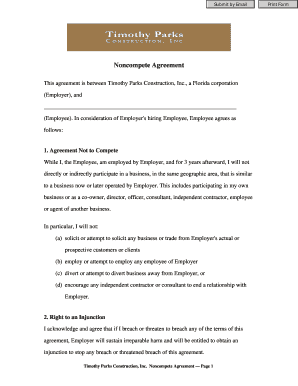
Noncompete Agreement
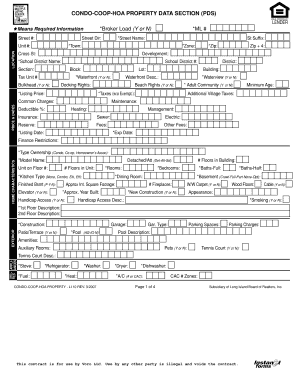
Section pds

Fillable Online hot of the ent A Snaps Endowm - DocHub
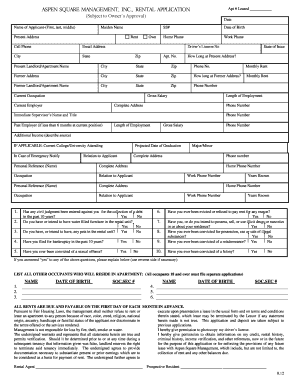
Aspen square application

Marathon County 4-H Enrollment Summary and Invoice
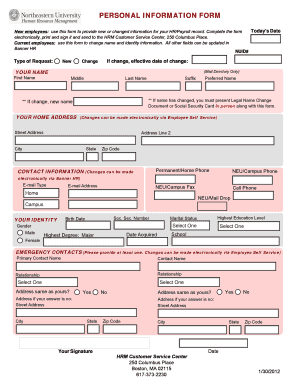
University personal form

Cgu transcript
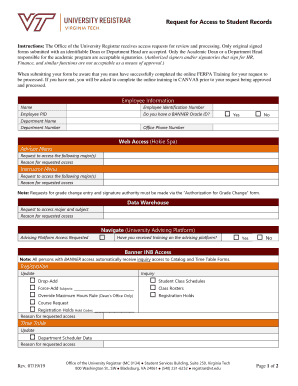
Access Your Grades & Transcripts at Shawnee State University
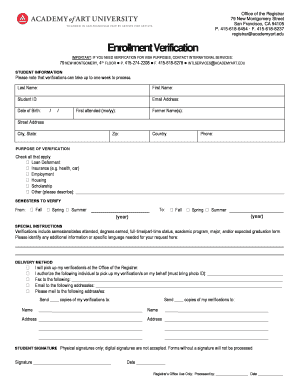
Enrollment Verification - Academy of Art University - my academyart

Miami dade north campus request for appeal committe action form

Masters progress
Authorized withdrawal form

Nacs desk copy request form
Common Application for Fellowship in Regional

OFF CAMPUS AGREEMENT FEDERAL WORK-STUDY PROGRAM UNIVERSITY OF

Rutgers diploma application form

Submission form genetic

Limited engagement
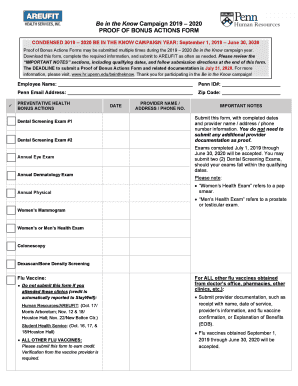
Proof bonus pdf

SERVICES FOR STUDENTS WITH DISABILITIES UNIVERSITY

Portland, Oregon 97203-5798

Uhs release information form

Office of the Registrar, MC 018
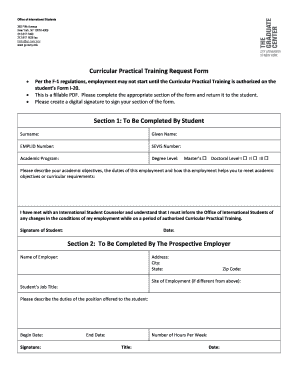
Per the F-1 regulations, employment may not start until the Curricular Practical Training is authori

Department of Internal Medicine Division of Rheumatology
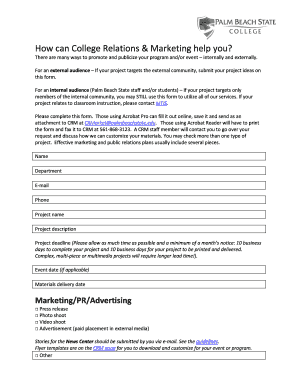
Fillabel marketing request form

Waiver non

Fund form
Benefit from the DocHub online library of fillable PDF forms
Searching the PDF forms doesn't have to be a tedious and time-consuming process. With the DocHub online library, it has become easier to find the fillable PDF forms and modify them in your browser. The service allows you to adjust the document to your needs using powerful editing tools.
You can use online document editing features to modify almost any type of document with ease. You just need to find the template of your choice, open it in the editor, and use the toolbar to make the necessary corrections.
Follow this guide to get your document done with DocHub:
- Find the PDF template you need.
- Click the Get Form button to open the file in the editor.
- Use the toolbar to fill out and edit the document.
- Easily add and highlight text, insert images, checkmarks, and symbols.
- Drop new fillable fields, and rearrange or delete pages from your file.
- Save changes and download your record.
DocHub empowers everyone to streamline document editing, signing, and distribution, and form completion. Create an account and benefit from our well-organized PDF Forms library and comprehensive editor.