






Understanding the Concept of Form Online
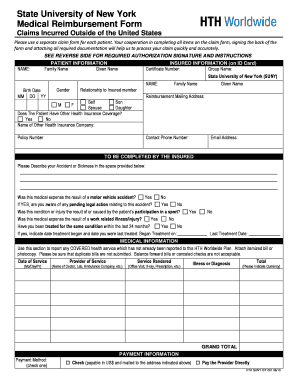
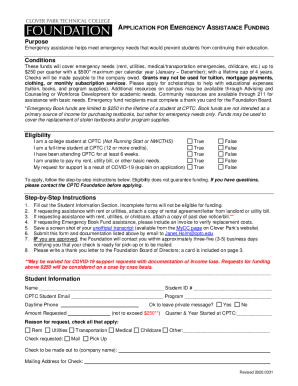
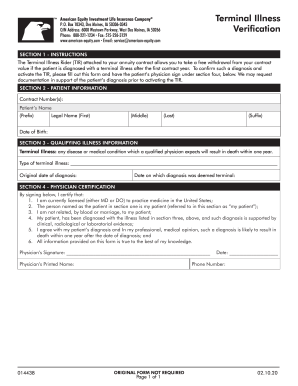
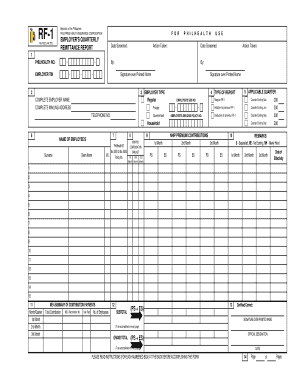
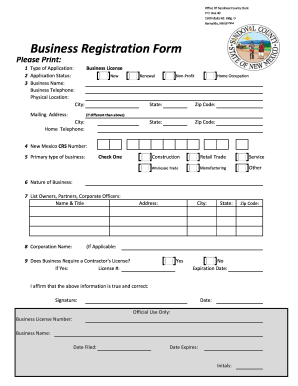
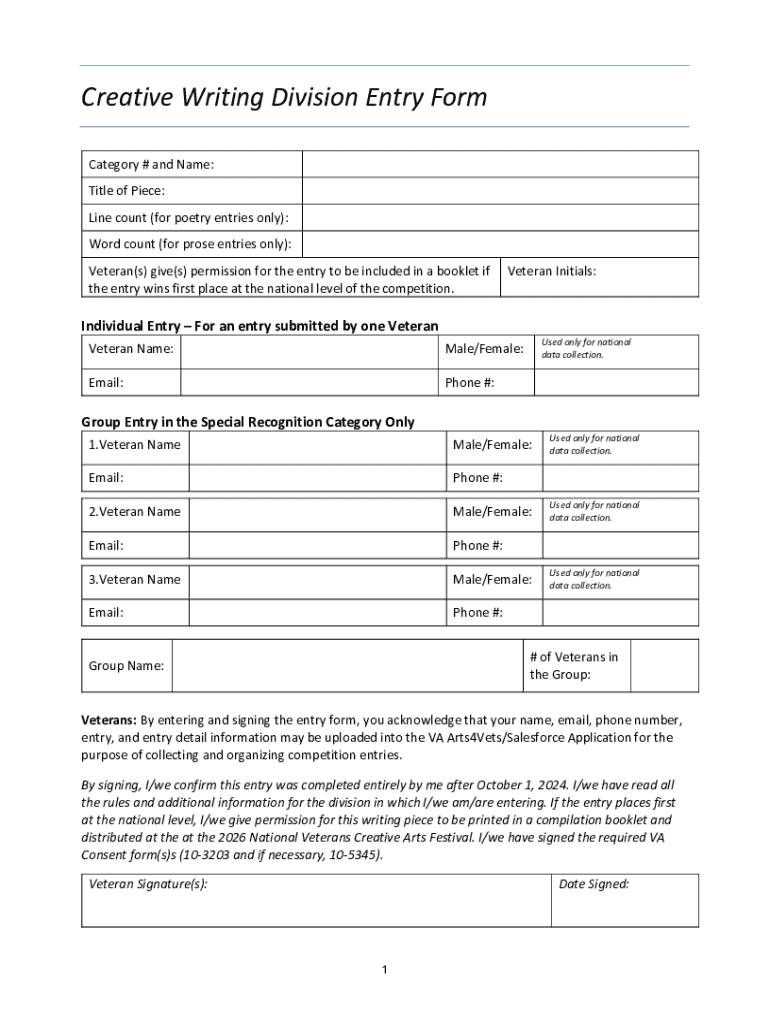
A form online is a digital document that users can fill out and submit over the internet. This modern approach allows individuals and businesses to efficiently manage documentation processes without the need for paper-based forms. Online forms can be used across various industries, providing flexibility, ease of access, and the convenience of real-time data collection. Such forms are pivotal in gathering information, collecting signatures, or processing transactions securely.
How to Access Forms Online
Accessing forms online typically involves visiting a website or platform where the digital form is hosted. Platforms like DocHub allow users to search for and access electronic forms seamlessly. Users may either download the forms for offline use or fill them directly on the platform. One can access these forms via computers, tablets, or smartphones, ensuring convenience and adaptability to different user preferences and technological capabilities.
Completing a Form Online: Step-by-Step Process
-
Locate the Form: Begin by navigating to the specific website offering the form. Use search functions if available for quick access.
-
Review Instructions: Read through any provided guidelines or instructions to ensure you understand all requirements before filling it out.
-
Enter Information: Carefully fill in the required fields. Make sure all mandatory sections are completed, paying attention to formats for dates or numerical entries.
-
Review and Edit: Double-check all entered data for accuracy. Utilize any editing tools provided to modify the information if needed.
-
Submit Online: Once completed, submit the form through the online platform, ensuring you receive a confirmation of submission or save a copy for your records.
Advantages of Using Forms Online
The transition to digital forms offers a host of benefits:
- Efficiency: Online forms streamline data collection and processing, reducing time spent on paperwork.
- Accessibility: Accessible from any internet-connected device, allowing users to fill out forms remotely.
- Accuracy: Built-in validation reduces errors by ensuring data is entered correctly.
- Security: Advanced encryption methods help protect sensitive information during transmission and storage.
Common Users of Online Forms
Various entities find online forms essential, including:
- Businesses: For employee onboarding, orders, and customer feedback.
- Government Agencies: For tax forms, applications, and surveys.
- Educational Institutions: For student registrations and evaluations.
- Healthcare Providers: For patient information and consent forms.
These forms cater to both individual users and organizations, ensuring widespread applicability and utility.


Key Elements of Online Forms
Digital forms consist of several core elements designed to facilitate data collection and user interaction:
- Text Fields: For entering names, addresses, and other text-based information.
- Checkboxes and Radio Buttons: To provide multiple-choice options.
- Dropdown Menus: For selecting options from a predefined list.
- Signature Fields: For electronic signatures, ensuring both legality and authenticity.
- Submit Button: To send the completed form to the designated recipient or database.
Legal Considerations for Online Forms
Using online forms typically involves compliance with legal standards that ensure legitimacy and data protection:
- Electronic Signatures: Adhering to laws such as the ESIGN Act, ensuring that digital signatures are valid.
- Data Privacy: Compliance with data protection regulations, such as the GDPR or HIPAA, especially when handling sensitive information.
- Acceptance Criteria: Meeting any pertinent criteria set by institutions or authorities regarding form validity.
Software Compatibility with Online Forms
Platforms like DocHub ensure compatibility with various software systems, allowing for seamless integration into existing workflows:
- Cloud Storage Integration: Such as Google Drive and Dropbox, for easy importing and exporting.
- Compatibility with Software Products: Integration capabilities with tools like TurboTax or QuickBooks for tax-related forms.
This ensures that users can work within their preferred digital ecosystems, enhancing productivity and user satisfaction.