



01. Edit your form online
Type text, add images, blackout confidential details, add comments, highlights and more.

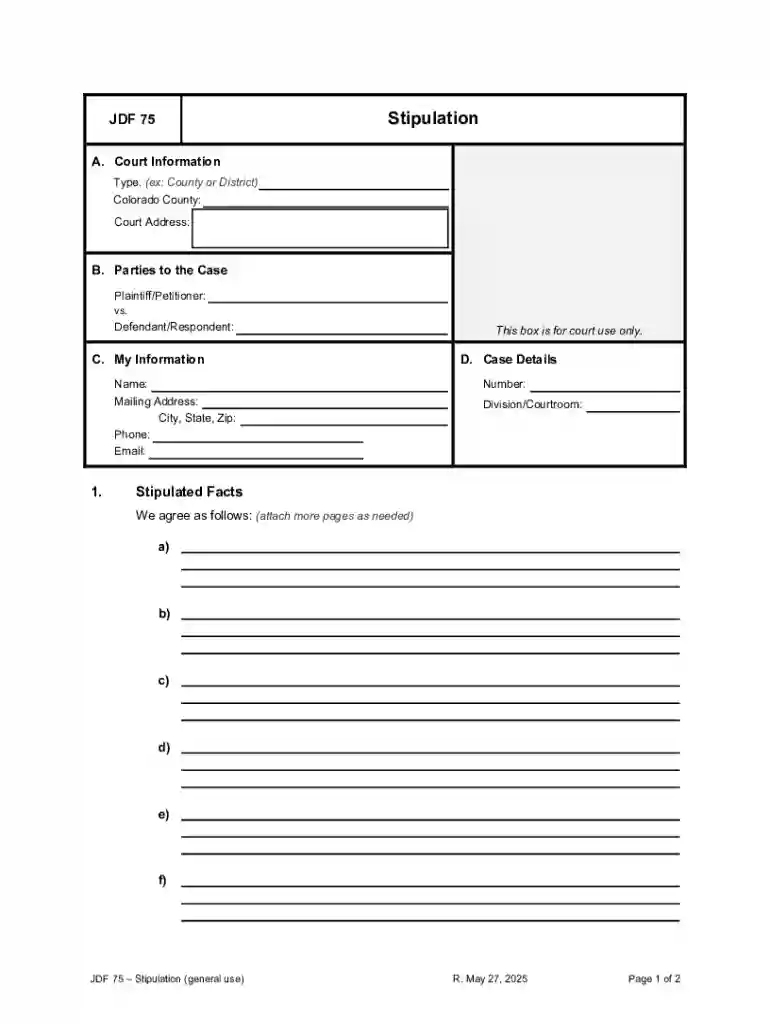
Type text, add images, blackout confidential details, add comments, highlights and more.

Draw your signature, type it, upload its image, or use your mobile device as a signature pad.

Send it via email, link, or fax. You can also download it, export it or print it out.
Forms processed online refer to digital versions of documents that typically require information input, completion, or signatures. Utilizing electronic platforms like DocHub, online forms facilitate the process of filling out, submitting, and managing documents across various applications, such as tax filings, legal agreements, and employment paperwork. The digitized format allows users to interact seamlessly with complex forms, adhering to all necessary stipulations for accuracy and compliance without the need for physical paperwork.
To effectively use forms online, understand the interface and available options within your chosen platform. Start by accessing the form through your desired service, such as via cloud integration or direct upload. Follow these steps:
Examples of digital forms include employment applications, insurance claims, and e-signature ready documents, each benefiting from tools that enhance usability and compliance.
Completing forms online involves a precise sequence of tasks to ensure data accuracy and successful submission. Follow these generalized steps:
Applicants often navigate these steps in scenarios such as submitting tax documents, school enrollments, or government forms via portals that simplify complex data collection.
Online forms encompass various features designed for utility and functionality. Noteworthy elements typically include:
These features are instrumental in applications ranging from healthcare documentation to job application forms, ensuring completeness and compliance.
Some forms may be influenced by state-specific regulations affecting their completion or submission. Users should:
For instance, tax filings or healthcare-related forms could differ significantly based on state governance, impacting data fields or submission deadlines.
Certain forms necessitate the submission of supporting documents to validate the information provided. Common requirements include:
Understanding these requirements ensures comprehensive form completion, in contexts like mortgage applications or scholastic admissions.
Forms processed online must adhere to legal standards to guarantee authenticity and compliance. Elements to ensure legality include:
Such considerations are critical in scenarios like signing lease agreements or filing official business documents online.
Online forms are typically designed to work within specific software environments that facilitate ease of use. Key compatibility considerations include:
Ensuring software compatibility aids users in seamless form interaction, particularly in business finance operations or academic administrative processes.
We've got more versions of the JDF 75 Stipulation Form form. Select the right JDF 75 Stipulation Form version from the list and start editing it straight away!
At DocHub, your data security is our priority. We follow HIPAA, SOC2, GDPR, and other standards, so you can work on your documents with confidence.


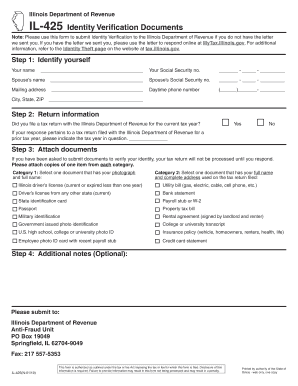

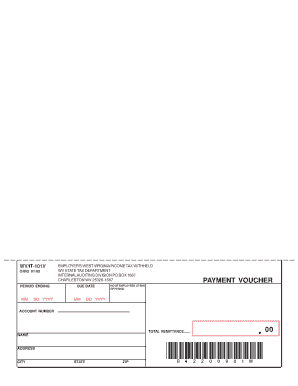

Stipulation Form Form ID JDF75 Document JDF75.pdf (PDF, 996 KB) William Young Furse is a District Court Judge for the 22nd Judicial District of Colorado and
Fill out the form for further ADN program details such as program-specific coursework, applying for classes, financial aid (for those who qualify), andRead more


