Definition and Meaning of "Form Online"
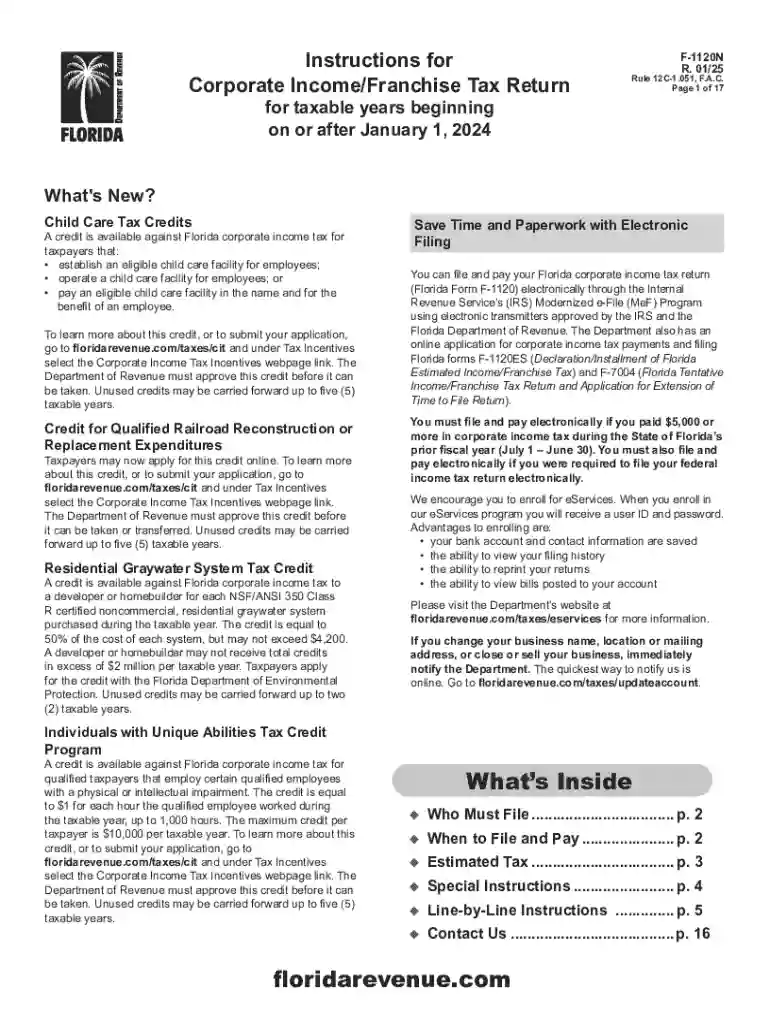
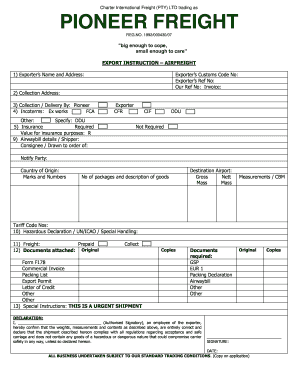
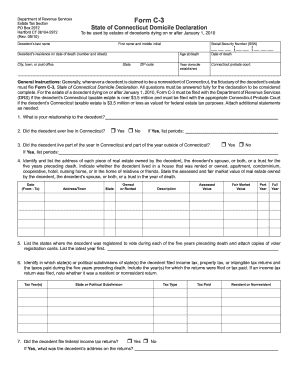
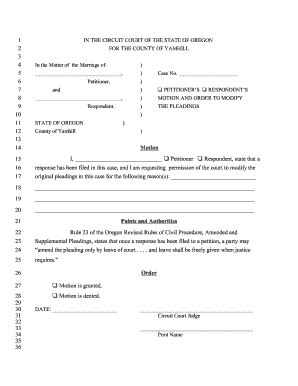
The term "form online" refers to digital forms that can be accessed, filled out, and submitted via the internet. These forms serve various purposes, ranging from tax filings to job applications and service requests. The main advantage of using online forms is the elimination of paperwork, making the process quicker and more efficient. Online forms often include interactive features like dropdown menus, checkboxes, and signature fields, enhancing user experience and accuracy.
Features of Online Forms
- Interactive Fields: Text boxes, checkboxes, and dropdowns guide users on what information to provide.
- Accessibility: Accessible from any device with an internet connection, whether a computer, tablet, or mobile phone.
- Data Validation: Built-in validations ensure that required fields are completed and the data entered is in the correct format.
- Integrations: Many online forms can be integrated with other applications for seamless data transfer.
Online forms can be used for various scenarios, including application forms, contact forms, feedback forms, and surveys. Their flexibility and efficiency make them a preferred choice for individuals and businesses.
How to Use the Form Online
Using online forms involves a straightforward process designed to be user-friendly and efficient. Here’s a step-by-step guide:
- Access the Form: Find the online form by visiting the applicable website or following a provided link.
- Read Instructions: Carefully review any instructions or guidelines presented on the form to ensure all sections are correctly completed.
- Fill Out the Form: Enter the required information into the relevant fields, ensuring accuracy to avoid submission errors.
- Validate Inputs: Use the form's validation features to correct any mistakes or complete mandatory fields.
- Review Information: Double-check the information entered for accuracy and completeness.
- Submit the Form: Click the submit button to send the form to its destination. Confirmation of submission is typically received via email or an on-screen notification.
Some forms might allow you to save progress and return later, providing flexibility for complex or time-intensive submissions.
Best Practices for Filling Forms Online
- Ensure Connectivity: Maintain a stable internet connection during the process to prevent data loss.
- Use a Secure Browser: For protection against data breaches, ensure that the browser used is up to date and secure.
- Store Documents Safely: After submission, save or print any confirmation pages for personal records.
How to Obtain the Form Online
Obtaining online forms usually involves accessing them through specific websites or platforms. Here’s how you can do it:
- Visit the Official Website: Official websites for tax agencies, businesses, or service providers often host the forms you need.
- Use Search Engines: Search for the specific form you need by specifying the type and name in a search engine query.
- Access Through Institutions: Financial institutions, educational facilities, and government offices sometimes provide links or portals to required forms.
- Explore Online Services: Platforms like DocHub allow users to search for various forms and templates that can be customized and filled online.
Ensure you are accessing forms from legitimate sources to prevent issues related to data theft or submission errors.
Considerations When Obtaining Forms
- Legitimacy: Only download forms from trusted sources or official websites to ensure they are up to date and secure.
- Compatibility: Ensure that the form is compatible with your device or software for easy customization and submission.
- Format and Accessibility: Consider the format, whether PDF or HTML, to ensure it meets your needs for ease of use and accessibility.
Steps to Complete the Form Online
Completing an online form can be broken down into a few strategic steps to ensure all necessary information is filled in accurately. Here’s a detailed guide:
- Gather Required Information: Before starting, compile all necessary documentation and information needed for the form.
- Navigate to the Form: Open the form on the platform where it is hosted. Make sure it is the correct version required for your purpose.
- Fill in Personal Details: Start with entering your personal information, ensuring all fields match any official documentation.
- Complete Section Details: Move section by section, filling out each required piece of information as per form instructions.
- Verify All Entries: Once all sections are completed, verify each entry to avoid any mistakes that could result in delays or rejections.
- Submit Form: After verification, submit the form according to the instructions provided, ensuring that a submission confirmation is received.
Tips for Ensuring Accurate Form Completion
- Check System Requirements: Ensure your device and software meet any technical requirements specified by the form provider.
- Plan for Time: Allow ample time to complete the form without rushing, reducing the risk of errors.
- Seek Clarifications: If unclear about any section or requirement, seek guidance from available resources or contact the issuing authority.
Importance of Using Forms Online
Using forms online offers numerous benefits that contribute to efficiency, accuracy, and convenience. Here are some key reasons for their importance:
- Time Efficiency: Online forms reduce the time spent on printing, mailing, and waiting for processing, especially during tax season.
- Cost Reduction: By eliminating the need for paper and postage, online forms save costs for both individuals and businesses.
- Accuracy and Precision: Built-in form validations ensure fields are correctly completed, reducing errors and rejected submissions.
- Eco-Friendly: Moving from paper-based forms to digital supports environmental sustainability by cutting down on paper usage.
Practical Benefits and Scenarios
- Business Operations: Companies use online forms for employee onboarding and performance reviews, improving HR efficiency.
- Government Submissions: State and federal agencies often require online form submissions for better record-keeping and streamlined processes.
- Educational Purposes: Schools and universities leverage online forms for applications and registrations, ensuring comprehensive data collection.
Who Typically Uses Forms Online
Forms online are used by a diverse group of individuals and organizations. Here’s a breakdown of who commonly uses them:
Individual Users
- Taxpayers: For filling and submitting tax-related forms such as 1040 or W-9.
- Job Seekers: Using online applications to apply for jobs across different sectors.
- Students: Completing applications for colleges, scholarships, and grants.
Business and Corporate Users
- Human Resources: Handling employment applications, staff evaluations, and leave requests.
- Finance Departments: Filing tax forms and handling financial applications to enhance regulatory compliance.
- Sales and Marketing: Collecting customer data through lead capture forms and feedback surveys.
Government and Institutional Users
- Government Agencies: Requiring public submissions for permits, licenses, and benefits through online forms.
- Educational Institutions: Managing admissions, enrollment processes, and feedback collection digitally.
Key Elements of Online Forms
Key elements make online forms effective tools for information collection and validation. Understanding these components can enhance the form’s design and usability:
- User Interface: The design should be intuitive and straightforward, guiding users effortlessly from start to end.
- Security Features: As sensitive information may be involved, elements such as SSL encryption and secure authentication are crucial.
- Dynamic Components: Depending on inputs, certain sections can be expanded or collapsed, keeping the form concise and user-focused.
- Error Handling: Provides users with feedback on incomplete or incorrect entries, aiding in proper form submissions.
Efficiency and Usability Features
- Pre-filled Data Options: Reusing previously entered data to expedite form submissions.
- Mobile Optimization: Ensuring the form is responsive and easy to fill on smartphones and tablets.
Understanding these elements enables designers and users to maximize online forms' potential, achieving higher submission rates with fewer errors.
State-Specific Rules for Online Forms
When dealing with online forms, compliance with state-specific rules is essential, especially for documents related to taxes or legal issues. Here’s what to consider:
- Understanding Local Regulations: Each state may have unique requirements for form submissions, such as additional fields or specific formats.
- Deadline Variations: Filing deadlines might differ from state to state, necessitating careful planning and adherence to local schedules.
- Record Keeping: States may mandate specific record-keeping practices for certain forms after submission.
Case Examples of State Rules
- Power of Attorney Forms: Variations exist among states regarding how these forms need to be completed and submitted.
- Business Registration Forms: Requirements for LLC or corporation registrations often vary at the state level.
Ensuring adherence to state-specific rules prevents application rejection and compliance issues, enabling smooth operations for both individuals and businesses.