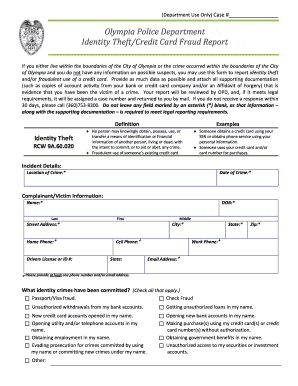
01. Edit your form online
Type text, add images, blackout confidential details, add comments, highlights and more.

Type text, add images, blackout confidential details, add comments, highlights and more.

Draw your signature, type it, upload its image, or use your mobile device as a signature pad.

Send it via email, link, or fax. You can also download it, export it or print it out.
The term "form online" refers to electronic forms that are completed and submitted via the internet rather than on paper. These forms are versatile and used across various sectors, including education, business, and government services. Their digital nature allows users to fill out forms conveniently from any device, streamlining processes that traditionally required physical paperwork. Online forms can range from simple surveys and applications to complex legal and tax documents. This format enhances efficiency by auto-populating data, validating fields, and enabling digital signatures, thereby reducing errors and processing times.
Using an online form is generally straightforward and involves several steps that ensure accuracy and efficiency. First, users must access the form through a specific website or portal. These forms often include interactive elements like dropdown menus and checkboxes to guide users. It's essential to read instructions carefully, as they may detail specific information required for submission. Many platforms offer real-time feedback, highlighting errors or missing information before you can proceed.
Obtaining an online form typically requires visiting the issuing entity's official website. Forms are usually located under sections labeled 'Forms,' 'Resources,' or 'Downloads.' Some forms may require users to create an account or provide an email address to access them. Once located, the forms can be readily viewed, filled out, and submitted directly online. There are cases where forms can also be downloaded to your device for offline completion and then uploaded back upon completion.
Completing an online form involves a clear, step-by-step process that ensures all required information is accurately captured:
Online forms provide several advantages over traditional forms, making them a preferred choice for many users. They offer a quick and convenient method to submit information, saving time and reducing errors associated with manual data entry. Enhanced security features such as SSL encryption ensure data privacy and integrity. Additionally, digital forms improve access for geographically dispersed individuals, fostering inclusivity. They support environmental sustainability by reducing paper consumption and streamline processes with instant submission and automated responses.
Various groups and sectors utilize online forms due to their adaptability and convenience. Individuals regularly encounter these forms in situations such as job applications, school enrollments, or filing taxes. Businesses often use online forms for operational processes like supplier registrations, customer feedback collection, and HR functions. Government agencies rely on them for public services, ranging from renewing licenses to applying for benefits. The versatility of online forms makes them a staple across industries and for individuals seeking efficient and accessible solutions.
An effective online form consists of several key components that facilitate user-friendly interaction:
Online forms often serve as legally binding agreements when they include e-signatures, functioning under acts like the Electronic Signatures in Global and National Commerce (ESIGN) Act. This act ensures that digital signatures are recognized as equivalent to handwritten ones, making them legally valid for a range of transactions, from contracts to employment forms. Security measures, such as encryption and audit trails, uphold the validity and legality of these documents, ensuring compliance with legal standards and protecting user information.
State regulations may dictate specific requirements for online forms, often reflecting the unique legal and administrative framework of each state. For instance, certain forms related to taxes or business operations might require compliance with state laws or specific language. Understanding these state-dependent rules is crucial for users to ensure that submissions are legitimate and accepted. Accessing official state websites or legal advisories can provide insight into such requirements, ensuring that users adhere to all necessary regulations when completing and submitting forms online.
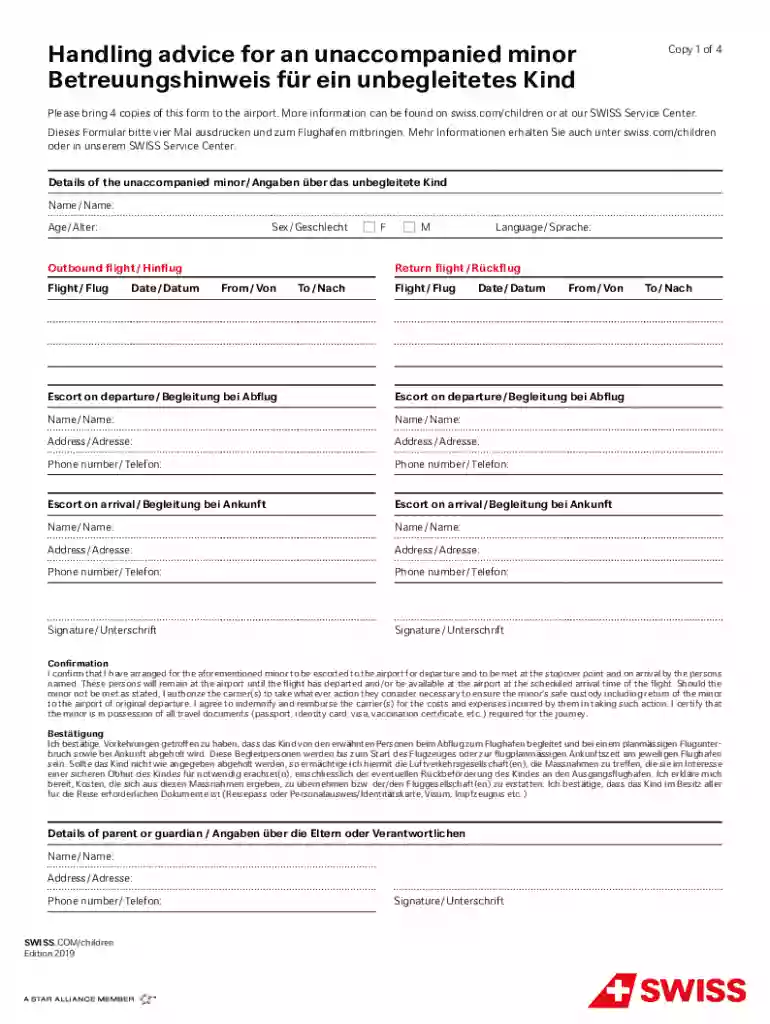
We've got more versions of the Unaccompanied Minor Form form. Select the right Unaccompanied Minor Form version from the list and start editing it straight away!
At DocHub, your data security is our priority. We follow HIPAA, SOC2, GDPR, and other standards, so you can work on your documents with confidence.