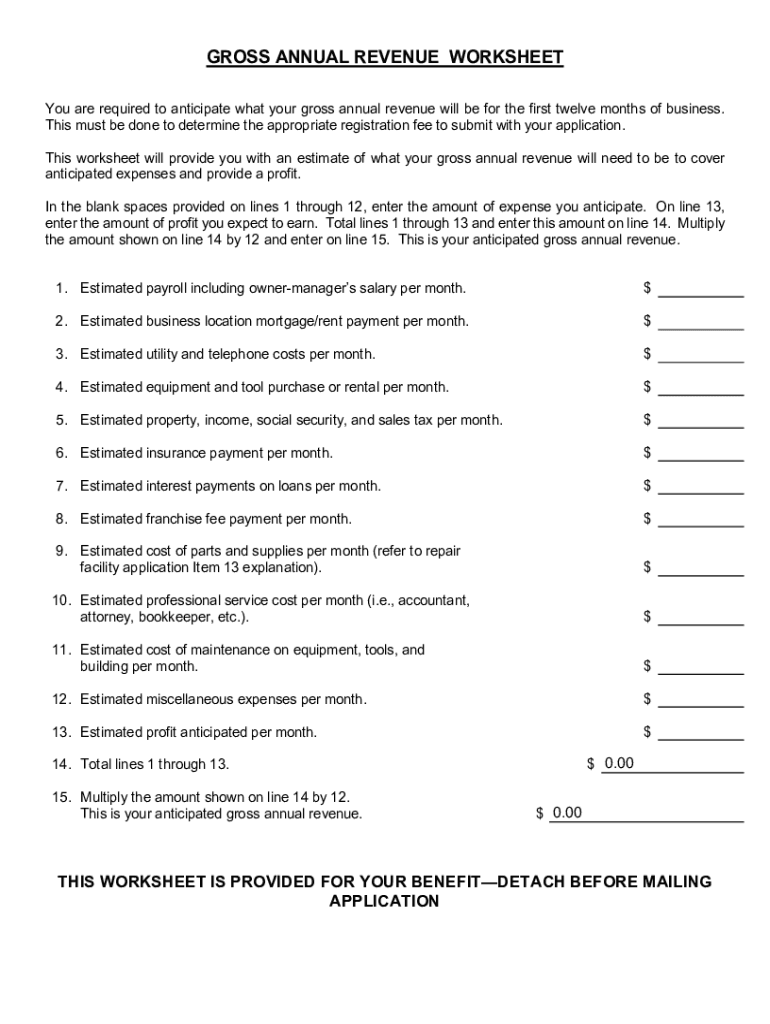




Here's how it works



How to use or fill out Michigan Motor Vehicle Repair Facility Registration with our platform

- Click ‘Get Form’ to open the Michigan Motor Vehicle Repair Facility Registration in the editor.
- Begin by entering your business name in Section 1. Ensure it matches the legal name filed with the appropriate authorities.
- In Section 2, provide the facility address. If applicable, include a separate mailing address in Section 2a.
- Select your ownership type in Section 3 and fill out the corporate ID number and origination date in Sections 4 and 5 respectively.
- Complete Sections 8 through 12 by providing contact information, business hours, and types of vehicles serviced.
- In Section 19, check all types of repairs offered by your facility. This ensures compliance with state regulations.
- Finally, review all sections for accuracy before signing in Section 25. Use our platform’s features to save and share your completed form easily.
Start filling out your registration form today for free using our platform!
It's free
See more michigan motor vehicle repair facility registration versions
Got questions?
How do I generate an electronic signature on my michigan motor vehicle repair facility registration from Google Chrome?
Managing your documentation with DocHub this way is extremely simple after you have downloaded its extension for Google Chrome. Navigate to the Chrome Web Store and install DocHub - Sign PDF from Gmail to obtain it. Give our tool access to your Google account, and then open an email containing michigan motor vehicle repair facility registration as an attachment and point to the file with your cursor - the DocHub extension button will automatically appear there. Click on it to open your document in our editor. Make any required modifications, fill out the blanks, and click Sign to create your legally-binding eSignature.
How to complete michigan motor vehicle repair facility registration online for free in 2024?
Using a swift editing platform like DocHub, you do not require anything but a web browser and internet connection to modify your michigan motor vehicle repair facility registration on the internet swiftly. Add your document or get the appropriate form in DocHub’s catalog, open our editor with a single click, and complete it electronically. To edit your forms anytime, sign up a free profile with DocHub.
Security and compliance
At DocHub, your data security is our priority. We follow HIPAA, SOC2, GDPR, and other standards, so you can work on your documents with confidence.
Learn more