Get and handle Schedule Balance Sheet Templates online

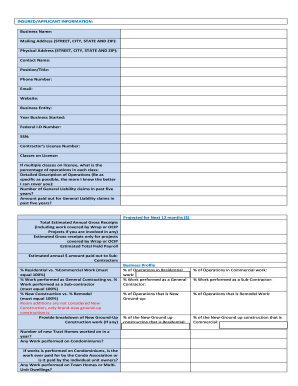
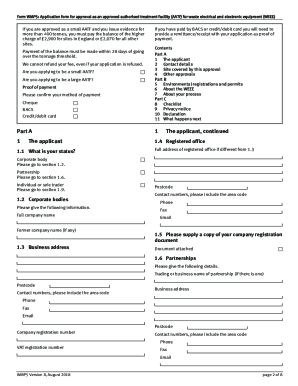
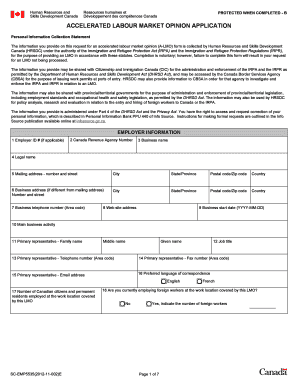
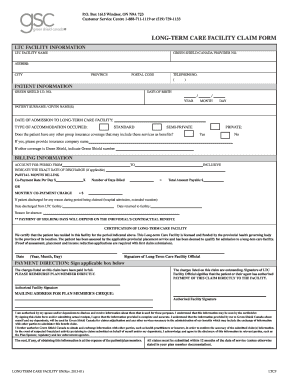
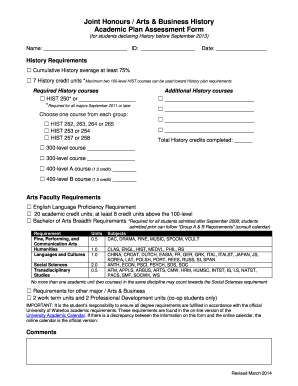
Speed up your form operations with our Schedule Balance Sheet Templates online library with ready-made templates that suit your requirements. Access the form template, edit it, fill it, and share it with your contributors without breaking a sweat. Begin working more efficiently with your documents.

The best way to use our Schedule Balance Sheet Templates:

  1. Open our Schedule Balance Sheet Templates and search for the form you require.
  2. Preview your document to ensure it’s what you want, and click on Get Form to begin working on it.
  3. Modify, include new text, or point out important information with DocHub tools.
  4. Prepare your form and save the adjustments.
  5. Download or share your document with other people.

Discover all of the possibilities for your online file administration with the Schedule Balance Sheet Templates. Get your free free DocHub account right now!


Video Guide on Schedule Balance Sheet Templates management

video background

Commonly Asked Questions about Schedule Balance Sheet Templates

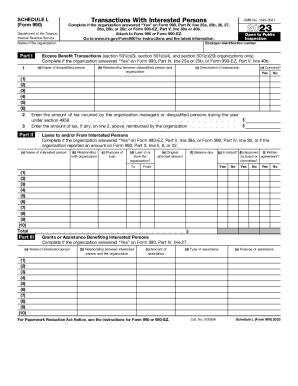
In accounting, a schedule is defined as the supporting report or document which constitutes detailed information, explaining the elements of the chief financial report. It serves as a kind of proof to all the data that is presented in the financial report, with answers to all the numbers mentioned in the report.
The Balance Sheet Template for Excel is a pre-designed spreadsheet that allows users to enter their companys financial information, including assets, liabilities, and equity. This template is useful for businesses of all sizes, as it can be customized to fit each companys specific needs.
A balance sheet represents a companys financial position for one day at its fiscal year end, for example, the last day of its accounting period, which can differ from our more familiar calendar year.
The QuickBooks Online balance sheet template makes it easy The difference between assets and liabilities is displayed at the bottom as the equity or net worth of the business. Simply choose Reports Balance Sheet in QuickBooks Online and the pre-installed template is populated with your data in seconds.
Supporting schedules are additional details about balance sheet entries that are made as supplements. They help break down general categories of assets and liabilities into more detail. Typically, they are provided in the form of tables. Supporting schedules can offer greater disclosure to balance sheets.
The schedule provides proof or documentation of where the numbers come from. For example, the balance sheet schedule will not only list the assets, liabilities and equities of a company, but it will break down each of those categories into further sub-categories and provide a detailed listing within each one.
A balance sheet is a financial statement that reports a companys assets, liabilities, and shareholder equity. The balance sheet is one of the three core financial statements that are used to evaluate a business. It provides a snapshot of a companys finances (what it owns and owes) as of the date of publication.
Here is a list of steps you can take to create organized and accurate balance sheets: Choose the time period and reporting date. The first step involves determining the period you plan to record. Identify and total the assets. Identify and total the liabilities. Determine equity. Combine all three values.