




01. Edit your eutr3 form online
Type text, add images, blackout confidential details, add comments, highlights and more.

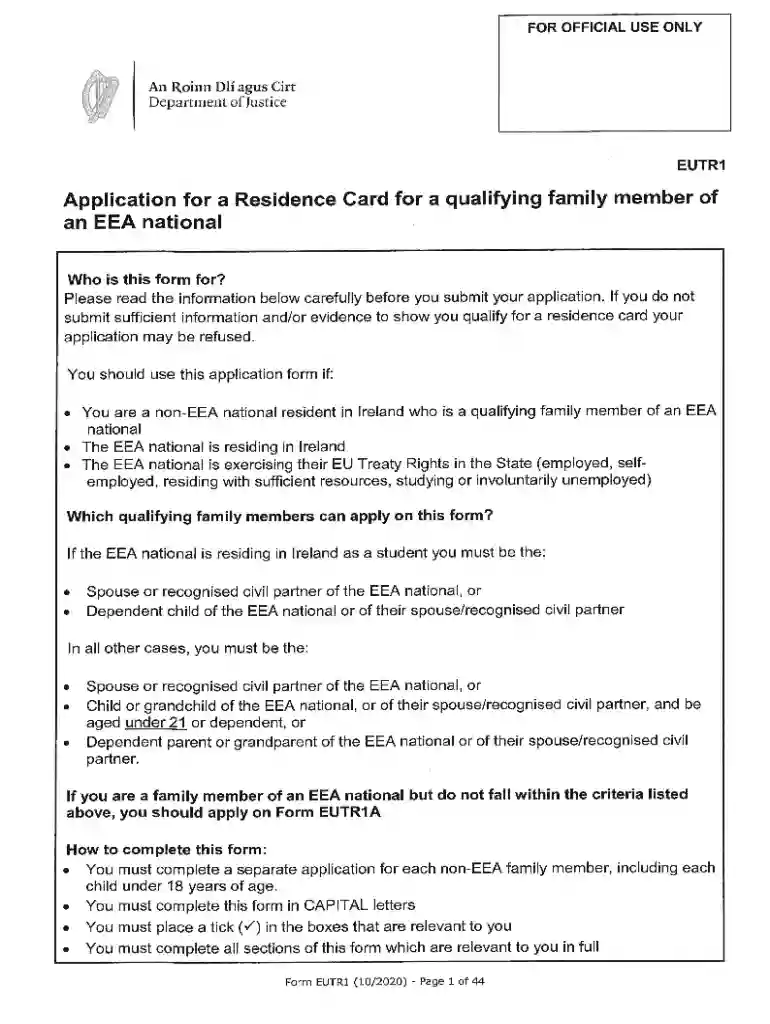
Type text, add images, blackout confidential details, add comments, highlights and more.

Draw your signature, type it, upload its image, or use your mobile device as a signature pad.

Send eutr3 via email, link, or fax. You can also download it, export it or print it out.

Start using our platform today for free and simplify your eutr form 1 completion!
We've got more versions of the eutr3 form form. Select the right eutr3 form version from the list and start editing it straight away!
At DocHub, your data security is our priority. We follow HIPAA, SOC2, GDPR, and other standards, so you can work on your documents with confidence.
EUTF Member Self-Service Portal (Active Employees Only) Forms Health Life Insurance Providers Premium Payment OptionsRead more
MSTP students are involved in a variety of research projects across Grounds. Below are the most recent first-author publications. Students names are boldedRead more


