




01. Edit your form online
Type text, add images, blackout confidential details, add comments, highlights and more.

Type text, add images, blackout confidential details, add comments, highlights and more.

Draw your signature, type it, upload its image, or use your mobile device as a signature pad.

Send it via email, link, or fax. You can also download it, export it or print it out.

Start using our platform today to fill out your DMAP 525 form quickly and efficiently!
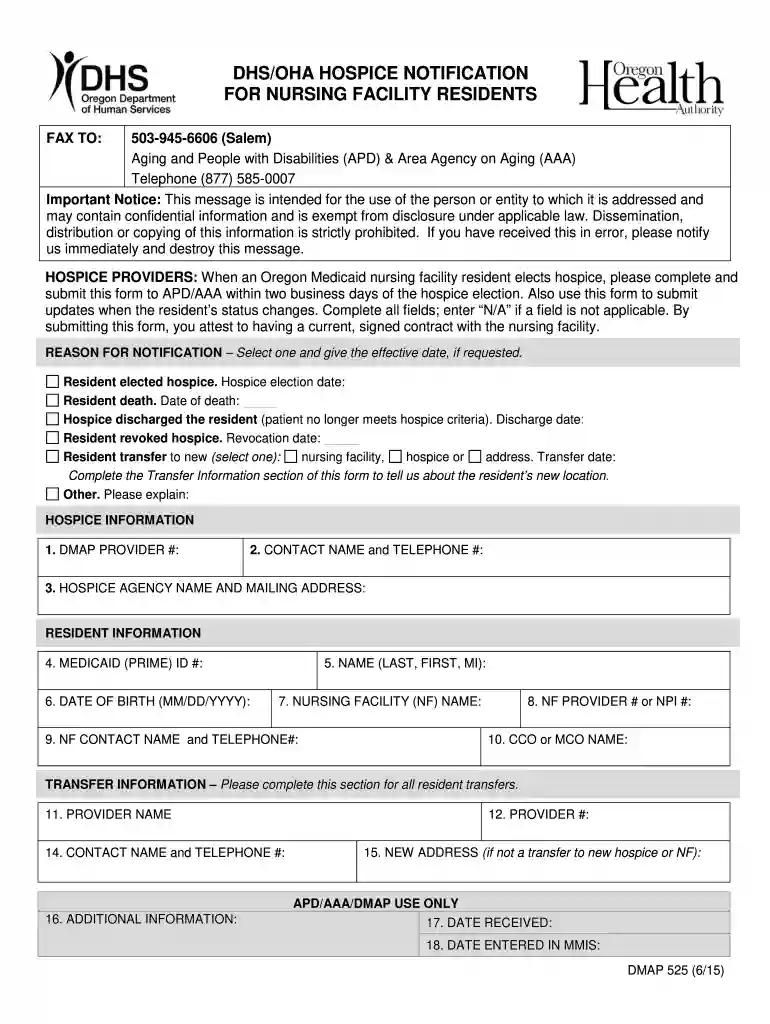
We've got more versions of the DMAP 525 DHSOHA Hospice Notification for Nursing Facility Residents form. Select the right DMAP 525 DHSOHA Hospice Notification for Nursing Facility Residents version from the list and start editing it straight away!
Sure, and it’s really straightforward! DocHub is a web-based PDF editor with advanced document processing capabilities that allow you promptly edit your forms, fill out blank fields and drop new ones for others to fill out, and create eSignatures in several ways. Add your DMAP 525 DHSOHA Hospice Notification for Nursing Facility Residents, provide information as requested, and decide how you want to eSign your document - by typing your name, drawing your signature, uploading its picture, or using a QR code.
If you store your documents in Google Drive, there is no need to download your DMAP 525 DHSOHA Hospice Notification for Nursing Facility Residents on your computer and upload it back to our editor. A significantly easier way is to set up a browser extension created by DocHub to streamline this flow. The extension allows editing PDFs in your browser. Alternatively, you can integrate your DocHub and Gmail accounts for more efficient editing.
At DocHub, your data security is our priority. We follow HIPAA, SOC2, GDPR, and other standards, so you can work on your documents with confidence.


