






Definition and Meaning of Form Online
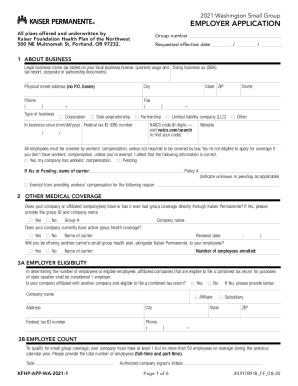
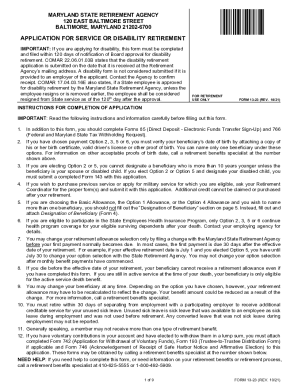
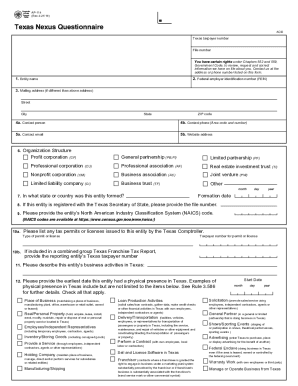
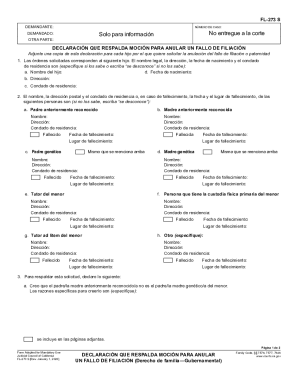
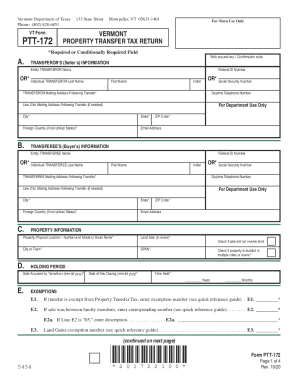
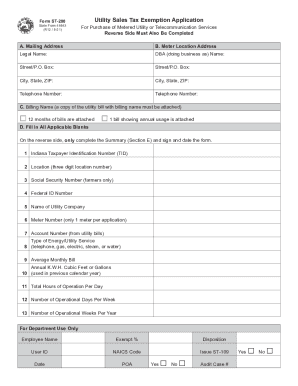
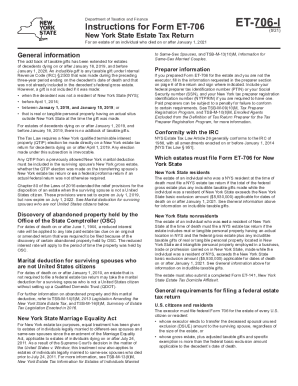
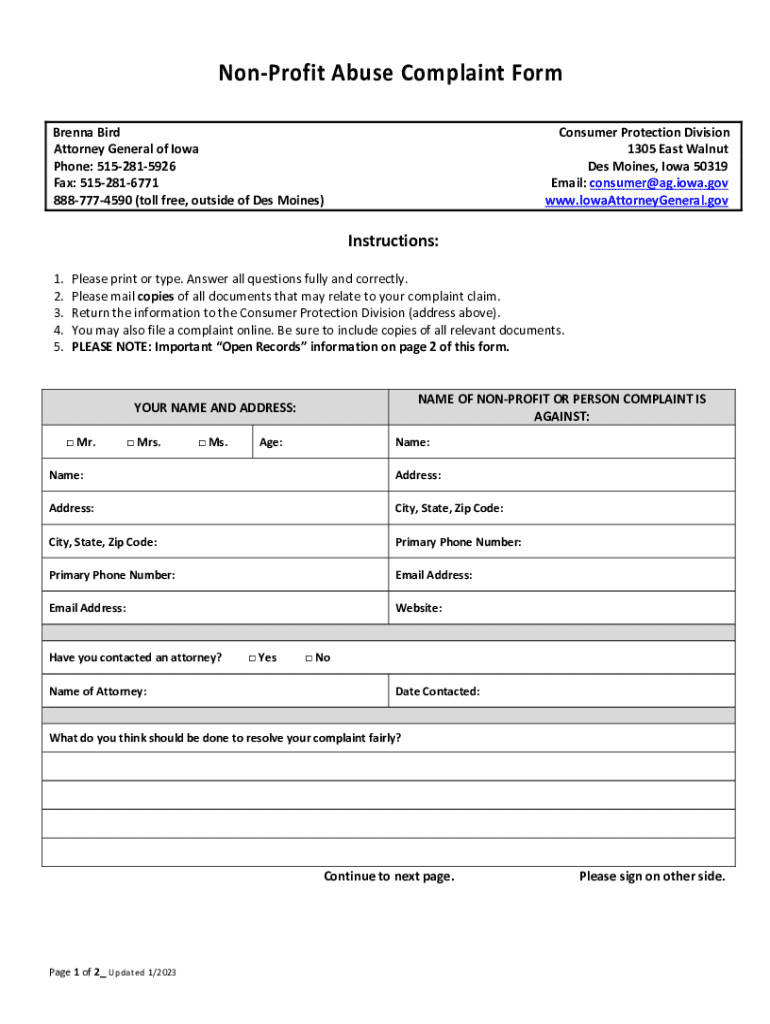
A form online is a digital version of a document that facilitates the collection, processing, and submission of information over the internet. Unlike traditional paper forms, online forms are accessible through web interfaces and can be filled out using digital devices such as computers, tablets, or smartphones. This format offers practical advantages in terms of efficiency, speed, and accessibility, eliminating the need for physical copies or manual handling.
Online forms are commonly utilized across various sectors, including government, healthcare, education, and corporate environments. They enable users to input and submit data directly, reducing errors and turnaround time. Form online technology often includes features such as drop-down menus, checkboxes, and text fields, which guide users to provide the required information accurately and swiftly.
How to Use the Form Online
Utilizing a form online requires a few straightforward steps, typically beginning with accessing the form via a hyperlink or direct website visit. Once the form is open, users follow on-screen prompts to complete each section. The interface is usually user-friendly, with clear instructions to assist users through the process.
-
Accessing the Form: Navigate to the designated website or click the link provided to access the form directly. Ensure a stable internet connection for uninterrupted access.
-
Filling Out the Form: Use the interactive features such as text boxes, radio buttons, and checkboxes to provide the required information. Most forms highlight mandatory fields that must be completed before submission.
-
Reviewing Entries: Before submitting, review all entries to confirm accuracy and completeness. This is crucial to avoid processing delays due to incomplete or incorrect entries.
-
Submitting the Form: After verification, use the submit button to send your details to the intended recipient. Confirmation screens or emails often follow to acknowledge receipt.
Steps to Obtain the Form Online
To acquire the form online, it generally involves simple navigation through the issuing authority or organization's website. Here is a typical process:
- Visit the Appropriate Website: Start by visiting the official website of the organization or department responsible for issuing the form. A search bar on the site can expedite this process.
- Search for the Form: Use relevant keywords to locate the form, ensuring to select the correct version based on the requirements.
- Download or Access Directly: Depending on whether the form is downloadable or requires live online completion, follow the provided links to open or save the form to your device.
- Ensure Software Compatibility: Confirm that your device supports the software required to view or edit the form, such as PDF viewers or specific web browsers.
Legal Use of the Form Online
Using forms online often involves certain legal considerations, especially if the form is tied to compliance requirements or official processes. Legal use depends on the nature of the form and applicable regulations. Below are general guidelines to ensure legal compliance:
- Adherence to Regulations: Ensure that the form usage aligns with relevant federal and state laws, especially for forms related to taxation, healthcare, or legal documentation.
- Consent and Data Privacy: Users are often required to consent to data collection and processing. Ensure that privacy policies are clear and adhered to.
- Signature Legality: When electronic signatures are used, verify their legality under governing laws such as the ESIGN Act, which mandates electronic signatures' acceptance.
- Retention and Storage: Maintain records as legally mandated, which may include storing submitted forms for specific durations.
Important Terms Related to Form Online
Understanding the terminology linked to online forms is essential for effective utilization and compliance. Key terms include:
- Form Fields: Areas in the form, such as text boxes or checkboxes, where information is entered.
- Encryption: Technology used to secure data transferred through forms, ensuring sensitive information remains private.
- Interactive Elements: Form components that enable user interaction, like drop-down lists or file upload options.
- Audit Trail: A log that records submission and modification details of forms, crucial for maintaining transparency and accountability.
Who Typically Uses the Form Online
A diverse range of individuals and organizations relies on online forms for various purposes:
- Government Agencies: For public service applications and compliance reporting.
- Corporations: In HR processes such as onboarding or benefits enrollment.
- Healthcare Providers: For patient information collection and consent forms.
- Educational Institutions: For admissions, registration, and feedback collection.


Examples of Using the Form Online
Online forms have various practical applications across industries:
- Tax Filing: IRS tax forms available online for submission or amendment.
- Job Applications: Many organizations use online application forms to streamline hiring processes.
- Feedback and Surveys: Businesses often deploy online forms for customer feedback or market research.
- Event Registrations: Collecting participant details for conferences or workshops via online forms.
State-Specific Rules for the Form Online
Certain forms are subject to state-specific regulations due to varying state laws. It's crucial to:
- Verify Conformity: Check that the online form complies with the particular state's legal requirements.
- State Variations: Some states may mandate additional documentation or specific data fields.
- Legal Notices: State-required disclaimers or notices may be necessary adjuncts to the form.
Digital vs. Paper Version of the Form Online
Choosing between digital and paper forms involves consideration of several factors:
- Efficiency: Digital forms offer rapid processing and submission compared to their paper counterparts.
- Accessibility: Online forms are accessible anywhere with an internet connection, enhancing convenience for users globally.
- Environmental Impact: Opting for digital reduces paper waste and supports eco-friendly initiatives.
- Data Accuracy: Automated entries in digital forms minimize errors commonly associated with manual paper submissions.