
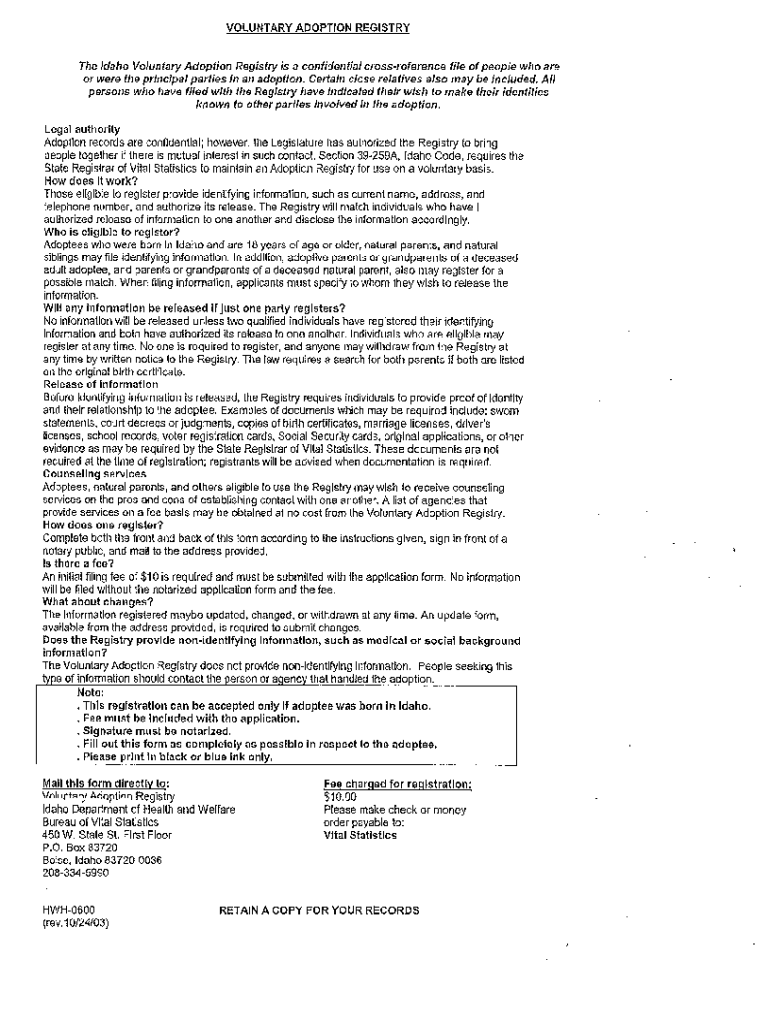







Definition and Meaning of Form Online
Form online refers to digital forms that allow users to input and submit information via the internet without the need for paper copies. In the context of document management systems like DocHub, online forms facilitate seamless data collection and distribution for various purposes, such as applications, surveys, and agreements. By converting traditional paper forms into digital formats, users benefit from enhanced accessibility, efficiency, and security, significantly streamlining the workflow for both individuals and organizations.
Key Characteristics of Form Online
- Accessibility: Online forms can be accessed from any device with internet connectivity, enabling users to fill them out at their convenience.
- Efficiency: Eliminates the time-consuming processes of printing, scanning, and mailing that are associated with paper forms.
- Security: Advanced encryption and authentication methods ensure that sensitive information is protected during submission and storage.
Steps to Complete the Form Online
Successfully completing a form online involves several steps that are designed to guide the user through the process efficiently.
Initial Steps
- Access the Form: Locate the specific form on the platform, such as DocHub, by navigating through directories or using a search function.
- Understand the Instructions: Carefully read any provided guidelines to understand the requirements before you begin filling out the form.
Filling Out the Form
- Complete Mandatory Fields: Enter information into all required fields, which are typically indicated by asterisks or bold outlines.
- Attachments: If applicable, upload any necessary supporting documents or files directly into the form.
- Review: Double-check all entries for accuracy and completeness to avoid delays in processing.
Final Steps
- Electronically Sign: Use available signature tools to legally sign the form if required.
- Submit: Click the submit button to send the form to the designated recipient or database.
- Confirmation: Look for a confirmation message or email verifying that the form was successfully submitted.
Key Elements of Form Online
Understanding the core components of an online form is crucial for accurate completion and submission.
Common Elements
- Form Fields: These include text boxes for inputting information, checkboxes for selections, and dropdown menus for choosing options.
- Interactive Features: Some forms may contain logic that dynamically changes based on user input, showing or hiding fields as needed.
- Signature Fields: Allows users to provide electronic signatures, ensuring legal compliance and authenticity.
Important Considerations
- Field Labels: Clearly defined labels guide the user through each section of the form.
- Error Messages: Provide feedback if an incorrect format is used or if a field is left empty, enhancing the user experience.
Who Typically Uses Form Online
Online forms have a broad range of users across different sectors, providing utility for both individuals and organizations.
Individual Users
- Job Applicants: Use online forms to submit resumes and personal information during the hiring process.
- Students: Fill out registration or application forms for academic programs or scholarships.
Organizational Users
- Businesses: Employ online forms for customer feedback, order processing, and employee onboarding.
- Government Agencies: Use digital forms to gather data for services, permits, and compliance.
Legally Binding Electronic Signatures for Form Online
Electronic signatures on online forms are crucial for legally binding agreements and documents.
Creating an Electronic Signature
- Digitally Draw: Signers can use a mouse or touchscreen to manually create their signature.
- Type and Style: Users can type their name and select from various font styles to generate a signature.
Authentication and Security
- Encryption: Protects the integrity of the signature and the document.
- Audit Trail: Provides a record of the signature and document history for legal verification.
Software Compatibility for Form Online
Ensuring that forms can be easily managed within various software environments is vital for user accessibility.
Compatible Software Platforms
- DocHub: Fully supports a range of document formats and integrates seamlessly with cloud storage services.
- Google Workspace: Offers deep integration, allowing users to open and edit forms directly from Google Drive or Gmail.
Benefits of Compatibility
- Enhanced Workflow: Users can manage documents without leaving their primary software platforms.
- Data Consistency: Ensures that document edits and submissions are accurately reflected across systems.
Digital vs. Paper Version of Form Online
The shift from paper to digital forms offers numerous advantages, although some differences persist in their execution and handling.
Advantages of Digital Forms
- Environmentally Friendly: Reduces paper consumption and waste, promoting sustainability.
- Real-Time Processing: Allows instant submission and receipt of forms, reducing turnaround time.
Considerations
- Technical Requirements: Users must have access to a device with internet connectivity to utilize digital forms.
- Storage and Accessibility: Digital forms can be stored and retrieved more easily compared to paper forms, enhancing long-term records management.
State-Specific Rules for Form Online
Certain forms may be subject to state-specific regulations or variations, impacting how they should be completed and submitted.
Variation Factors
- Compliance Requirements: Different states may have unique legal requirements for forms, particularly in regulatory or tax-related scenarios.
- Regional Differences: Some states might have distinct fields or document requirements based on local laws and practices.
Importance of State Alignment
- Legal Adherence: Ensures that the completed form complies with all relevant state laws.
- Accuracy: Minimizes the risk of rejected submissions due to non-compliance with state-specific rules.




