01. Edit your form online
Type text, add images, blackout confidential details, add comments, highlights and more.

Type text, add images, blackout confidential details, add comments, highlights and more.

Draw your signature, type it, upload its image, or use your mobile device as a signature pad.

Send it via email, link, or fax. You can also download it, export it or print it out.
Understanding the concept of completing a "form online" is crucial for individuals and businesses that manage documents digitally. An online form refers to an electronic version of a paper form that users fill out on a website or platform. These forms can range from simple contact forms to complex applications and are commonly used for data collection, surveys, and registrations. They allow users to input information directly into fields, making the process efficient and paperless.
Using a form online typically involves a few straightforward steps. Understanding this process can help ensure that you utilize online forms effectively and gather the needed data efficiently.
Completing an online form involves careful attention to detail to ensure all necessary information is accurately provided. Each step in this process is integral to a successful submission.
The rationale for using forms online is rooted in the benefits of technology-driven processes. With the rise of digital platforms, transitioning to forms online offers significant advantages.
An online form typically comprises several elements designed to facilitate efficient data capture. Recognizing these elements is fundamental for effective utilization.
Familiarity with fundamental terms associated with online forms enhances user comprehension and interaction effectiveness.
Ensuring compatibility between your forms and various software increases accessibility and integration capability.
Certain online forms may need to adhere to state-specific regulations or guidelines, particularly in the United States, ensuring compliance.
Understanding these detailed aspects of completing a form online can greatly enhance efficiency and effectiveness, providing a comprehensive framework for digital document management.
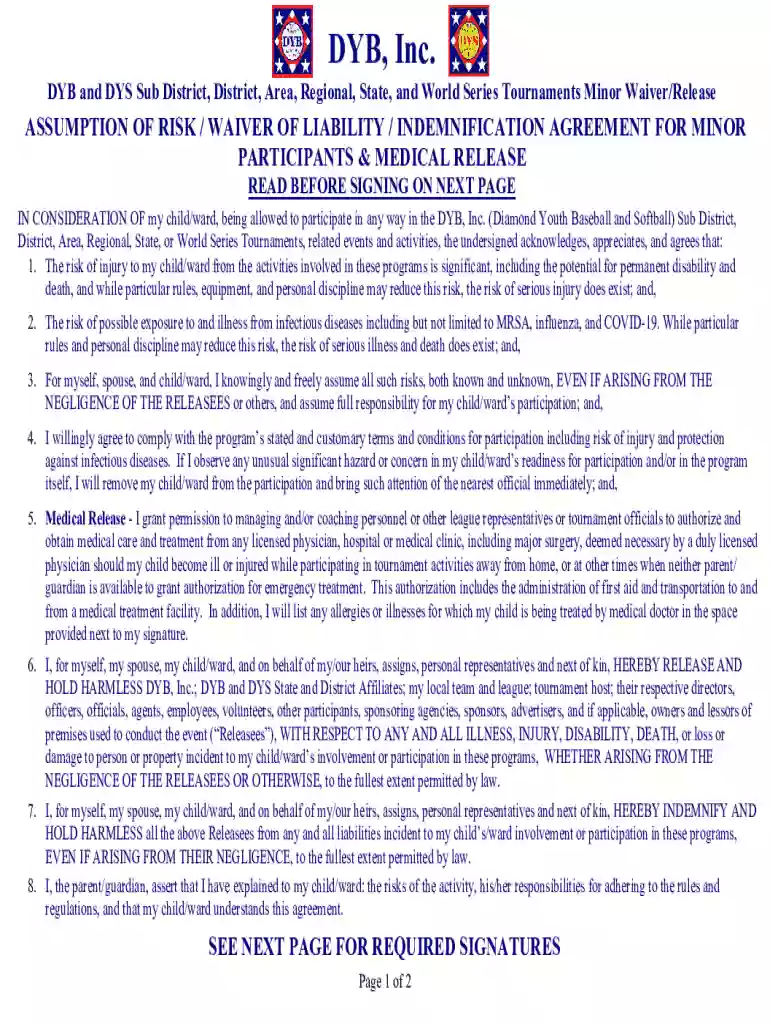
We've got more versions of the DYB Minor Waiver Release form. Select the right DYB Minor Waiver Release version from the list and start editing it straight away!
| Versions | Form popularity | Fillable & printable |
|---|---|---|
| 2025 | 4 Satisfied (34 Votes) | |
| 2025 | 4.8 Satisfied (31 Votes) | |
| 2025 | 4.3 Satisfied (34 Votes) | |
| 2025 | 4.2 Satisfied (34 Votes) | |
| 2025 | 4.6 Satisfied (55 Votes) | |
| 2025 | 4.5 Satisfied (44 Votes) | |
| 2025 | 4.2 Satisfied (37 Votes) | |
| 2025 | 4.7 Satisfied (34 Votes) | |
| 2024 | 4.3 Satisfied (21 Votes) | |
| 2024 | 4.6 Satisfied (51 Votes) | |
| 2024 | 4.5 Satisfied (23 Votes) | |
| 2024 | 4.8 Satisfied (29 Votes) | |
| 2024 | 4.1 Satisfied (28 Votes) | |
| 2024 | 4.9 Satisfied (51 Votes) | |
| 2024 | 4.4 Satisfied (31 Votes) |
At DocHub, your data security is our priority. We follow HIPAA, SOC2, GDPR, and other standards, so you can work on your documents with confidence.