



01. Edit your form online
Type text, add images, blackout confidential details, add comments, highlights and more.

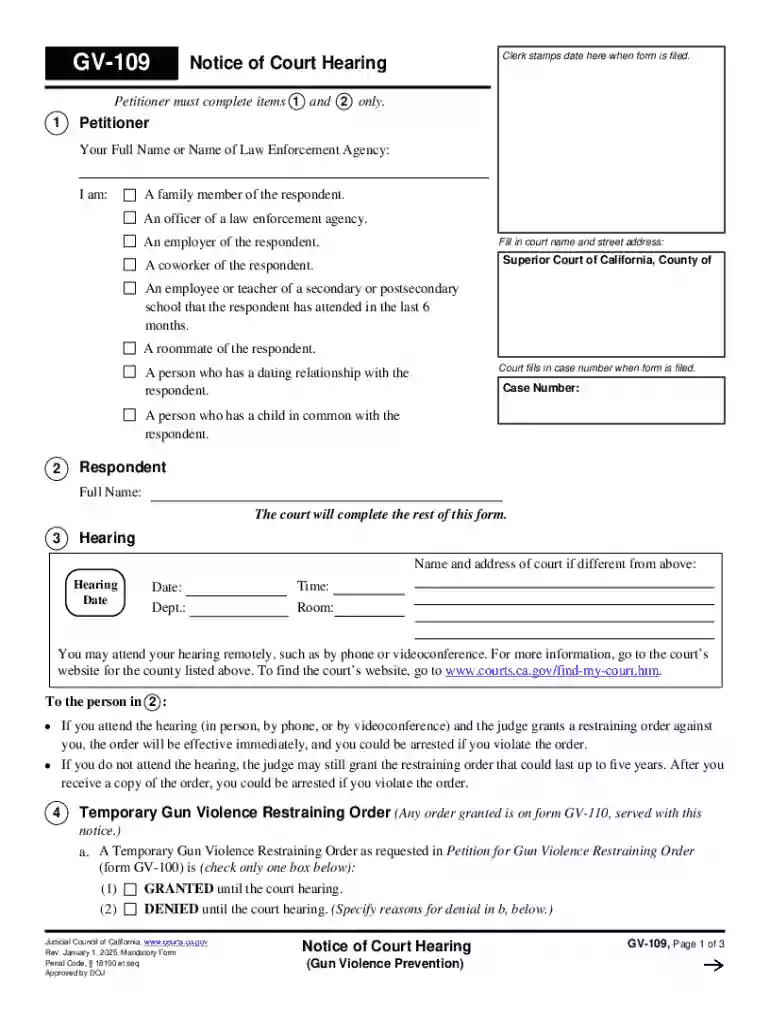
Type text, add images, blackout confidential details, add comments, highlights and more.

Draw your signature, type it, upload its image, or use your mobile device as a signature pad.

Send it via email, link, or fax. You can also download it, export it or print it out.
Forms online refer to the digital versions of traditional paper forms, utilized for a wide array of purposes such as tax submissions, legal documentation, and application processes. These forms are designed to facilitate the capture and processing of information electronically, streamlining the interaction between users and organizations. Digital forms can be found on governmental websites, e-commerce platforms, educational institutions, and other organizational sites, offering a convenient way for users to input necessary data from any internet-enabled device.
Forms online can encompass a range of fields for users to complete, including text input boxes, dropdown menus, checkboxes, and digital signature fields. They are often interactive, with functionalities that guide users through the completion process, ensuring that no required fields are missed. This is crucial in professional environments where accuracy and compliance with submission standards are vital. Moreover, online forms can be automatically processed and validated, reducing errors commonly associated with manual data entry.
When using an online form, users typically follow a structured sequence to ensure accurate completion. Start by accessing the form through the respective website or platform where it's hosted. Most digital forms will provide visual cues or instructions to guide users. It's important to first review the entire form to understand the information required.
To obtain a form online, users must typically navigate to the appropriate website or platform that hosts the form. Here are common steps:
Completing a form online involves several stages to ensure the form is both accurately and thoroughly filled out:
Online forms are used by a diverse range of individuals and organizations:
Using forms online caters to individuals and organizations seeking convenience, efficiency, and effective data management.


The core elements commonly found in online forms include:
Depending on the nature of the form, state-specific rules may apply. For example, when filling out tax forms or legal documentation, understanding state guidelines is essential:
There are significant differences between digital forms and traditional paper forms:
Digital forms present numerous advantages, making them a preferred choice for many modern processes.
We've got more versions of the California Gun Violence Restraining Order Notice form. Select the right California Gun Violence Restraining Order Notice version from the list and start editing it straight away!
At DocHub, your data security is our priority. We follow HIPAA, SOC2, GDPR, and other standards, so you can work on your documents with confidence.

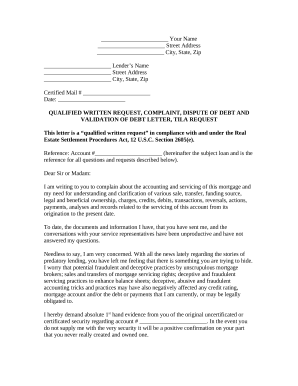
A GVRO After Hearing lasts between one and five years and may be terminated prior to its expiration or renewed through court processes defined in the law.Read more
A gun violence restraining order can stop someone from having, owning, or buying any firearms (guns), firearm parts, ammunition, or magazines.


