




01. Edit your form online
Type text, add images, blackout confidential details, add comments, highlights and more.

Type text, add images, blackout confidential details, add comments, highlights and more.

Draw your signature, type it, upload its image, or use your mobile device as a signature pad.

Send it via email, link, or fax. You can also download it, export it or print it out.
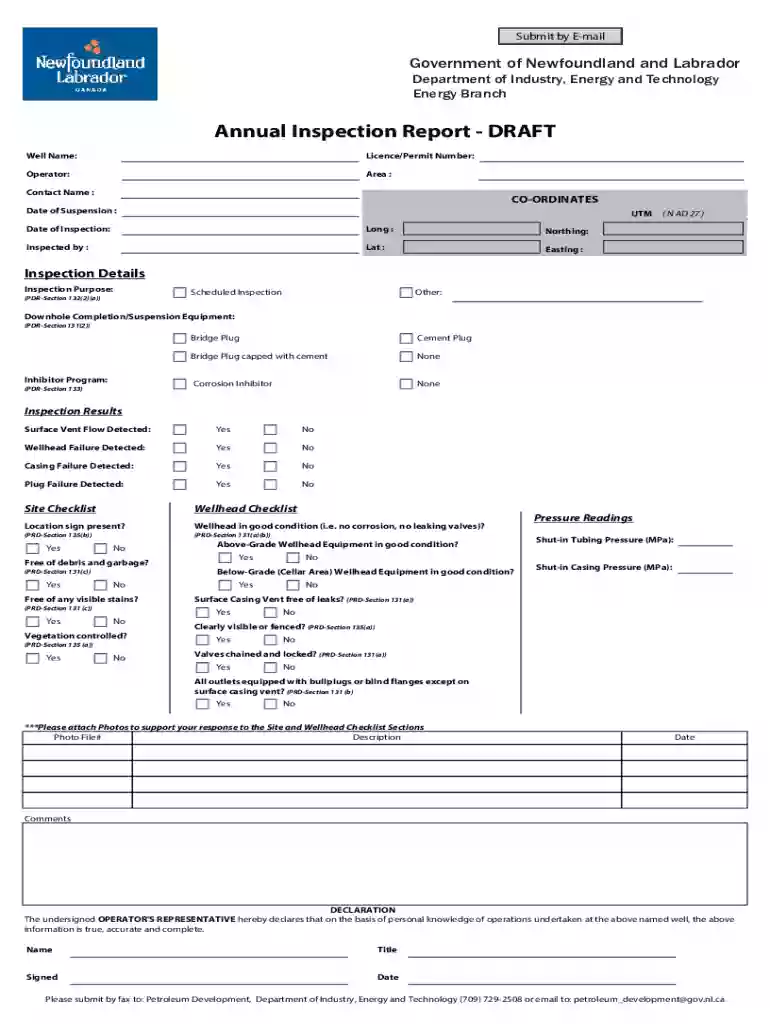
The Annual Inspection Report Form Adobe Designer Template is a structured document commonly utilized for detailed reporting of inspections--specifically in industries where annual checks are mandated, such as energy or infrastructure sectors. This form is meticulously designed in Adobe to ensure comprehensive capture of inspection details, providing systematic sections for data entry. Its design supports digital transformation, enabling flexibility in editing and form management. By employing this template, organizations can maintain precise records aligned with regulatory standards.
Using the Annual Inspection Report Form Adobe Designer Template involves understanding its layout and customizing it to suit specific inspection needs. This template can be modified in Adobe Designer, allowing the addition or removal of sections according to industry requirements.
Open the Template: Use Adobe Designer to open the basic form structure and begin modifications as needed.
Customize Sections: Add or edit fields, such as text boxes and dropdown menus, to capture relevant inspection details.
Input Data: Enter inspection data systematically. Each section should be filled with detailed observations and findings.
Review Entries: Ensure data accuracy before finalization. Cross-check against inspection notes or logs.
Save and Export: Save the completed form in desired formats (PDF, DOC) and export for review or submission.
Completing the Annual Inspection Report Form effectively requires systematic filling out of each section and ensuring every field is addressed.
Access the Form: Use a compatible version of Adobe to open the template.
Enter Identification Data: Start with basic information such as well or facility ID.
Fill Inspection Details: Include dates, times, and personnel involved in the inspection process.
Assess Equipment Condition: Document condition status, discrepancies, and maintenance needs.
Complete Checklist: Address each checklist item related to site safety and condition.
Approval Section: Ensure an authorized person signs off on the document for validation.
Final Review: Re-evaluate the form to confirm all sections are appropriately completed.
The Annual Inspection Report Form Adobe Designer Template is composed of core elements necessary for thorough inspections. Each element plays a significant role in ensuring that all aspects of inspection are covered.
Maintaining compliance with industry standards while ensuring accountability can be complex. The Annual Inspection Report Form Adobe Designer Template offers structured support.
Different industries may have varied legal requirements for inspection reports. Understanding these nuances helps ensure the form is used in compliance with legal standards.
Given its design in Adobe, the Annual Inspection Report Form Adobe Designer Template is compatible with various software tools, ensuring broad usability.
The template's versatility makes it applicable across diverse scenarios, providing concrete examples of its utility in real-world applications.
We've got more versions of the Annual Inspection Report Form Adobe Designer Template form. Select the right Annual Inspection Report Form Adobe Designer Template version from the list and start editing it straight away!
At DocHub, your data security is our priority. We follow HIPAA, SOC2, GDPR, and other standards, so you can work on your documents with confidence.
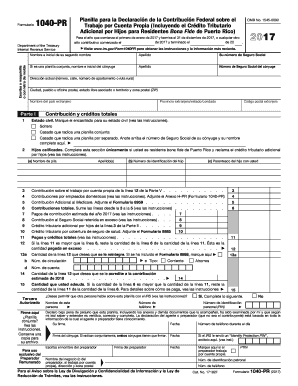
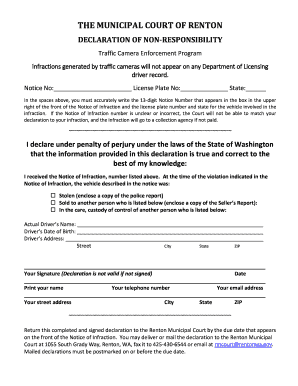

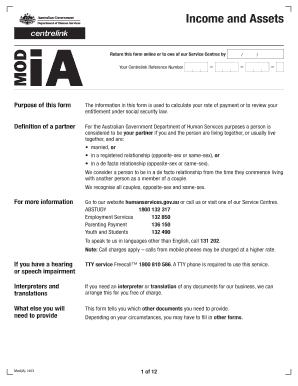

The following official forms are used by Caltrans personnel DocHub or DocHub Reader DC Stormwater Site Inspection Report (PDF) Annual
Form: Typically, a Microsoft Word or DocHub PDF document containing fields that can be filled-in by the user Guidance: A descriptive narrative offering adviceRead more


