




Here's how it works

01. Edit your declaration of non responsibility tacoma online
Type text, add images, blackout confidential details, add comments, highlights and more.

02. Sign it in a few clicks
Draw your signature, type it, upload its image, or use your mobile device as a signature pad.

03. Share your form with others
Send affidavit of non responsibility form via email, link, or fax. You can also download it, export it or print it out.
How to use or fill out affidavit of non responsibility with our platform

- Click ‘Get Form’ to open the affidavit of non responsibility in the editor.
- In the top section, accurately enter the 13-digit Notice Number and the vehicle's License Plate Number along with its State. Ensure these details match your Notice of Infraction to avoid complications.
- In the declaration section, confirm that you received the Notice of Infraction. Select one of the options regarding the vehicle's status at the time of violation: Stolen, Sold, or In Care of Another Person. If applicable, attach any required documents like a police report or Seller’s Report.
- Fill in the Actual Driver’s Name, Date of Birth, and Address if you selected that option. This information is crucial for validating your declaration.
- Sign and date your declaration at the bottom. Remember, it must be signed to be valid.
- Finally, return your completed declaration to Renton Municipal Court by mail or email as specified on your Notice of Infraction.
Start using our platform today for free to streamline your affidavit process!
Fill out affidavit of non responsibility online
It's free
Security and compliance
At DocHub, your data security is our priority. We follow HIPAA, SOC2, GDPR, and other standards, so you can work on your documents with confidence.
Learn more


Related forms

Clean air force camp creek form
The document outlines the procedure for verifying that a vehicle is located outside the Georgia emissions testing area, ...

Fervent-a-womans-battle-plan-priscilla-shirer
The document is a book by Priscilla Shirer that explores the theme of God's ability to intervene in personal struggles a ...
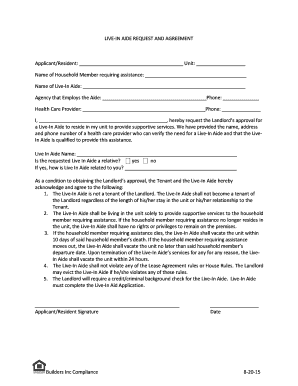
LIVE-IN AIDE REQUEST AND AGREEMENT
The document is a request and agreement form for a Live-In Aide to provide supportive services to a household member in ...

Consent form for inciscion and drainage of chalazion
This document is a consent form for the incision and drainage of a chalazion, detailing the condition, proposed treatmen ...
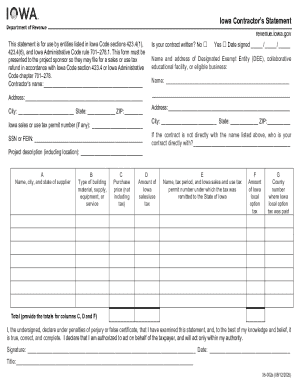
Iowa contractors statement: Fill out and sign online
The Iowa Contractor’s Statement is a form required for contractors involved in projects sponsored by various governmenta ...
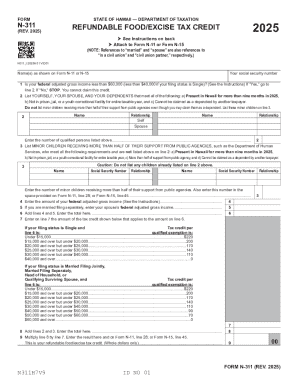
Hawaii Refundable Food Excise Tax Credit Form N-311
The document is Form N-311 from the State of Hawaii's Department of Taxation, used to claim the refundable food/excise t ...
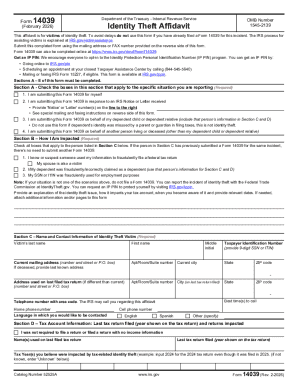
IRS Form 14039 Identity Theft Affidavit
The document is the IRS Form 14039, an Identity Theft Affidavit for victims of identity theft. It provides instructions ...
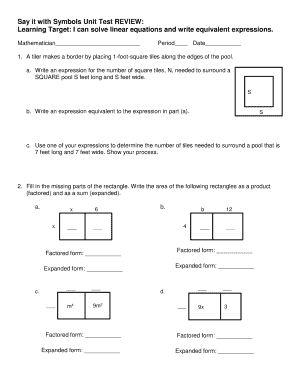
Unit Test Review: Linear Equations and Expressions
The document is a review for a unit test on solving linear equations and writing equivalent expressions. It includes var ...