




01. Edit your form online
Type text, add images, blackout confidential details, add comments, highlights and more.

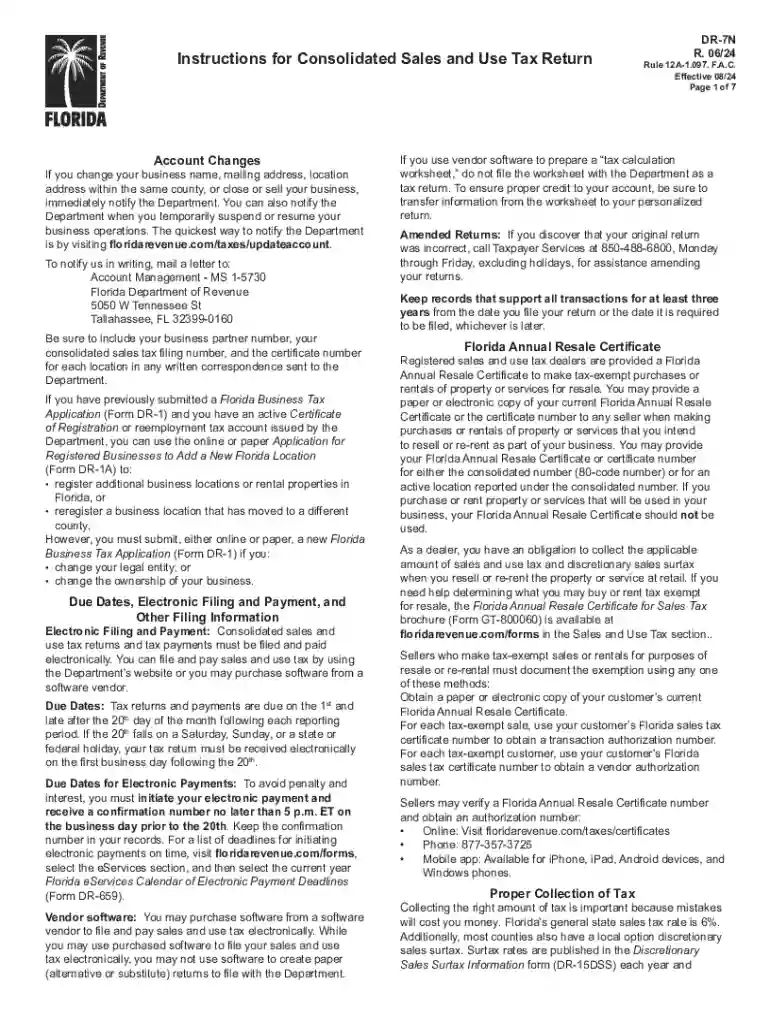
Type text, add images, blackout confidential details, add comments, highlights and more.

Draw your signature, type it, upload its image, or use your mobile device as a signature pad.

Send it via email, link, or fax. You can also download it, export it or print it out.
Online forms simplify the process of collecting, processing, and managing information through the internet. They are used in a broad range of applications, from gathering customer feedback to processing legal documents. Online forms allow users to input data directly on a website. These forms range in complexity from simple contact forms to intricate surveys or applications. In digital workflows, they serve as essential tools for capturing data in a structured manner, thereby improving accuracy and efficiency over manual collection methods.
Online forms are typically accessed and submitted via web browsers. For instance, a user starts by entering the desired webpage URL where the form is hosted. They then fill in the necessary fields, following any guidelines or instructions provided. After ensuring all required information is accurately entered, the user can submit the form, often receiving a confirmation message upon successful submission. This seamless process enhances user convenience and data accuracy.
Completing an online form requires a step-by-step approach to ensure accuracy and completeness. Begin by thoroughly reading any accompanying guidelines or instructions. Next, input data into each form field, paying close attention to required fields marked with an asterisk (*). Before submission, review all entries to correct any errors. Finally, submit the form and save any confirmation number or receipt provided for your records.
Online forms offer numerous benefits that make them indispensable in today’s digital environment. Their primary advantage is the efficiency they bring to data collection. Users can conveniently fill out forms at their own pace without the need for physical paper handling. Additionally, online forms improve data accuracy through validation rules and reduce processing time.
Businesses, government agencies, educational institutions, and individuals frequently utilize online forms for various tasks. Businesses use them for customer feedback, order processing, and employee onboarding. Government entities rely on online forms to streamline applications and renewals. Educational institutions might use them for registrations or surveys. Regardless of the user, online forms provide a streamlined, efficient method for collecting and managing data.
An effective online form comprises several critical components that enhance usability and data integrity. These elements include user-friendly design, logical organization, clear instructions, and appropriate validation measures. Incorporating these elements ensures a seamless user experience and reduces errors in data submission.
Ensuring legal compliance when using online forms is crucial, particularly for forms used to collect personal data. Compliance with laws such as the Electronic Signatures in Global and National Commerce Act (ESIGN Act) in the U.S. is essential for forms requiring electronic signatures. Organizations must also adhere to data protection regulations to safeguard user information.
Online forms are often integrated with software applications to enhance their functionality. They should be compatible with various operating systems and browsers to ensure broad accessibility. Additionally, they may need to work seamlessly with platforms like Google Workspace, CRM systems, and databases for efficient data handling.
Submitting an online form is a straightforward process that typically involves clicking a submit button after completing all required fields. Users must be aware of submission deadlines if applicable. Some forms may offer options to save a draft or print a copy for records before submitting, providing flexibility in form management.
We've got more versions of the Florida DR-7N Sales and Use Tax Return Instructions form. Select the right Florida DR-7N Sales and Use Tax Return Instructions version from the list and start editing it straight away!
| Versions | Form popularity | Fillable & printable |
|---|---|---|
| 2025 | 4.9 Satisfied (53 Votes) | |
| 2024 | 4.5 Satisfied (30 Votes) | |
| 2024 | 4.1 Satisfied (35 Votes) | |
| 2022 | 4.8 Satisfied (67 Votes) | |
| 2021 | 4.8 Satisfied (66 Votes) | |
| 2021 | 4.3 Satisfied (108 Votes) | |
| 2020 | 4.4 Satisfied (127 Votes) | |
| 2019 | 4.4 Satisfied (133 Votes) | |
| 2018 | 4.3 Satisfied (116 Votes) | |
| 2016 | 4.4 Satisfied (315 Votes) | |
| 2015 | 4.3 Satisfied (65 Votes) |
At DocHub, your data security is our priority. We follow HIPAA, SOC2, GDPR, and other standards, so you can work on your documents with confidence.
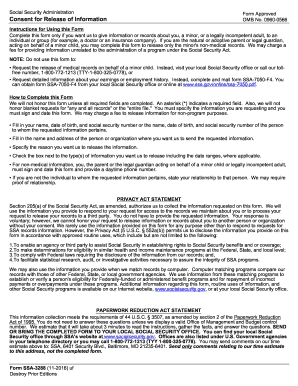

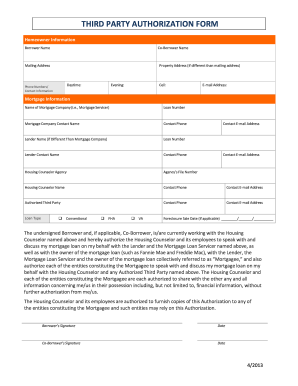
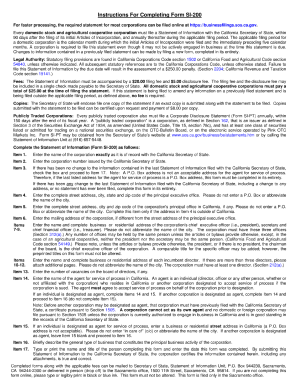

Floridas general state sales tax rate is currently 6% with 2.0% (effective June 1, 2024) Guide for Sales and Use Tax. Tax Services: (352) 294-7266.
If approved, you will be notified in writing and quarterly returns are due on the last days of July, October, January and April to reflect the activity for the


