




01. Edit your form online
Type text, add images, blackout confidential details, add comments, highlights and more.

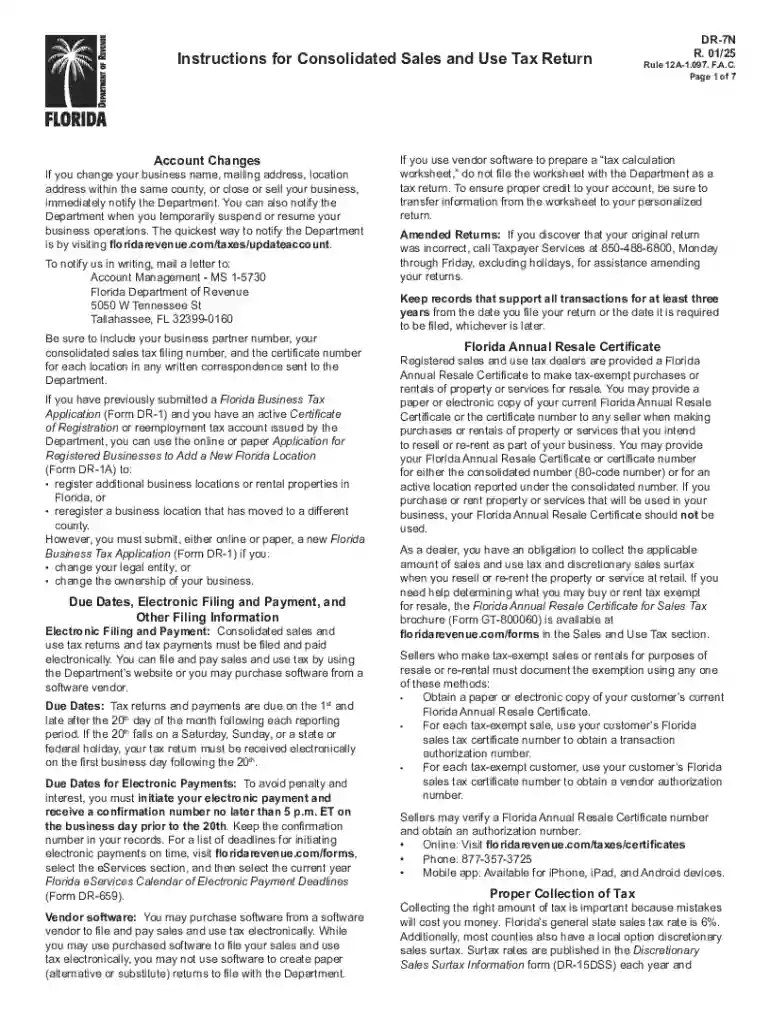
Type text, add images, blackout confidential details, add comments, highlights and more.

Draw your signature, type it, upload its image, or use your mobile device as a signature pad.

Send it via email, link, or fax. You can also download it, export it or print it out.
An "online form" is a digital version of a traditional paper document that allows users to enter information electronically. These forms can be used for a wide range of purposes, such as applications, registrations, surveys, and more. By replacing physical paperwork with digital forms, organizations can streamline data collection, reduce errors, and enhance processing efficiency.
Utilizing an online form involves several straightforward steps. The process is largely intuitive, requiring users to enter data into designated fields before submitting the form electronically.
Filling out an online form typically follows a sequence of steps that ensure all required information is captured accurately and efficiently.
Online forms offer numerous advantages over traditional paper forms, making them an increasingly popular tool in various settings.
While engaging with online forms, several terms are integral to understanding their functionality and purpose.
The legal framework surrounding online forms is crucial to ensuring their validity and enforceability across different contexts.
DocHub adheres to legal standards for digital forms and signatures, providing users with compliant tools for secure transactions and documentation.
Effective online forms share common characteristics that enhance user experience and data collection quality.
Ensuring compatibility of online forms with existing software systems is vital for seamless integration and data management.
DocHub seamlessly integrates with Google Workspace, allowing users to import/export documents directly from their cloud storage accounts, streamlining document management and workflow.
We've got more versions of the Florida Consolidated Sales and Use Tax Return Instructions form. Select the right Florida Consolidated Sales and Use Tax Return Instructions version from the list and start editing it straight away!
| Versions | Form popularity | Fillable & printable |
|---|---|---|
| 2025 | 4.9 Satisfied (53 Votes) | |
| 2024 | 4.5 Satisfied (30 Votes) | |
| 2024 | 4.1 Satisfied (35 Votes) | |
| 2022 | 4.8 Satisfied (67 Votes) | |
| 2021 | 4.8 Satisfied (66 Votes) | |
| 2021 | 4.3 Satisfied (108 Votes) | |
| 2020 | 4.4 Satisfied (127 Votes) | |
| 2019 | 4.4 Satisfied (133 Votes) | |
| 2018 | 4.3 Satisfied (116 Votes) | |
| 2016 | 4.4 Satisfied (315 Votes) | |
| 2015 | 4.3 Satisfied (65 Votes) |
At DocHub, your data security is our priority. We follow HIPAA, SOC2, GDPR, and other standards, so you can work on your documents with confidence.
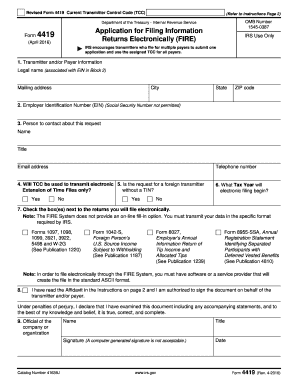


Generally, a retailer must file a Sales and Use Tax return on or before the 20th day of each month for the previous calendar month and pay the tax due.Read more
calling the Department at (850)488-6800, Monday through Friday, Instructions for Consolidated Sales and Use Tax Return


