




01. Edit your form online
Type text, add images, blackout confidential details, add comments, highlights and more.

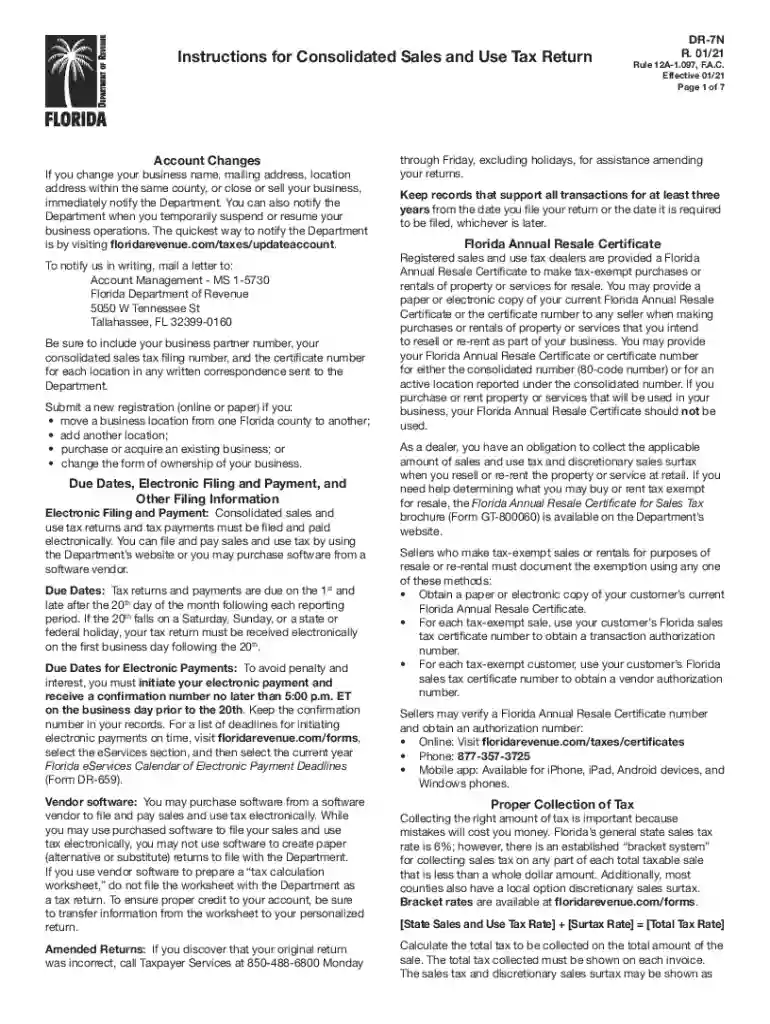
Type text, add images, blackout confidential details, add comments, highlights and more.

Draw your signature, type it, upload its image, or use your mobile device as a signature pad.

Send it via email, link, or fax. You can also download it, export it or print it out.

Start using our platform today to simplify your form completion process for free!
We've got more versions of the 2021 FL DR-7N form. Select the right 2021 FL DR-7N version from the list and start editing it straight away!
| Versions | Form popularity | Fillable & printable |
|---|---|---|
| 2025 | 4.9 Satisfied (53 Votes) | |
| 2024 | 4.5 Satisfied (30 Votes) | |
| 2024 | 4.1 Satisfied (35 Votes) | |
| 2022 | 4.8 Satisfied (67 Votes) | |
| 2021 | 4.8 Satisfied (66 Votes) | |
| 2021 | 4.3 Satisfied (108 Votes) | |
| 2020 | 4.4 Satisfied (127 Votes) | |
| 2019 | 4.4 Satisfied (133 Votes) | |
| 2018 | 4.3 Satisfied (116 Votes) | |
| 2016 | 4.4 Satisfied (315 Votes) | |
| 2015 | 4.3 Satisfied (65 Votes) |
At DocHub, your data security is our priority. We follow HIPAA, SOC2, GDPR, and other standards, so you can work on your documents with confidence.
Dec 22, 2021 Our 2021 mic drop moment: FIU earned the highest score among public universities in the state, according to the Florida Board of GovernorsRead more
prescribe and administer drugs. Exceptions, reclassification and exemptions of scheduled controlled substances. Federal Controlled Substances Act
COVID-19 is a respiratory disease that is caused by a coronavirus known as SARS-CoV-2, which was first identified in 2019. File a Complaint. The FloridaRead more


