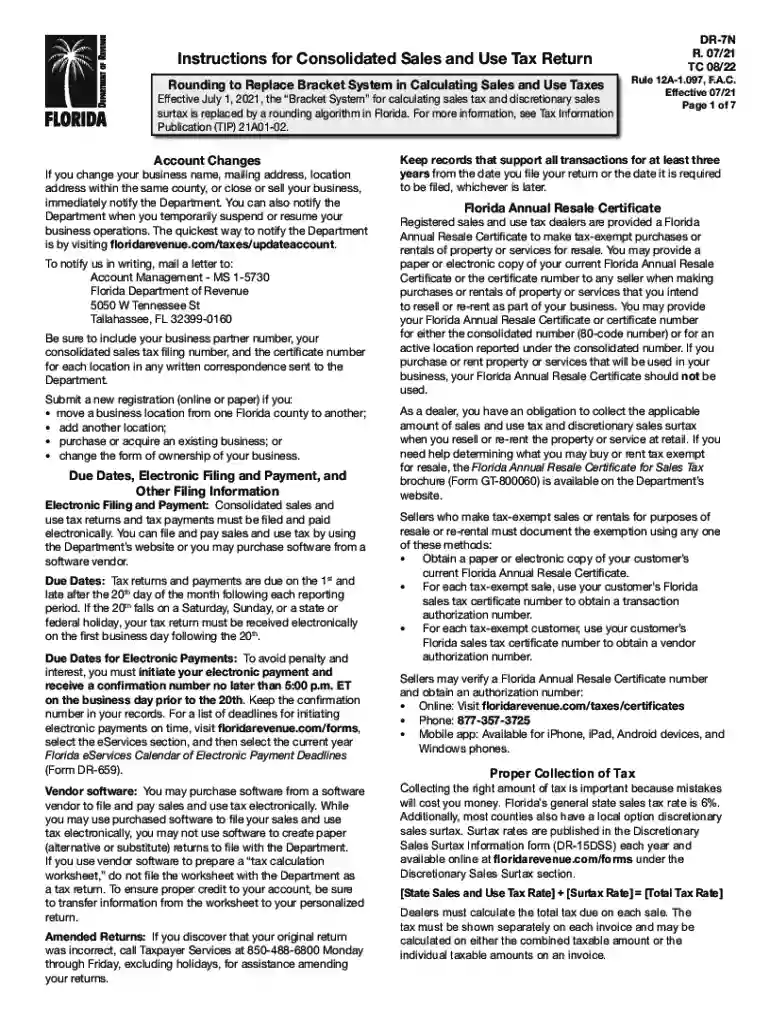
Form E-500, Sales and Use Tax Return General Instructions 2026

Get Form
e 500 web fill Preview on Page 1

Here's how it works

01. Edit your e 500 web fill online
Type text, add images, blackout confidential details, add comments, highlights and more.

02. Sign it in a few clicks
Draw your signature, type it, upload its image, or use your mobile device as a signature pad.

03. Share your form with others
Send how to fill out e 500 form nc via email, link, or fax. You can also download it, export it or print it out.

How to use or fill out Form E-500, Sales and Use Tax Return General Instructions with our platform

Form edit decoration
9.5
Ease of Setup
DocHub User Ratings on G2
9.0
Ease of Use
DocHub User Ratings on G2
  1. Click ‘Get Form’ to open it in the editor.
  2. Begin by entering your business information in the designated fields. Ensure that your business name, address, and account number are accurate.
  3. Proceed to Line A where you will report total sales. Include all taxable sales transactions and ensure to separate exempt sales.
  4. For Line B, calculate and enter any use tax due on taxable purchases not taxed by suppliers. This includes internet purchases.
  5. Continue filling out Lines C through E for commercial rentals, transient rentals, and food & beverage vending respectively. Follow the specific instructions for each line carefully.
  6. Once all sections are completed, review your entries for accuracy before submitting the form electronically through our platform.

Start using our platform today to streamline your form completion process for free!

See more Form E-500, Sales and Use Tax Return General Instructions versions

We've got more versions of the Form E-500, Sales and Use Tax Return General Instructions form. Select the right Form E-500, Sales and Use Tax Return General Instructions version from the list and start editing it straight away!
Versions Form popularity Fillable & printable
2024 4.5 Satisfied (30 Votes)
2022 4.8 Satisfied (67 Votes)
2021 4.8 Satisfied (66 Votes)
2021 4.3 Satisfied (108 Votes)
2020 4.4 Satisfied (127 Votes)
2019 4.4 Satisfied (133 Votes)
2018 4.3 Satisfied (116 Votes)
2016 4.4 Satisfied (315 Votes)
2015 4.3 Satisfied (65 Votes)
be ready to get more

Complete this form in 5 minutes or less

Get form

Got questions?

We have answers to the most popular questions from our customers. If you can't find an answer to your question, please contact us.
Contact us
The resale certificate must: Be signed by the issuer; Have the name and address of the issuer; Describe the general character of the property or service sold by the issuer in the regular course of business; Describe the property or service being purchased by the issuer from the seller; and.
Sellers have two options for filing their California sales tax: File online through the California Department of Tax and Fee Administration. File by mail using Californias Short FormSales and Use Tax Return. You must pay online if your estimated monthly tax liability is $10,000 or more.
Report your sales tax deduction on Schedule A. In the section entitled Taxes You Paid be sure to check the box indicating your choice to deduct state sales tax instead of state income tax and enter the amount of your deduction.
Form OS‑114, Connecticut Sales and Use Tax Return, must be filed and paid electronically using myconneCT. DRS myconneCT allows taxpayers to electronically file, pay, and manage state tax responsibilities. Click here to File, Pay, or Register Now on myconneCT!
The exemption certificate is properly completed and legible: Name and address of the purchaser. Description of the item to be purchased. The reason the purchase is exempt. Signature of purchaser and date; and. Name and address of the seller.

Security and compliance

At DocHub, your data security is our priority. We follow HIPAA, SOC2, GDPR, and other standards, so you can work on your documents with confidence.

Learn more
ccpa2
pci-dss
gdpr-compliance
hipaa
soc-compliance
be ready to get more

Complete this form in 5 minutes or less

Get form

People also ask

0:57 3:16 Check resale. Box five is where youll put your ID numbers use your home state sales tax ID. If youMoreCheck resale. Box five is where youll put your ID numbers use your home state sales tax ID. If you dont have one use your FIN. Or even your drivers license. Number then sign and date in box. Six.
Filing sales tax online is generally recommended, but businesses may also submit the State, Local, and District Sales and Use Tax Return paper form (CDTFA-401-A). This form replaces the CABOE-401-A2. Taxpayers can file and pay returns online through the California Taxpayers Services Portal.

e500 webfill