
End of year expense Balance Sheet Templates
Get the best up-to-date End of year expense Balance Sheet Templates with DocHub online library. Personalize and work together on your financial statements with your team in real-time without losing important data.

Create a new End of year expense Balance Sheet Template
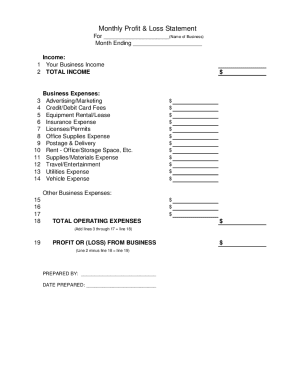
Profit and loss statement template
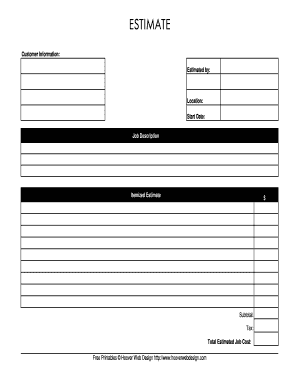
Estimate template
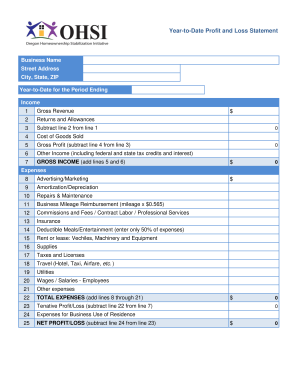
Profit and loss year to date fill in excel
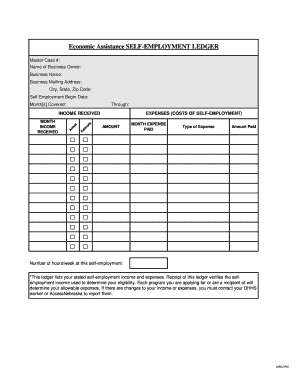
Self employment ledger
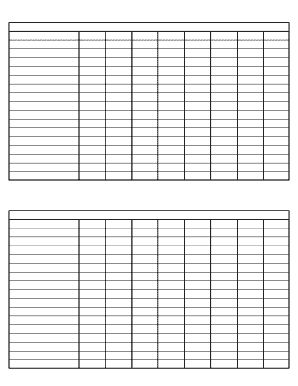
Printable ledger sheets pdf

Cash count sheet
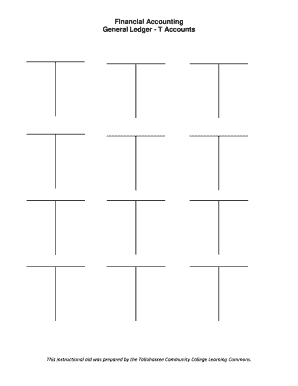
T account generator

Mileage sheet pdf

Profit and loss statement for self employed hairdresser
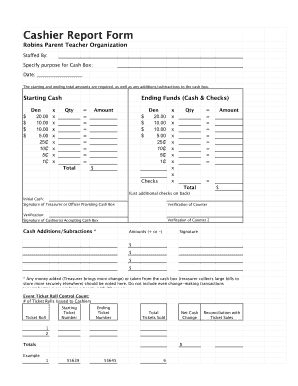
End of day cash register report template
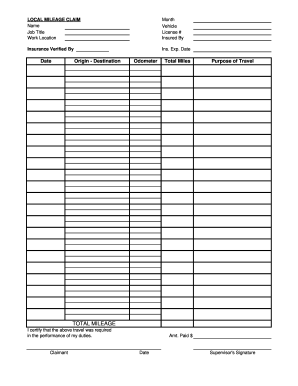
Mileage sheet pdf
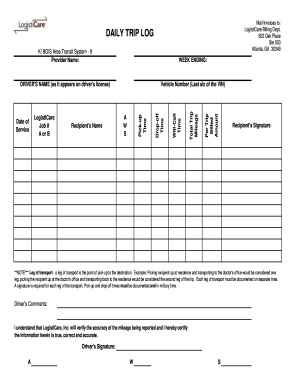
Trip log form template
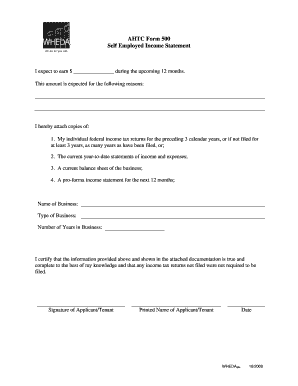
Employed income statement
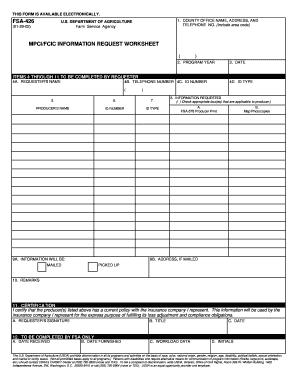
Fsa 426
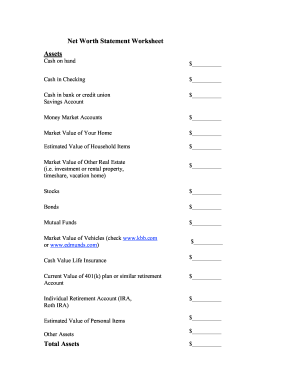
Net worth statement
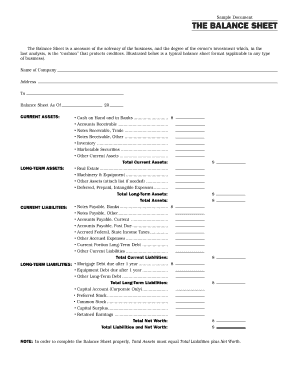
Interim ytd balance sheet pdf

Zero your account
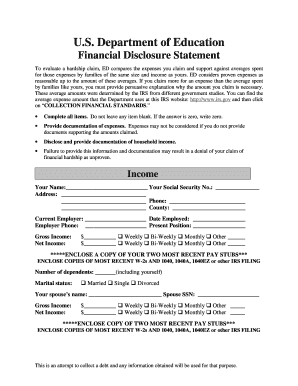
Education financial statement
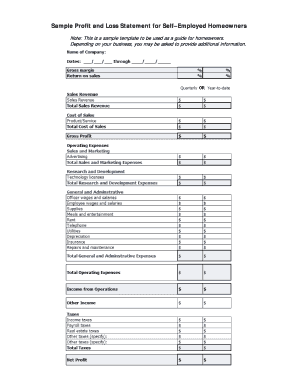
Sample Profit and Loss Statement for SelfEmployed Borrowers
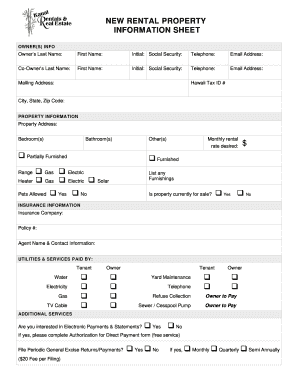
Rental property information sheet template
Printable financial forms
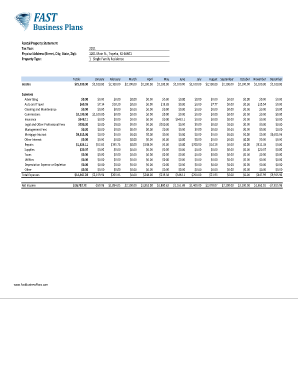
Income and expense worksheet pdf
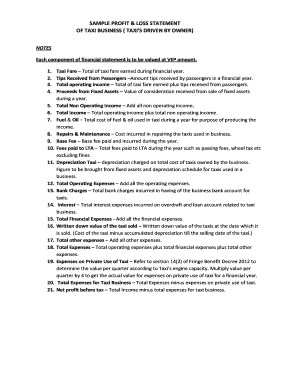
Profit and loss statement for uber driver
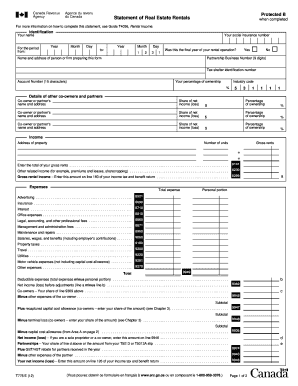
Statement of real estate rentals fillable 2012 form
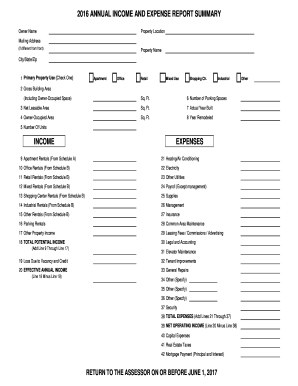
Excel expense report template
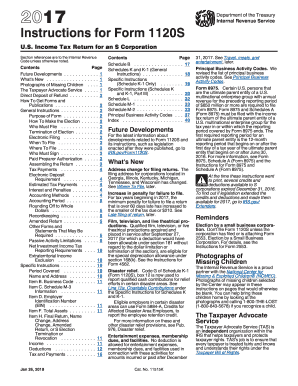
Irs instructions form 1120s 2017
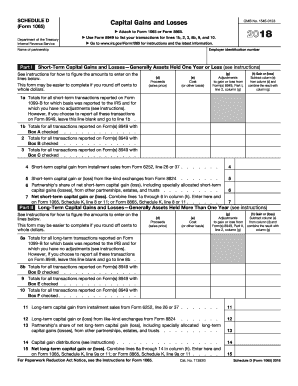
2012 irs 1065
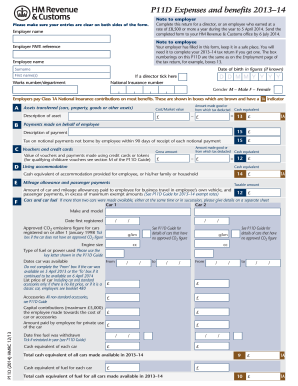
P11D 2014 Expenses and benefits 2013-14 Use form P11D at the end of the tax year to report expenses and benefits youve provided to company directors or to employees earning at a rate of 8500 or more a year - sussexpayrollservices co
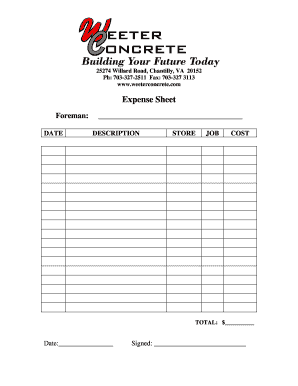
Expense Sheet - Weeter Concrete
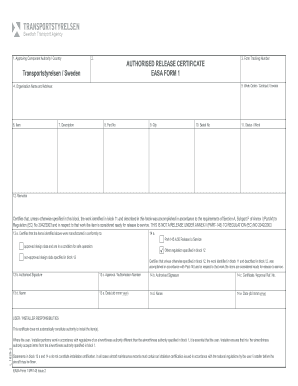
Form 15g for pf
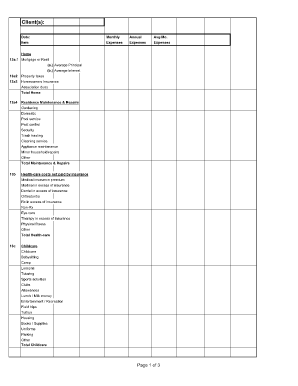
Divorce living expenses fillable worksheet form

Tax log worksheet
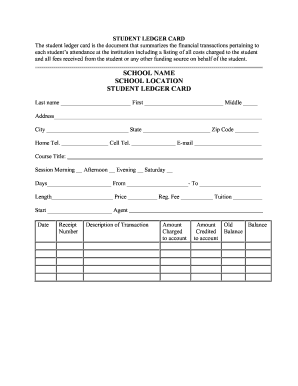
Student ledger template
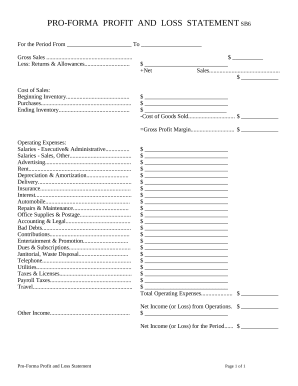
Profit and Loss Statement
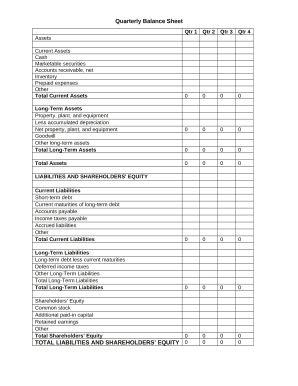
Quarterly Balance Sheet

Youth football evaluation sheet
-
1
- 2
Enhance your form operations with End of year expense Balance Sheet Templates
Your workflows always benefit when you can easily locate all of the forms and documents you require on hand. DocHub supplies a a huge library of templates to alleviate your day-to-day pains. Get a hold of End of year expense Balance Sheet Templates category and quickly find your document.
Start working with End of year expense Balance Sheet Templates in a few clicks:
- Gain access to End of year expense Balance Sheet Templates and get the form you require.
- Click Get Form to open it in our online editor.
- Begin editing your form: add more fillable fields, highlight paragraphs, or blackout sensitive information and facts.
- The app saves your changes automatically, and after you are ready, you are able to download or share your file with other contributors.
Enjoy seamless record administration with DocHub. Explore our End of year expense Balance Sheet Templates category and get your form today!
Video Guide on End of year expense Balance Sheet Templates management

Commonly Asked Questions about End of year expense Balance Sheet Templates
What is the year-end closing of the balance sheet?
The year-end close is the process of finalizing a companys financial statements for the fiscal year. It includes balancing accounts, modifying entries, preparing financial statements, and adhering to regulatory regulations. A year-end close is vital for organizations because it provides numerous key benefits.
How do you show expenses on a balance sheet?
An expense appears more indirectly in the balance sheet, where the retained earnings line item within the equity section of the balance sheet will always decline by the same amount as the expense.
Does Excel have a bookkeeping template?
Those who havent used Excel before or arent familiar with its features can download Excel bookkeeping templates online. Once you create or download templates, you can use them as a basis for more advanced account-related tasks like basic financial statements, forms, receipts, reports, etc.
Is there a balance sheet template in Excel?
The Balance Sheet Template for Excel is a pre-designed spreadsheet that allows users to enter their companys financial information, including assets, liabilities, and equity. This template is useful for businesses of all sizes, as it can be customized to fit each companys specific needs.
Does Excel have a financial statement template?
A: Yes. Excel has a range of financial templates, including income statements, cash flow statements, and balance sheets.
How to make a balance sheet in Excel template?
Preparing a balance sheet involves several steps: Gather Financial Information: Gather all your financial data, including assets, liabilities, and equity. Organize Assets: Here is the list of all assets, including current assets (cash, inventory) and non-current assets (property, equipment).
Does Excel have financial templates?
Creating a budgeting plan for your household can feel overwhelming and hard, but Excel can help you get organized and on track with a variety of free and premium budgeting templates.
How to do a year-end balance sheet?
Follow these steps: Step 1: Pick the balance sheet date. Step 2: List all of your assets. Step 3: Add up all of your assets. Step 4: Determine current liabilities. Step 5: Calculate long-term liabilities. Step 6: Add up liabilities. Step 7: Calculate owners equity. Step 8: Add up liabilities and owners equity.
Related Templates
Civ 645 notice
The document is a legal notice from the Superior Court of Alaska regarding the registration of a foreign child support o ...
(tort attorney fees) - kansasjudicialcouncil
The document is a legal petition filed in the District Court of Kansas by a plaintiff against a defendant for damages ca ...
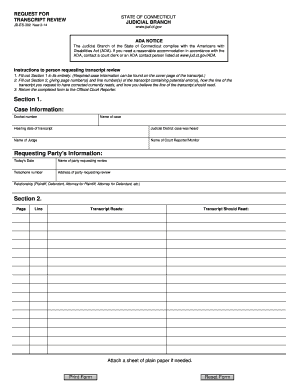
Transcript connecticut jud
The document is a request form for reviewing transcripts from the Judicial Branch of the State of Connecticut. It outlin ...

Form hfs 1229a blank
The document is a notice from the Illinois Department of Healthcare and Family Services regarding the renewal of medical ...
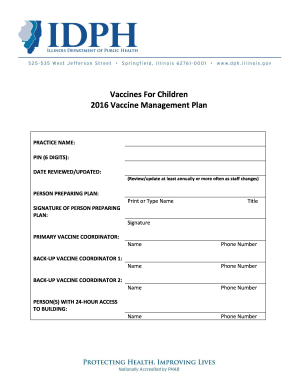
Il vaccine plan
The document outlines the 2016 Vaccine Management Plan for healthcare practices involved in administering vaccines to ch ...
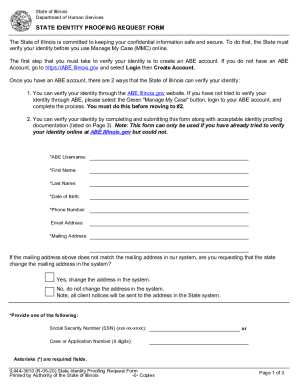
Il request
The document is a State Identity Proofing Request Form from the Illinois Department of Human Services, designed to verif ...

Coverage Election Summary for EOI
The document is a Coverage Election Summary and Evidence of Insurability Application for Dearborn Life Insurance Company ...
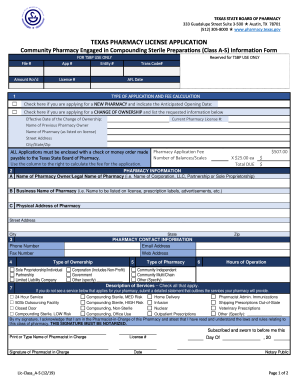
Texas class as
The document is a Texas Pharmacy License Application form specifically for community pharmacies engaged in compounding s ...